

Zoho Projects Review 2026: In-Depth Analysis
the Zoho ecosystem and price
Zoho Projects is a part of the comprehensive suite of applications offered by Zoho Corporation, known for its integration capabilities and user-friendly design. This project management tool is tailored for teams looking to streamline their workflow within the Zoho ecosystem.
With a focus on affordability and essential project management features, Zoho Projects is particularly suitable for small to medium-sized businesses. However, it may not cater to enterprises with highly complex needs.
We score each tool against weighted criteria, testing it hands-on.
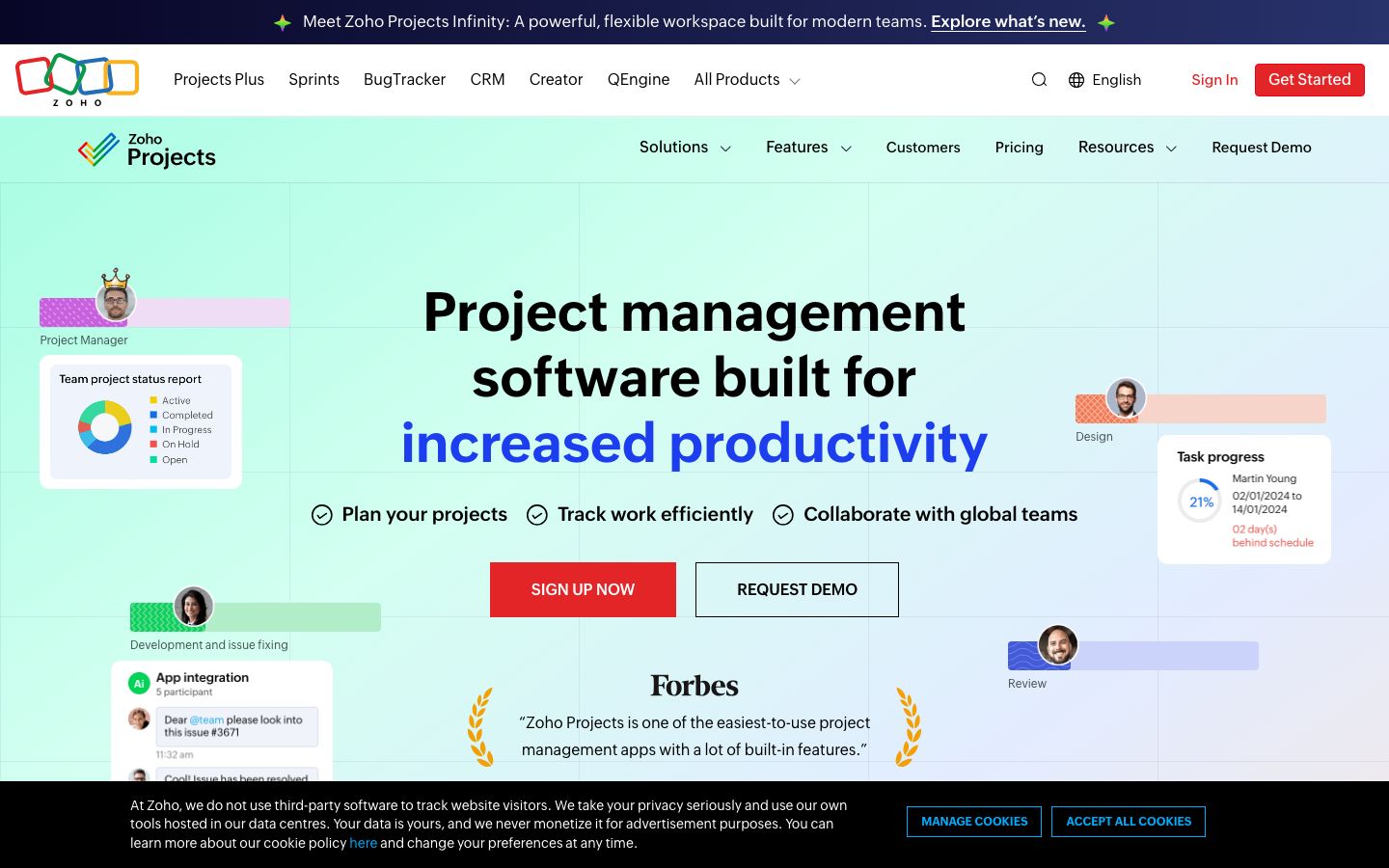
Zoho Projects is a cloud-based project management software that integrates seamlessly with other Zoho applications, making it a strong choice for those already invested in the Zoho ecosystem. It offers a range of tools for planning, tracking, and collaborating on projects, combined with customization options to suit various team needs.
While it excels in providing essential project management functionalities, its simplicity might not appeal to teams that require more sophisticated features.
Zoho Projects offers comprehensive task management features, including task lists, milestones, and dependencies. Users can easily assign tasks, set deadlines, and track progress.
The tool includes built-in time tracking, allowing teams to log hours worked on specific tasks, which is particularly useful for billing and productivity analysis.
With features like chat, forums, and document management, Zoho Projects facilitates effective team collaboration. These tools ensure that team members stay connected and informed.
Zoho Projects offers detailed reporting and analytics capabilities, helping teams monitor project progress and make data-driven decisions.
Zoho Projects stands out with its integration capabilities within the Zoho suite, robust time tracking, and comprehensive reporting tools. These features are essential for teams aiming for efficiency and transparency.
Additionally, the customizable dashboards and project templates enhance user experience by allowing teams to tailor the software to their specific needs.
Zoho Projects is designed with user-friendliness in mind. The interface is intuitive, making it easy for new users to get accustomed to its functionalities. The software provides a clean layout with all major features accessible from the dashboard.
However, users unfamiliar with the Zoho ecosystem might face a learning curve initially, although the provided tutorials and support resources can help ease this transition.
Zoho Projects offers a range of pricing plans to suit different business needs, starting from a free plan that includes basic features. Paid plans provide additional functionalities like resource allocation, advanced reporting, and enhanced security features.
The competitive pricing makes it an attractive option for small to medium-sized businesses. Prospective users should check the official website for the most current pricing details and promotions.
One of Zoho Projects' strengths is its ability to integrate with a broad range of applications, particularly within the Zoho suite. This integration capability extends to popular third-party applications like Slack, Google Workspace, and Microsoft Office.
The support offered by Zoho Projects includes a comprehensive help center, community forums, and responsive customer service, available via email and chat.
Zoho Projects is ideal for small to medium-sized teams, particularly those already using other Zoho applications. Its affordability and integration capabilities make it a logical choice for budget-conscious teams looking for a streamlined project management tool.
However, for larger organizations or those requiring highly specialized project management features, Zoho Projects might not meet all needs.
| Deployment | Cloud-based |
| Free plan | Available |
| Pricing | Varies by plan; check website |
| Best for | Zoho ecosystem users |
| Integrations | Zoho apps, Google Workspace, Slack, etc. |
| Support | Email, chat, forums |
| Mobile apps | iOS, Android |
| Languages | Multiple |
Verdict: Zoho Projects is a robust tool for teams within the Zoho ecosystem, offering strong integration and pricing advantages. While it suits small to medium businesses well, larger organizations might seek more advanced functionalities elsewhere.