
Notion Review 2026: In-Depth Analysis
docs-first teams
In the rapidly evolving landscape of project management tools, Notion stands out as a highly flexible and feature-rich platform. It caters especially well to teams that prioritize documentation and seamless integration of various workflows.
This review explores Notion's capabilities, examining its main features, ease of use, pricing structure, and overall suitability for different types of teams. With a reputation for versatility, Notion continues to innovate and adapt to the needs of modern workplaces.
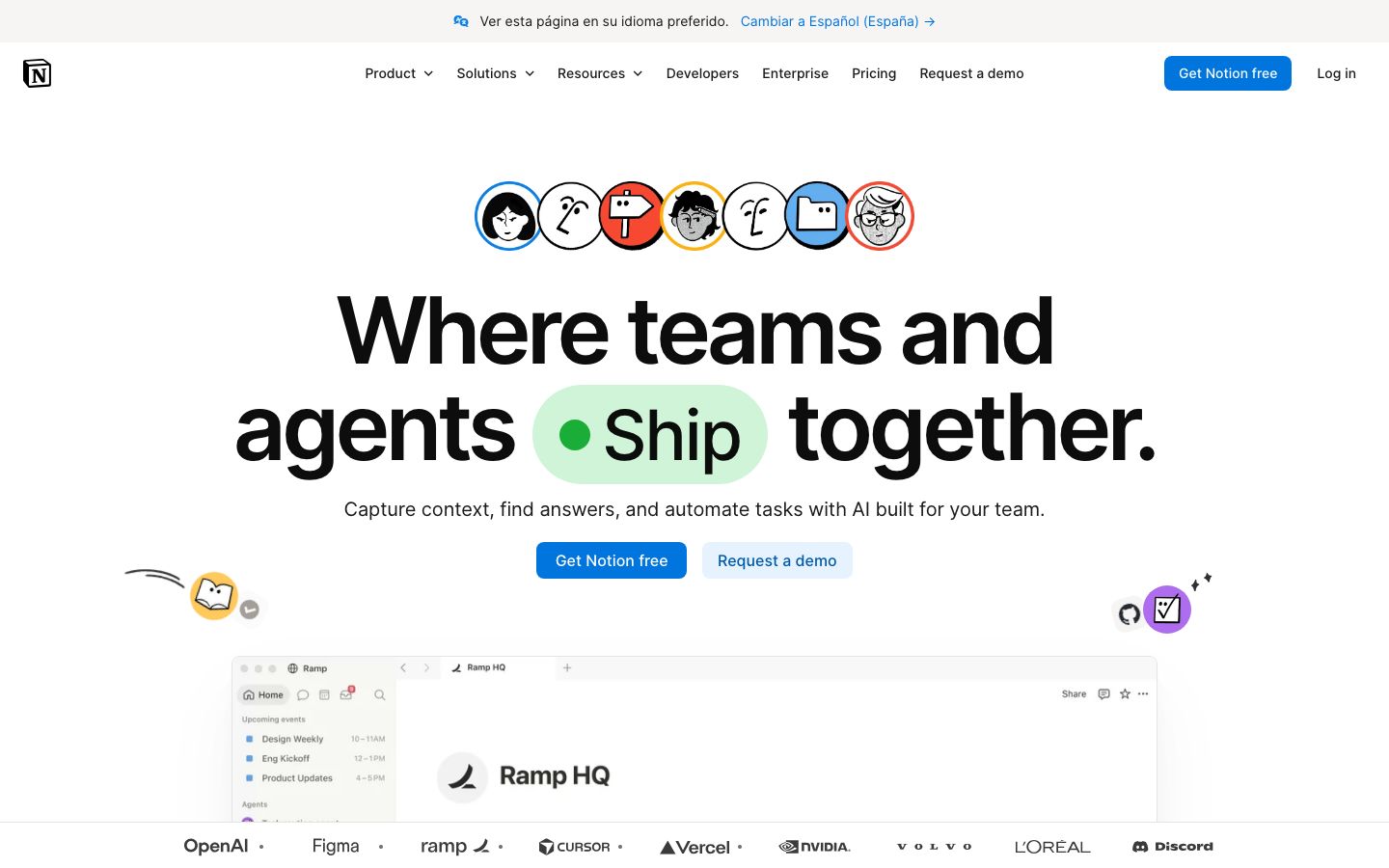
We score each tool against weighted criteria, testing it hands-on.
Notion is a comprehensive project management and note-taking tool that combines the capabilities of documents, databases, task management, and collaboration into a single platform. Founded in 2013, it has grown to become a favorite among teams that require a flexible workspace to organize their projects and ideas.
Its adaptability allows users to create customized workflows, making it particularly appealing to educational institutions, startups, and creative teams. Notion's emphasis on documentation and its ability to integrate a wide range of resources make it a powerful ally in managing complex projects.
Notion offers a multitude of features designed to enhance productivity and streamline workflows. Here are some of the cornerstone offerings:
At its core, Notion is designed to be a robust note-taking and document management tool. Users can create notes, wikis, and documents with rich text formatting, embedding images, and linking other resources.
Notion provides task and project management capabilities through its database function. Users can create Kanban boards, calendars, and lists to manage their tasks efficiently.
One of Notion’s standout features is its powerful database functionality. Users can create databases to track projects, inventory, or any other data-centric tasks, with the ability to filter, sort, and view data in multiple ways.
Real-time collaboration is possible with Notion, allowing team members to work together seamlessly. Comments, mentions, and shared workspaces enhance team interaction.
Some of Notion’s unique features add significant value to its users:
Notion's user interface is clean and intuitive, designed to accommodate both beginners and advanced users. The platform offers drag-and-drop functionality across its interface, making it easy to organize content.
While the initial learning curve can be steep due to its extensive features, Notion provides a plethora of tutorials and guides to help users get acquainted with the system. Its community support and comprehensive documentation further ease the onboarding process.
Notion offers a range of pricing plans to accommodate different user needs:
Prospective users should verify the latest pricing details on Notion's official website.
Notion integrates with a wide array of third-party applications, including Slack, Google Drive, and Trello, among others. Its integration capabilities enhance workflow automation and ensure seamless data exchange across platforms.
Support is available through a comprehensive help center, community forums, and direct email support. While live chat and phone support are not standard offerings, the available resources are robust enough for most users' needs.
Notion is best suited for teams and individuals who prioritize documentation and need a flexible tool that can adapt to various workflows. It is particularly beneficial for:
Conversely, teams that require more structured project management tools with Gantt charts and advanced reporting features might find Notion less suitable.
| Deployment | Cloud-based |
| Free plan | Available |
| Pricing | Varies by plan |
| Best for | Docs-first teams |
| Integrations | Multiple third-party apps |
| Support | Email, help center |
| Mobile apps | iOS, Android |
| Languages | Multiple languages supported |
Verdict: Notion is a versatile and powerful tool for teams focused on documentation and flexible workflows. While it may not suit all project management needs, its ability to integrate diverse functions into one platform makes it a valuable asset for many organizations.