

Linear Review 2026: In-Depth Analysis
modern product teams
Linear has quickly become a favored tool among modern product teams, known for its sleek user experience and efficient task management capabilities. As we navigate through 2026, Linear remains a top contender in project management, offering features that align closely with the needs of agile and fast-paced environments.
In this comprehensive review, we delve into the various aspects of Linear, covering its main features, user experience, pricing structure, and more. Whether you are considering a switch or exploring your options, this analysis will equip you with the insights necessary to make an informed decision.
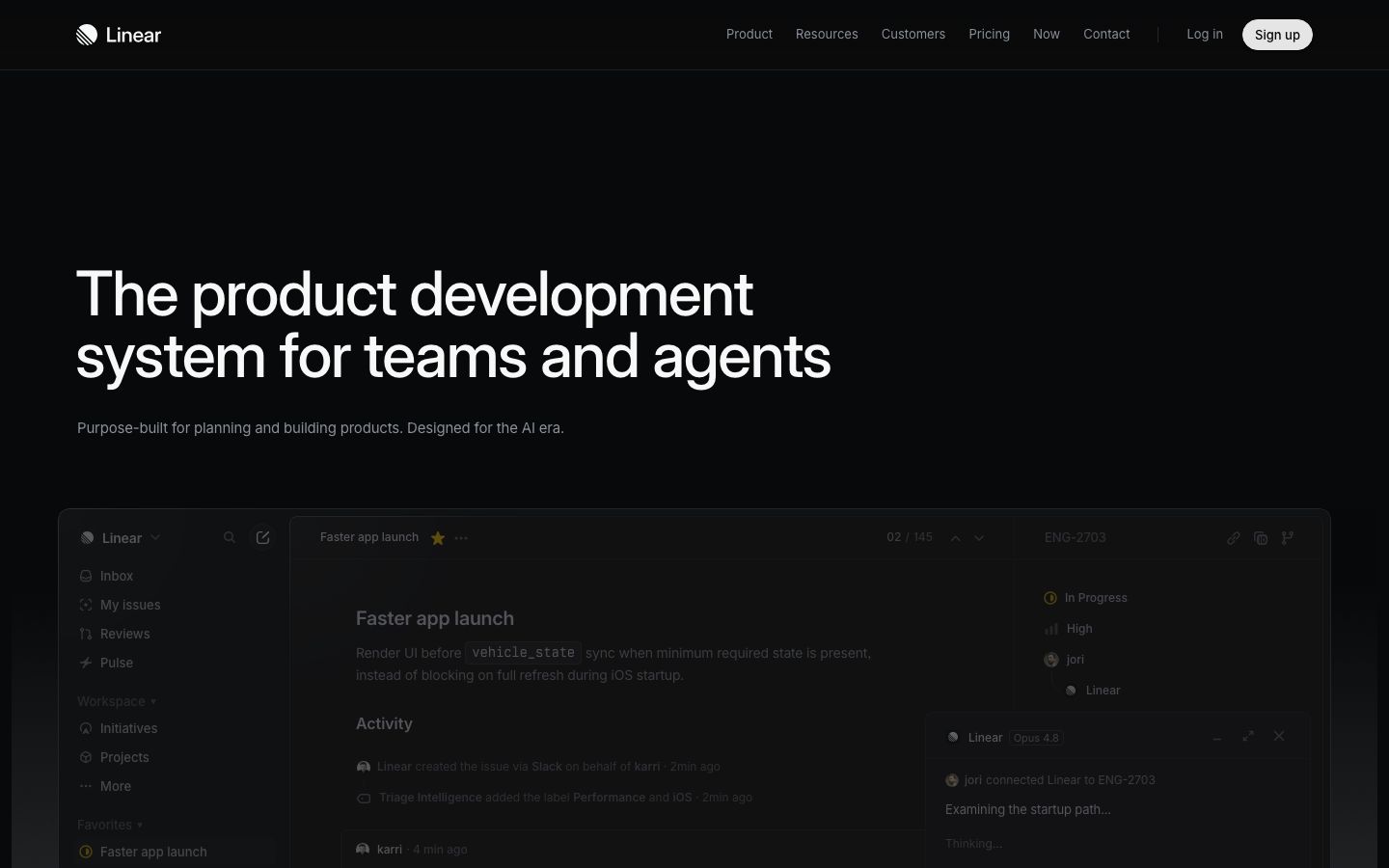
We score each tool against weighted criteria, testing it hands-on.
Linear is a project management tool designed with simplicity and speed in mind, aimed primarily at product teams seeking streamlined workflows. Its intuitive interface and robust feature set support agile development practices, making it a preferred choice for teams that prioritize efficiency and collaboration.
Founded with the intention of enhancing productivity, Linear offers a responsive design that reduces the friction typically associated with managing tasks and projects. This focus on user experience is evident in every aspect of the tool, from task creation to project tracking.
Linear provides a range of features designed to enhance productivity and streamline project management processes. Here are some of its key features:
Linear’s task management capabilities allow teams to create, assign, and track tasks with ease, ensuring all team members remain aligned on project objectives.
With project roadmaps, teams can visualize timelines and project phases, providing a clear overview of progress and future milestones.
Automations reduce repetitive tasks by automating routine actions, freeing up time for more strategic work.
Teams can tailor workflows to suit their specific processes, ensuring that Linear adapts to unique project requirements.
While Linear boasts many features, several stand out for their impact on user productivity and engagement:
Linear supports real-time collaboration, allowing team members to work concurrently on tasks without conflicts.
One of Linear’s hallmarks is its speed, providing quick load times and responsive interfaces that keep users moving seamlessly through tasks.
Linear’s interface is designed for ease of use, with a focus on reducing complexity and enhancing the user experience. Its clean design and intuitive navigation make onboarding straightforward, even for those new to project management tools.
The learning curve is minimal, and users can quickly become proficient, leveraging the tool’s capabilities to their fullest.
Linear offers various pricing plans to accommodate different team sizes and needs. Options range from free basic plans to more comprehensive paid tiers, each providing differing levels of access to Linear’s features.
For the most accurate and up-to-date pricing details, it is recommended to visit Linear’s official website.
Linear integrates seamlessly with a variety of tools commonly used by product teams, enhancing its functionality and extending its capabilities. These integrations include popular platforms like GitHub, Slack, and more.
Support is available through various channels, ensuring that users can receive assistance as needed. However, some users have noted that response times could be improved.
Linear is best suited for modern product teams that require a fast, efficient, and user-friendly project management solution. Its features align well with agile methodologies, making it an excellent choice for teams that prioritize speed and flexibility.
However, it may not be the best fit for large enterprises with complex project management needs due to its focus on simplicity and speed.
| Deployment | Cloud-based |
| Free plan | Available |
| Pricing | Various plans available |
| Best for | Modern product teams |
| Integrations | GitHub, Slack, and others |
| Support | Email, knowledge base |
| Mobile apps | iOS, Android |
| Languages | English |
Verdict: Linear excels in delivering a fast and efficient project management experience tailored for modern product teams. Its user-friendly interface and robust feature set make it a strong contender in its category. While it may not suit large enterprises, it remains an excellent choice for agile teams.