

ClickUp Review 2026: In-Depth Analysis
customizable all-in-one
ClickUp has emerged as one of the leading project management tools over the past few years, thanks to its robust functionality and unparalleled customizability. As businesses continue to evolve, the need for a flexible and comprehensive project management solution has never been more critical.
In this review, we delve into ClickUp's extensive capabilities to determine whether it stands up to its reputation in 2026. From its user interface to its versatile integrations, we explore all facets of this powerful tool.
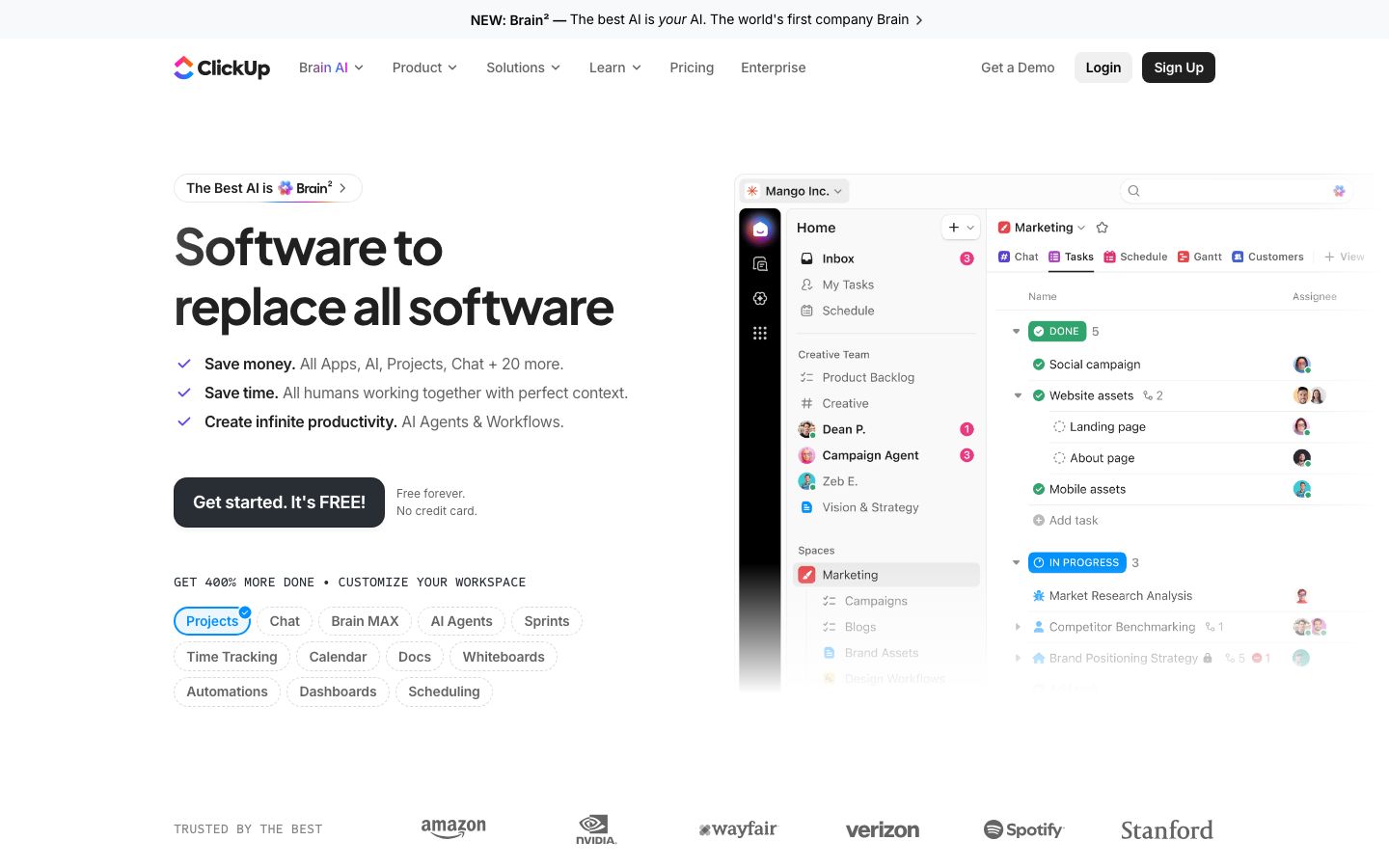
We score each tool against weighted criteria, testing it hands-on.
ClickUp is a versatile project management platform designed to help teams of all sizes streamline their workflows. With a focus on customization and collaboration, ClickUp offers a wide range of features that cater to various industries and project needs.
Founded with the mission to make the world more productive, ClickUp has rapidly gained popularity due to its commitment to constant improvement and innovation. The platform is designed to replace multiple apps, allowing teams to consolidate their tools into one seamless experience.
ClickUp's core features are built around enhancing productivity and improving collaboration. Here are some of the standout features:
ClickUp offers a sophisticated task management system that allows users to create, assign, and prioritize tasks with ease. The platform supports various views, including List, Board, and Calendar, to accommodate different working styles.
Integrated time tracking tools enable users to monitor how much time is spent on each task, helping teams to manage workloads effectively and optimize productivity.
With its goal-setting feature, ClickUp helps teams set and track measurable objectives, ensuring alignment across projects and enhancing focus on long-term targets.
ClickUp's versatility shines through its outstanding features, which include:
Despite its extensive feature set, ClickUp remains relatively user-friendly. The platform's interface is intuitive, though new users might experience a learning curve due to its depth of functionality. However, ClickUp offers numerous resources, including tutorials and a robust help center, to assist users in navigating the tool efficiently.
Users can customize their dashboards to suit their preferences, making it easier to focus on what's most important to their workflow.
ClickUp offers a range of pricing plans to accommodate different needs and budgets. From a free plan that provides essential features to more comprehensive paid plans, users can choose the option that best suits their requirements. It's advisable to check ClickUp's official website for the most up-to-date pricing information.
The platform's pricing structure is competitive, especially considering the breadth of features offered at each level.
ClickUp integrates with a wide array of third-party applications, enhancing its utility and allowing users to connect with tools they already use. Popular integrations include Slack, Google Workspace, and Microsoft Teams, among others.
Support is a strong point for ClickUp, with multiple channels available, including email, chat, and an extensive knowledge base. The community forums also provide a platform for users to share insights and solutions.
ClickUp is ideal for teams that require a high level of customization and a comprehensive suite of project management tools. It suits industries ranging from tech startups to large enterprises, and it's particularly beneficial for teams that manage complex projects with diverse requirements.
However, it might not be the best choice for those in search of a simple, minimalist project management tool due to its extensive features and potential learning curve.
| Deployment | Cloud-based |
| Free plan | Available |
| Pricing | Varies by plan level |
| Best for | Customizable all-in-one project management |
| Integrations | Slack, Google Workspace, Microsoft Teams, and more |
| Support | Email, chat, and knowledge base |
| Mobile apps | iOS and Android |
| Languages | Multiple languages supported |
Offers a more user-friendly interface for those needing simpler project management.
Great for teams looking for a straightforward, visual task management tool.
Provides extensive customization with a strong focus on visual project tracking.
Ideal for software development teams needing detailed issue tracking.
Verdict: ClickUp is a feature-rich project management tool that excels in customization and versatility. While it may have a learning curve, its extensive capabilities make it a strong choice for teams managing complex projects.