

Trello Review 2026: In-Depth Analysis
simple Kanban boards
Trello, a popular project management tool, is renowned for its simplicity and effectiveness in organizing tasks using Kanban boards. Since its inception, it has grown to be a favorite among small teams and individuals looking for an intuitive way to manage projects.
In 2026, Trello continues to be a versatile tool for visual project management, especially for teams that prioritize simplicity and ease of use. This review delves into its functionalities, pricing, and overall utility to determine if it remains a top choice in its category.
We score each tool against weighted criteria, testing it hands-on.
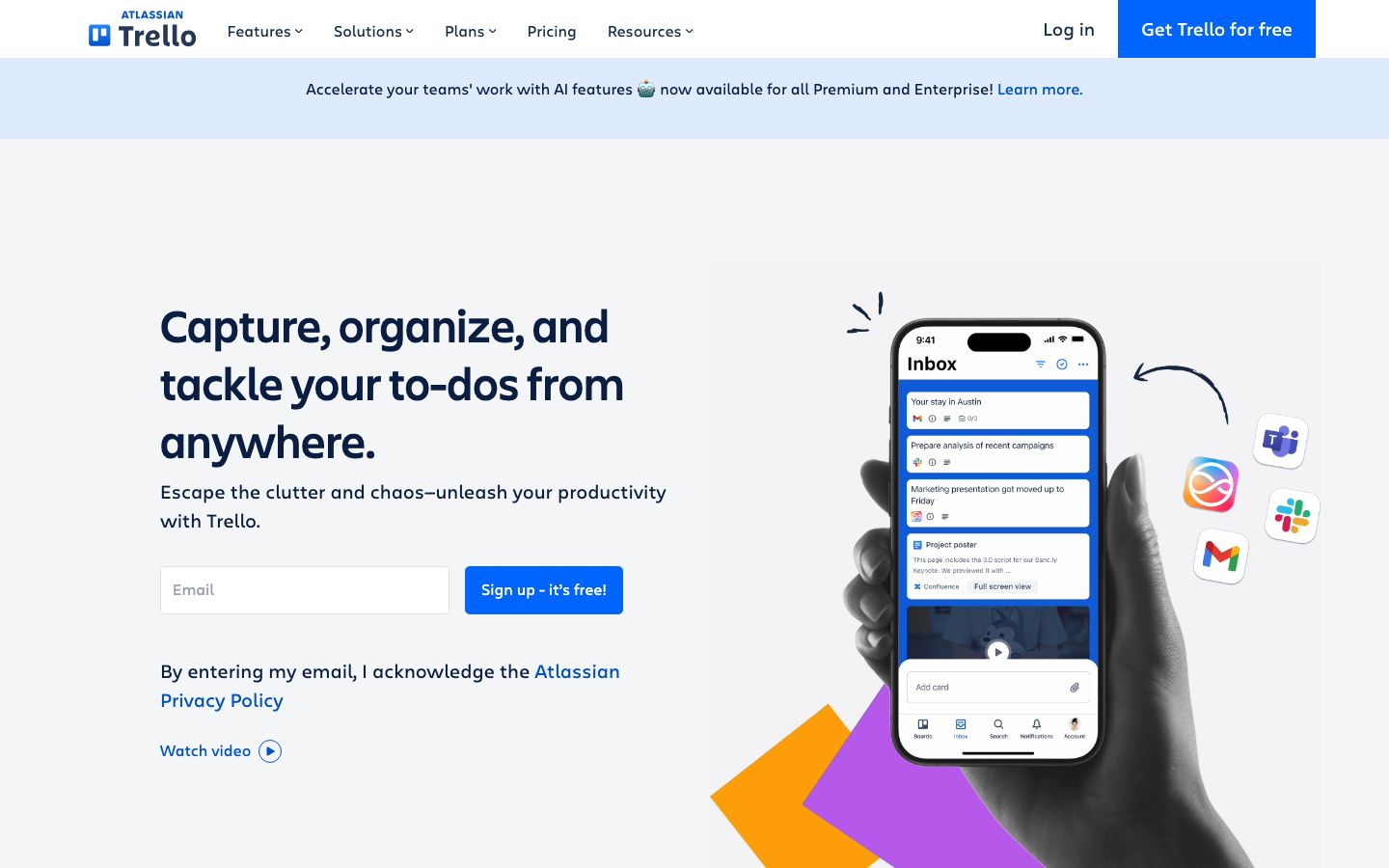
Trello is a web-based project management application that allows users to create boards to organize tasks. Each board contains lists, which in turn contain cards representing tasks or ideas. This framework is particularly popular for its visual approach, making it easy for teams to track progress and collaborate effectively.
Originally launched in 2011, Trello has established itself as a go-to solution for teams seeking a straightforward project management tool. With its acquisition by Atlassian in 2017, Trello has integrated more robust features while maintaining its user-friendly interface.
Trello's core functionality is centered around boards, lists, and cards. Each card can hold a variety of information, including descriptions, attachments, and due dates, making it a flexible tool for managing tasks.
Boards serve as the main workspace where all project-related activities are organized. Lists within boards help categorize tasks, typically representing different stages of a workflow.
Cards are the building blocks of Trello. They allow for extensive customization with labels, checklists, due dates, and attachments, facilitating detailed task management.
Power-Ups extend Trello's functionality by integrating with other apps and adding advanced features like calendar views, voting systems, and automation rules.
Trello's standout features include its customizable boards and the ability to automate workflows. Automation is achieved through Butler, Trello's built-in automation tool, allowing users to set rules and triggers to streamline repetitive tasks.
One of Trello's most appealing aspects is its simplicity and ease of use. The drag-and-drop interface is intuitive, allowing users to easily move cards between lists as tasks progress.
The onboarding process is straightforward, with plenty of resources available to help new users get started quickly. Trello's design focuses on reducing complexity, making it suitable for users with varying levels of technical expertise.
Trello offers a range of pricing plans to accommodate different needs. There is a free plan available that includes unlimited boards and cards, making it accessible for personal use or small teams.
For more advanced needs, Trello provides paid plans that include additional features such as advanced automation, priority support, and enhanced security options. These plans are structured to cater to larger teams or organizations that require more robust project management tools.
Trello boasts a wide array of integrations with popular apps such as Slack, Google Drive, and Salesforce, enhancing its functionality and allowing seamless collaboration across platforms.
Support is available through a comprehensive help center, community forums, and direct support for paid users. The resources provided are well-documented, ensuring users can find solutions to common issues easily.
Trello is particularly well-suited for small to medium-sized teams that require a straightforward tool for managing tasks visually. Its flexibility makes it ideal for a variety of uses, from personal task management to collaborative team projects.
However, organizations with complex project management needs might find Trello's simplicity limiting, as it lacks some advanced features present in other project management tools.
| Deployment | Cloud-based |
| Free plan | Yes |
| Pricing | Free and paid plans |
| Best for | Simple Kanban boards |
| Integrations | Yes, numerous |
| Support | Help center, community, direct support |
| Mobile apps | iOS, Android |
| Languages | Multiple |
Verdict: Trello remains a strong choice for teams seeking a straightforward, visual approach to task management. While its simplicity is a strength, it may not meet the needs of those requiring more complex project management solutions.