

Monday Review 2026: In-Depth Analysis
visual workflows and automation
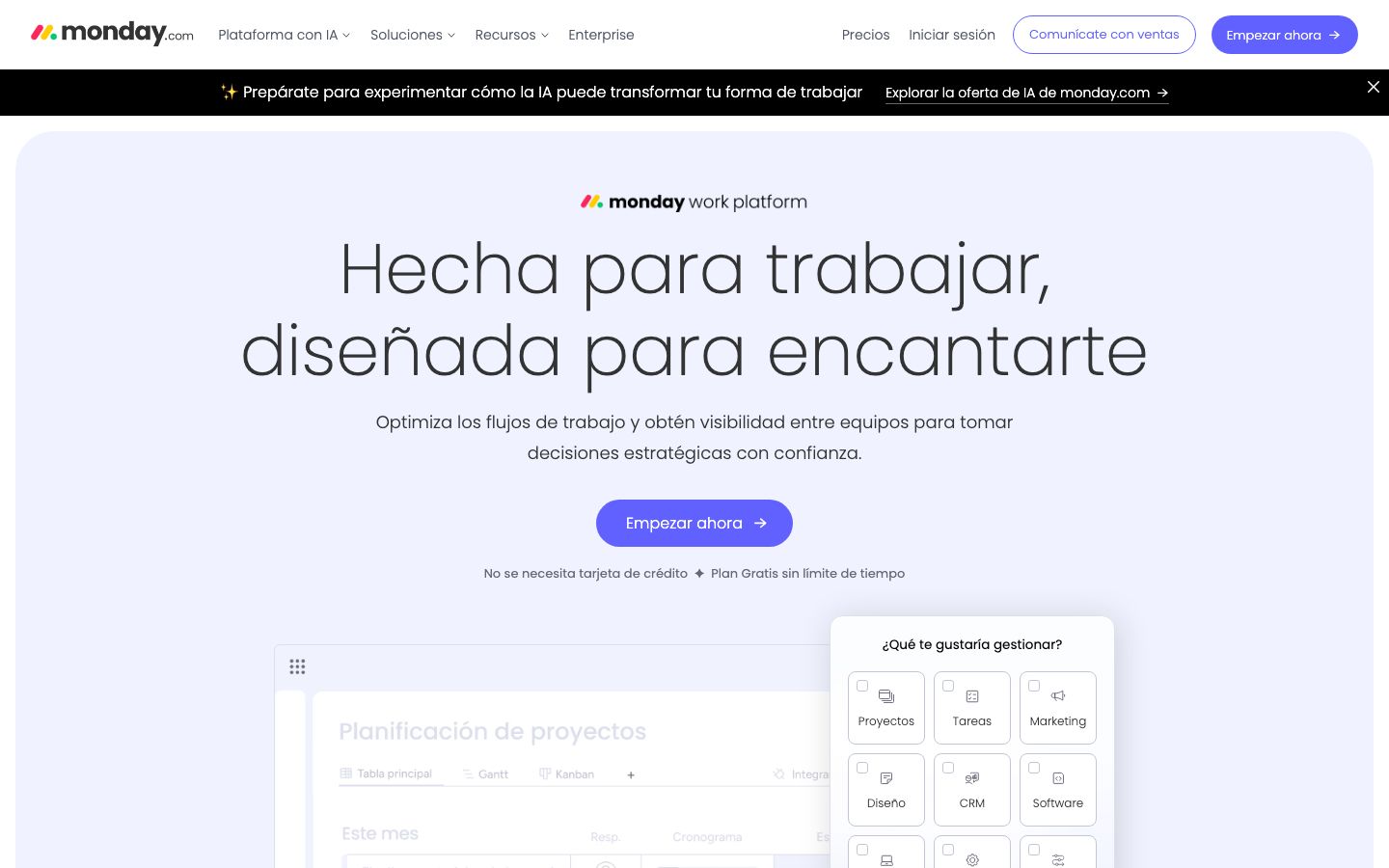
Monday.com is a versatile project management tool known for its strong emphasis on visual workflows and automation. It has grown to become a favorite among teams looking to enhance productivity through intuitive design and robust features.
Founded with the goal of simplifying complex project management processes, Monday.com offers a platform that supports diverse industries. Whether you're in software development, marketing, or event planning, Monday.com provides tools that adapt to various workflows.
We score each tool against weighted criteria, testing it hands-on.
Monday.com is a cloud-based platform that facilitates project management through visual tools and automation. It is designed to help teams collaborate more effectively and manage tasks efficiently. The platform is highly customizable, allowing users to tailor it to their specific needs.
Since its inception, Monday.com has focused on creating a user-friendly interface that combines the power of automation with the clarity of visual data representation. Its global reach and adaptability make it a popular choice for businesses of all sizes.
Monday.com offers a wide range of features designed to enhance team collaboration and productivity. Below are some of the key features that set it apart:
At the core of Monday.com is its ability to create detailed visual workflows. Users can easily set up boards that represent different projects, tasks, or processes. These boards can be customized with columns that track various data points, such as status, priority, and deadlines.
Automation is another standout feature. Monday.com allows users to automate repetitive tasks, freeing up time for more critical activities. With simple if-then logic, teams can set up automated notifications, task assignments, and more.
The platform includes built-in time tracking tools, enabling teams to monitor the time spent on tasks and projects. This feature is particularly useful for billing and productivity analysis.
Among Monday.com's numerous features, a few stand out due to their unique contributions to enhanced project management:
Monday.com is praised for its intuitive interface, which makes it accessible even to users with limited technical skills. The drag-and-drop functionality allows for easy setup and modification of workflows, while the visual layout helps users quickly understand project statuses and priorities.
The onboarding process is straightforward, with numerous tutorials and customer support options available to assist new users in getting started.
Monday.com offers a tiered pricing model, with both free and paid plans available. The free plan includes basic features for small teams or personal use. Paid plans, which offer more advanced features and increased limits, are suitable for larger teams and complex projects. Pricing is generally competitive, but businesses should verify current rates on Monday.com's official website.
One of Monday.com's strengths lies in its extensive integration capabilities. The platform connects with a variety of tools including Slack, Google Workspace, and Microsoft Teams, allowing users to streamline their workflows and enhance productivity.
Support is robust, with options ranging from detailed online resources to direct customer support. Users can access help through email, phone, or live chat, ensuring that assistance is readily available when needed.
Monday.com excels in environments where visual workflows and automation are critical. It is particularly well-suited for industries like marketing, software development, and event planning, where team collaboration and task management are vital.
However, for smaller teams with straightforward project management needs, the extensive features of Monday.com might be more than necessary.
| Deployment | Cloud-based |
| Free plan | Yes |
| Pricing | Free and paid plans available |
| Best for | Visual workflows, automation |
| Integrations | Slack, Google Workspace, Microsoft Teams, and more |
| Support | Email, phone, live chat |
| Mobile apps | iOS, Android |
| Languages | Multiple languages supported |
Verdict: Monday.com stands out for its strong visual workflow and automation capabilities, making it a top choice for teams needing flexible project management solutions. However, smaller teams may find its extensive features a bit overwhelming.