

Airtable Review 2026: In-Depth Analysis
flexible databases
Airtable has steadily gained popularity as a versatile project management and database tool. Known for its adaptability, Airtable allows users to create custom applications without requiring deep technical knowledge.
This review delves into Airtable's capabilities, exploring its features, usability, and pricing to help you determine if it's the right fit for your organization.
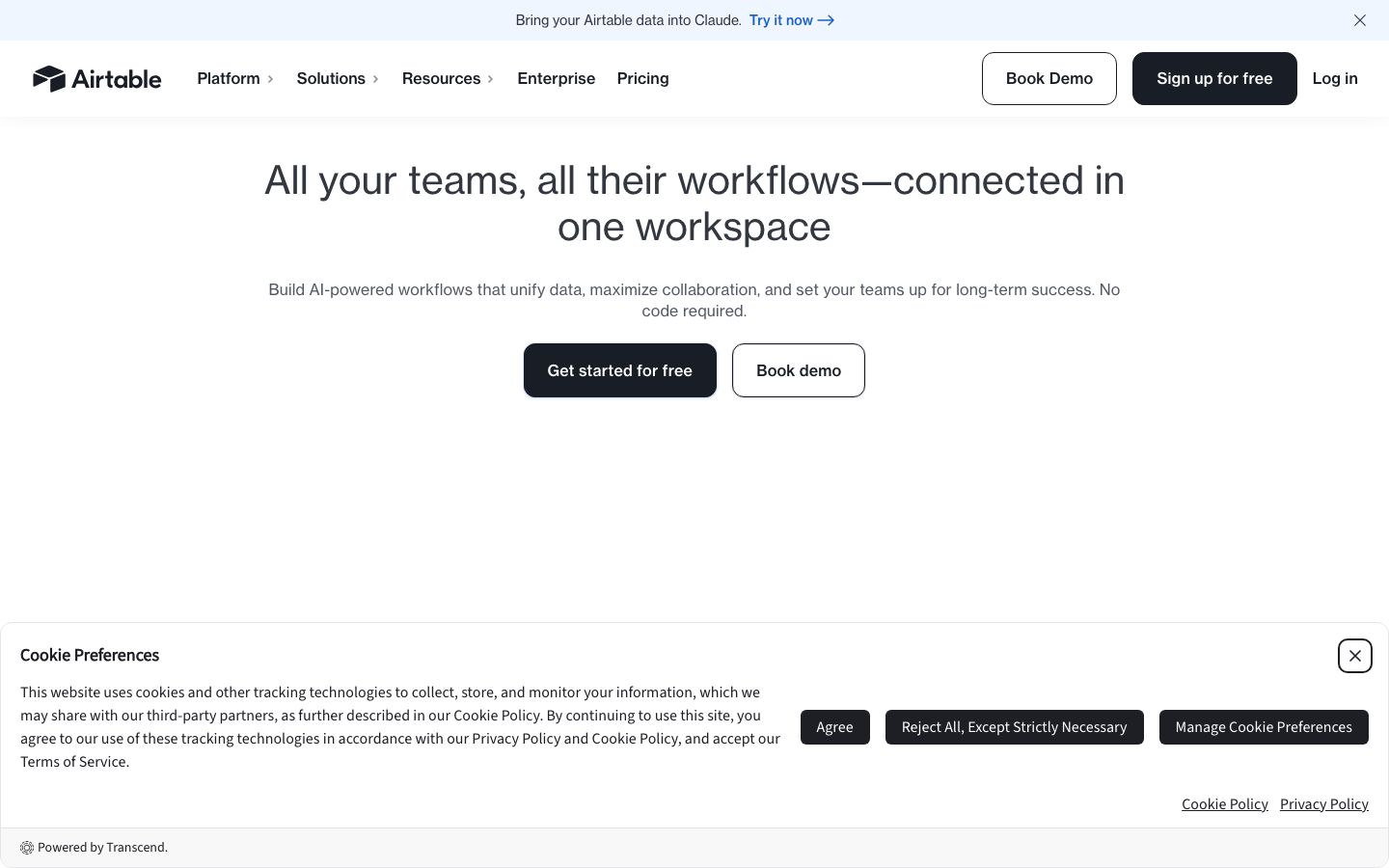
We score each tool against weighted criteria, testing it hands-on.
Airtable is a cloud-based software that blends the functionality of a database with the simplicity of a spreadsheet. Its flexible interface is particularly appealing to teams looking for a customizable solution to manage workflows, projects, and data organization. Airtable is capable of supporting a wide range of applications, from project tracking to content calendars.
Since its inception, Airtable has expanded its feature set to include integrations with popular tools, automation options, and enhanced collaboration capabilities. With a user-friendly interface, Airtable is accessible to both technical and non-technical users.
Airtable offers a robust set of features designed to enhance productivity and streamline workflows. Let's explore some key functionalities:
Airtable allows users to switch between grid, calendar, Kanban, gallery, and form views, providing flexibility in how data is displayed and interacted with.
Real-time collaboration is facilitated through sharing options, comment sections, and revision histories, ensuring that team members are always on the same page.
Automations in Airtable help reduce repetitive tasks by triggering actions based on changes in data, enhancing workflow efficiency.
Airtable's standout features include its dynamic linking capabilities, allowing users to create relational databases that connect information across tables. This feature is particularly useful for complex data management.
Another highlight is the Blocks feature, which adds advanced capabilities such as maps, charts, and timelines, transforming data into actionable insights and visualizations.
Airtable's intuitive interface is one of its strongest points. The platform provides a clean, spreadsheet-like layout that is familiar to most users, making the transition smooth for new adopters. Its drag-and-drop functionality and pre-built templates further simplify the setup process.
Despite its simplicity, Airtable offers enough depth to satisfy power users who seek advanced customization and functionality.
Airtable provides a range of pricing options, catering to different needs and budgets. A free plan is available, offering basic features suitable for small projects or personal use. Paid plans start from a basic offering and scale up, unlocking additional features such as increased record limits, enhanced collaboration tools, and priority support.
It's advisable to check Airtable's official website for the latest pricing details and any ongoing promotions.
Airtable integrates seamlessly with a host of third-party applications, including Slack, Google Drive, and Zapier, enhancing its functionality and connectivity within your tech stack. These integrations enable streamlined workflows and data synchronization across platforms.
Support is offered through various channels, including a comprehensive help center, email support, and community forums. While direct support is generally responsive, some users note that more complex queries can take time to resolve.
Airtable is ideal for teams and individuals who require a flexible, adaptable tool to manage data and projects. Its versatility lends itself well to marketing teams, content creators, and educators looking to organize tasks, track progress, and collaborate effectively.
However, those seeking a more traditional project management tool with advanced Gantt charts or resource management might find Airtable's offerings limited.
| Deployment | Cloud-based |
| Free plan | Available |
| Pricing | Varies by plan |
| Best for | Flexible databases |
| Integrations | Slack, Google Drive, Zapier, and more |
| Support | Email, Help Center, Community |
| Mobile apps | iOS, Android |
| Languages | English, more available |
Verdict: Airtable is a powerful tool for those seeking a flexible, customizable database solution. Its ease of use and extensive features make it a valuable asset for teams across various industries.