

Smartsheet Review 2026: In-Depth Analysis
spreadsheet-style planning
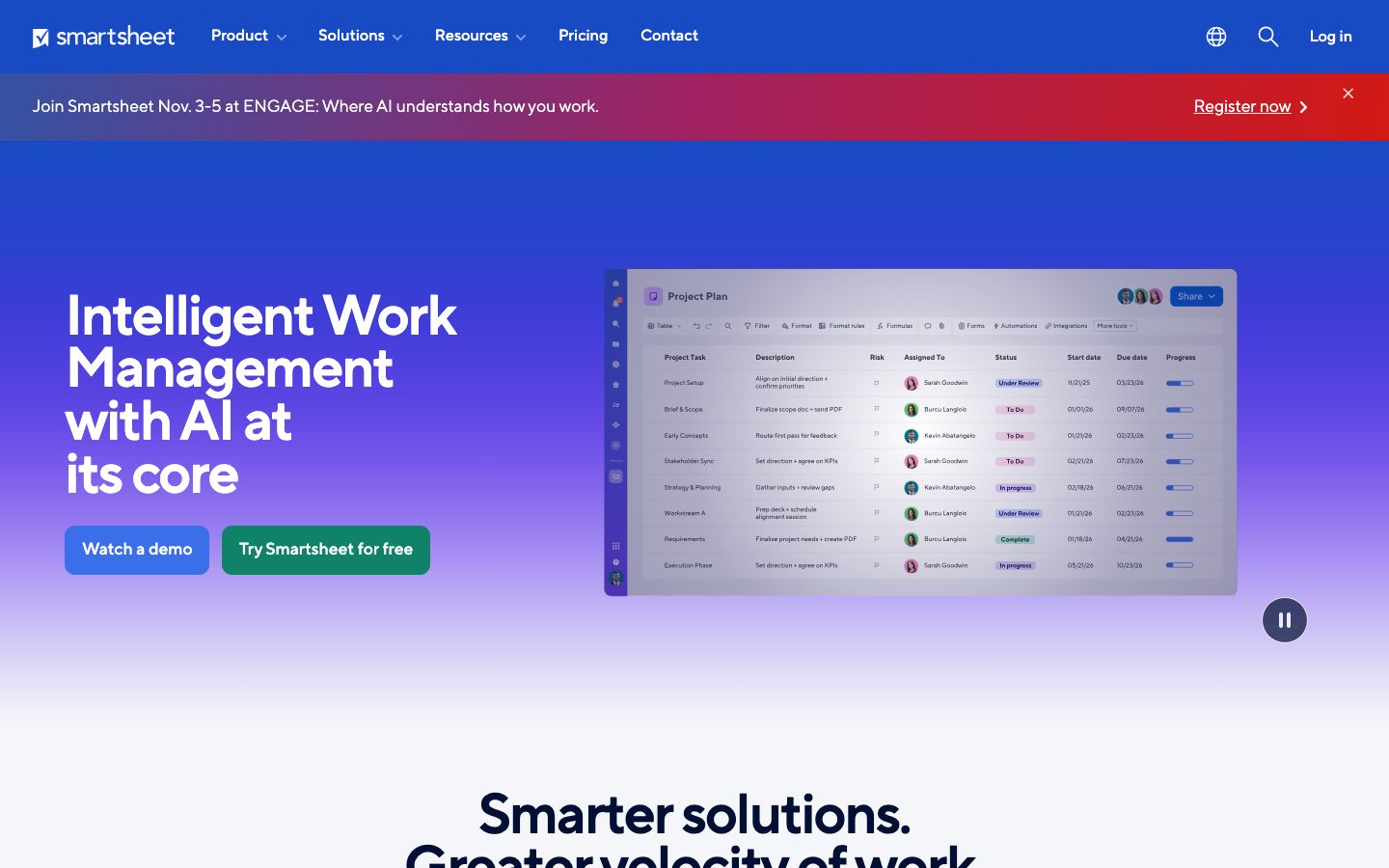
Smartsheet has carved out a niche in the project management space with its unique approach to planning using a spreadsheet-style interface. Known for its flexibility and robust feature set, Smartsheet is a tool that accommodates a wide variety of project management needs.
Despite its strengths, it may not be suitable for everyone, particularly those looking for a more visual or creative approach to project management. This review delves into its features, usability, pricing, and more to help you decide if it fits your needs.
We score each tool against weighted criteria, testing it hands-on.
Smartsheet is a dynamic project management tool that combines the simplicity of spreadsheets with powerful project management functionalities. It is designed to streamline workflows and enhance collaboration among teams. Since its inception, Smartsheet has grown to support a wide range of industries, from IT and marketing to construction and healthcare.
It offers a familiar spreadsheet layout, making it an attractive option for users who are comfortable with tools like Excel but require more advanced project management features.
Smartsheet is packed with features that enhance its capability as a project management tool. Here are some of the key features:
Smartsheet excels in project planning with its grid view that mimics a spreadsheet. Users can create tasks, assign team members, set deadlines, and track progress effortlessly.
The automation feature allows users to automate repetitive tasks, reducing manual work and minimizing errors. Automations can be used for reminders, updates, and notifications.
Smartsheet fosters collaboration through shared sheets and real-time updates, ensuring all team members are aligned and informed.
Smartsheet offers several standout features that make it a powerful tool for project management:
Smartsheet boasts a user-friendly interface that is intuitive for those familiar with spreadsheets. However, new users may face a learning curve due to the breadth of features available. The tool includes helpful tutorials and support resources to ease the onboarding process.
Once accustomed to the interface, users will find Smartsheet to be a flexible and efficient tool for managing diverse projects.
Smartsheet offers various pricing tiers to accommodate different user needs, ranging from individual plans to enterprise-level solutions. While there is no free version, a free trial is available for users to explore its features. Pricing typically starts with a basic plan and scales up based on the number of users and additional features required.
For the most accurate pricing information, it is recommended to visit Smartsheet's official website.
Smartsheet integrates seamlessly with numerous third-party applications such as Microsoft Office 365, Google Workspace, Slack, and more, enhancing its versatility and usability across different platforms.
The support offered by Smartsheet includes various channels such as email, live chat, and an extensive knowledge base for troubleshooting and guidance.
Smartsheet is particularly suitable for teams and organizations that prioritize a spreadsheet-like approach to project management. It is ideal for companies that already rely heavily on spreadsheets but require more robust project planning and tracking capabilities.
However, it may not be the best fit for creative teams seeking a more visual project management tool.
| Deployment | Cloud-based, On-premise |
| Free plan | No |
| Pricing | Plans start at a basic level, scalable |
| Best for | Spreadsheet-style project management |
| Integrations | Google Workspace, Microsoft Office 365, Slack, and more |
| Support | Email, Live chat, Knowledge base |
| Mobile apps | iOS, Android |
| Languages | Multiple languages supported |
Offers more visual project management options with boards and timelines.
Great for teams focused on visual workflow management with Kanban boards.
Provides a highly customizable interface with extensive automation options.
Ideal for large enterprises needing robust project management solutions.
Verdict: Smartsheet is a powerful tool for teams needing a spreadsheet-style approach to project management. Its extensive features and integrations make it versatile. However, it may not be ideal for those seeking highly visual project management solutions.