

Jira Review 2026: In-Depth Analysis
software and Agile teams
Jira is a renowned project management tool extensively used by software and Agile teams worldwide. Known for its customizable workflows and integration capabilities, Jira stands out in managing complex projects with ease. In 2026, Jira continues to evolve, offering new features and enhancements that cater to the dynamic needs of modern teams.
This review delves into Jira's capabilities, examining its core and standout features, usability, pricing, and support options. Whether Jira is the right tool for your team will depend on your specific requirements and technical proficiency.
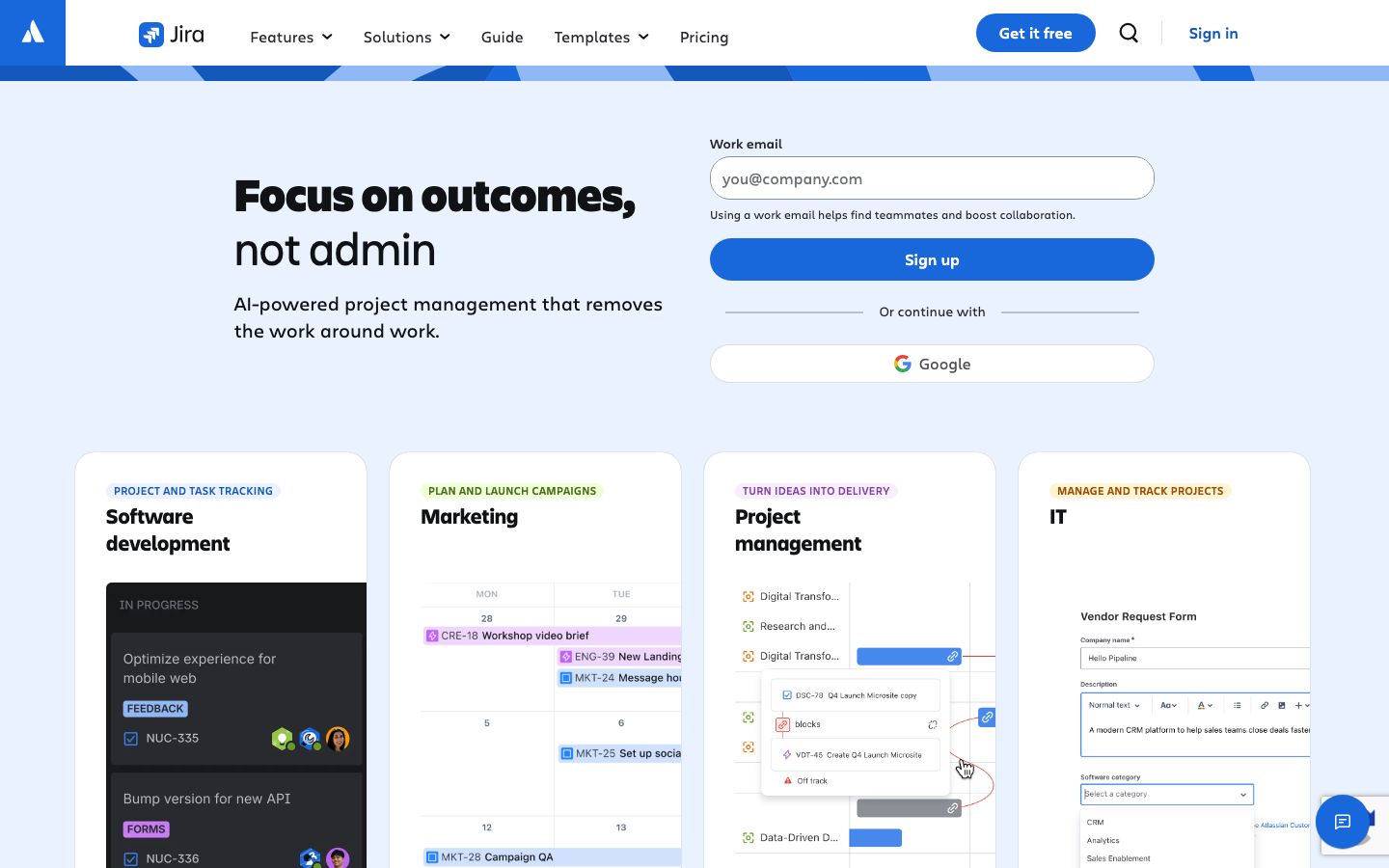
We score each tool against weighted criteria, testing it hands-on.
Jira, developed by Atlassian, is a versatile project management software tailored for Agile methodologies. It allows teams to plan, track, and release software efficiently. Originally designed for bug tracking, Jira has evolved into a comprehensive solution that supports a wide range of project management needs.
With its ability to adapt workflows and integrate with numerous tools, Jira facilitates collaboration and enhances productivity. Agile frameworks like Scrum and Kanban are seamlessly supported, making Jira an ideal choice for software development teams.
Jira's workflows are highly customizable, allowing teams to define their processes and stages. This flexibility is crucial for aligning the tool with specific project requirements.
Jira supports Scrum and Kanban boards, providing visual insights into project progress. These boards are instrumental in managing tasks and optimizing workflows.
An array of reporting tools offers insights into team performance and project health. From burndown charts to velocity reports, Jira empowers teams with data-driven decision-making.
Jira integrates with a vast ecosystem of tools, including Confluence, Bitbucket, and third-party applications, enhancing its functionality and connectivity.
Jira's standout features include its sophisticated search capabilities powered by JQL (Jira Query Language), which allows users to create complex queries for precise data retrieval. The automation rules in Jira enable teams to automate repetitive tasks, saving time and reducing errors.
Another notable feature is the Roadmaps, which provide a high-level view of project timelines and dependencies, aiding in strategic planning and stakeholder communication.
While Jira offers immense power and flexibility, its complexity can be a hurdle for some users, particularly those new to Agile methodologies or project management tools. The interface, although intuitive for experienced users, can be initially overwhelming for newcomers.
To mitigate this, Jira provides a wealth of resources, including tutorials and community forums, to assist users in acclimating to the platform. Continuous updates and improvements also aim to enhance user experience.
Jira offers a tiered pricing model that caters to different team sizes and needs. It includes a free plan for small teams and paid plans that unlock advanced features and capacities. Enterprises can opt for customized solutions to meet their specific demands.
Pricing details are subject to change, and it is advisable to check Atlassian's official site for the most up-to-date information.
Jira integrates seamlessly with Atlassian's suite of products as well as a wide range of third-party applications, extending its functionality. These integrations are pivotal for teams looking to unify their toolsets.
Support options include comprehensive documentation, community forums, and direct support channels for paid plans. Atlassian continuously updates its support resources to assist users effectively.
Jira is best suited for software development and Agile teams that require robust project management capabilities. Its feature set is particularly beneficial for teams that need to manage complex workflows and track progress meticulously.
However, for teams seeking a more straightforward project management solution, Jira's depth may be more than necessary, and a simpler tool might be preferable.
| Deployment | Cloud, On-premise |
| Free plan | Yes |
| Pricing | Tiered plans available |
| Best for | Agile software development teams |
| Integrations | Extensive third-party integrations |
| Support | Documentation, forums, direct support |
| Mobile apps | iOS, Android |
| Languages | Multiple languages supported |
Ideal for simpler project management needs with an intuitive interface.
Offers a user-friendly experience with robust task management features.
Suitable for teams utilizing Microsoft tools with strong integration capabilities.
Provides a visually appealing interface for managing tasks and projects.
Verdict: Jira is a powerful tool for Agile and software development teams, offering extensive customization and integration capabilities. While its complexity may deter some users, those who invest time in learning Jira can greatly enhance their project management efficiency.