

Wrike Review 2026: In-Depth Analysis
enterprise operations
Wrike is a powerful project management software designed to cater to the complex needs of enterprise-level operations. With a focus on flexibility and scalability, it offers a comprehensive suite of tools that aim to enhance productivity and collaboration across departments.
Since its inception, Wrike has evolved to become a preferred choice for businesses seeking robust project management solutions. This in-depth review explores its features, usability, pricing, and more to help you determine if it's the right fit for your organization.
We score each tool against weighted criteria, testing it hands-on.
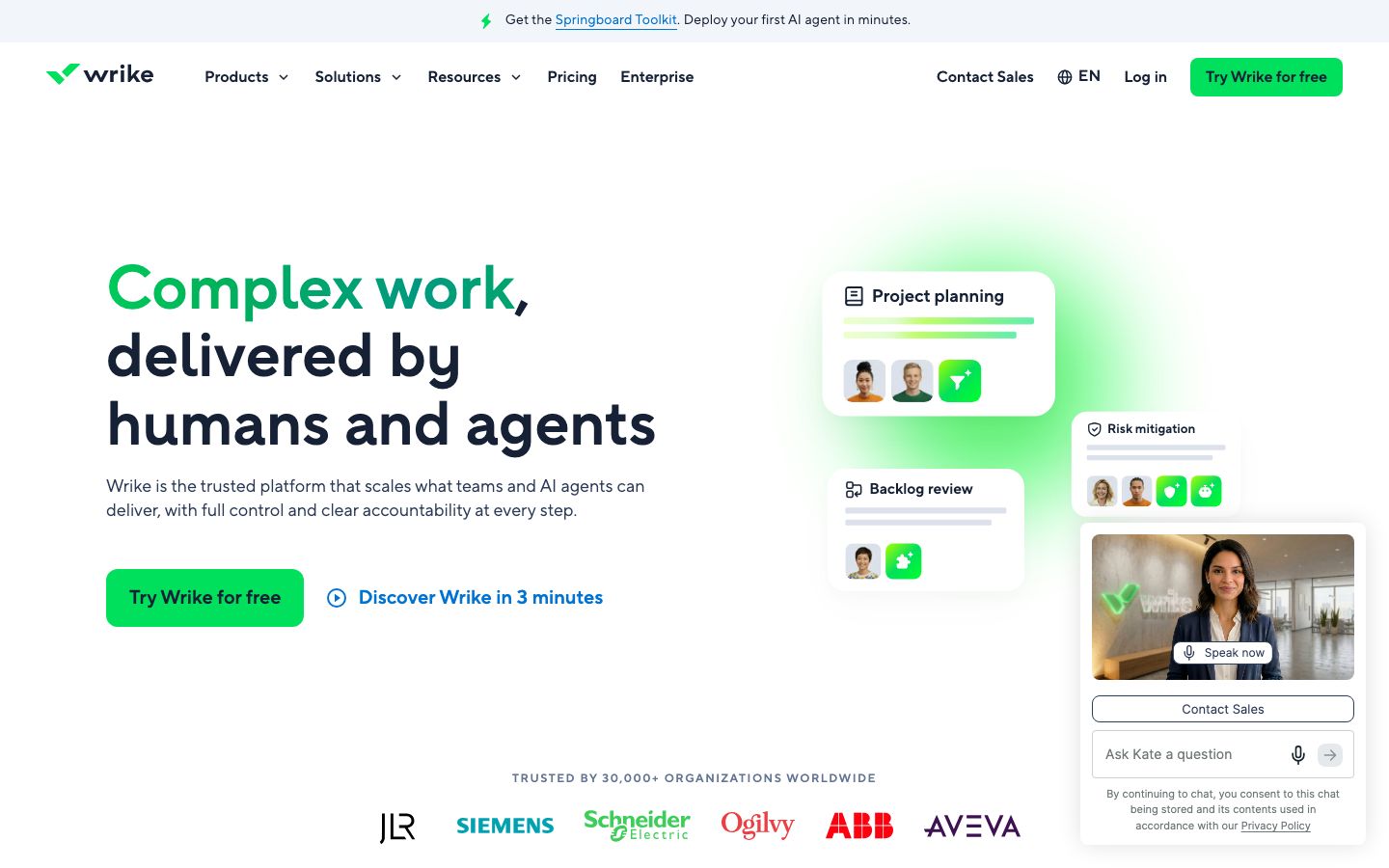
Wrike is a cloud-based project management platform that supports teams in planning, executing, and tracking projects. Known for its versatility, Wrike offers features that cater to various industries, including marketing, IT, and professional services. Its customizable nature allows teams to tailor workflows and dashboards to meet specific needs.
Founded in 2006, Wrike has consistently expanded its capabilities, integrating advanced tools like AI-based project insights, time tracking, and resource management. This makes it particularly appealing to large enterprises looking for a comprehensive solution to manage complex projects.
Wrike's feature set is extensive, making it a standout in the project management landscape. Key features include:
Wrike's AI capabilities assist in predicting project risks and suggesting corrective actions, thus enhancing decision-making processes.
Teams can create personalized workflows that reflect their business processes, ensuring seamless project progression.
Wrike integrates with over 400 applications, including Salesforce, Slack, and Microsoft Office, providing a cohesive work environment.
While Wrike offers a wealth of features, its interface can be overwhelming for new users. The platform requires a learning curve, particularly for those unfamiliar with complex project management tools. However, once accustomed, users appreciate its depth and flexibility.
Wrike provides extensive resources, including tutorials and webinars, to aid in user onboarding and proficiency.
Wrike's pricing structure is designed to accommodate different business sizes and needs. It offers a free plan with basic capabilities suitable for small teams. Paid plans start with a Professional tier, which adds features like Gantt charts and shareable dashboards. For enterprises, the Business and Enterprise plans provide advanced security, analytics, and customization options. Exact pricing details can be obtained from Wrike's official website.
Wrike excels in integrations, supporting over 400 apps that enhance its functionality. This ensures that teams can seamlessly incorporate Wrike into existing workflows without disrupting productivity.
Support services include a comprehensive help center, live chat, and email support. Enterprise clients benefit from dedicated account managers and custom training programs.
Wrike is best suited for enterprises and large organizations that require a scalable project management solution. Its extensive feature set and customization options are ideal for teams managing complex projects across various departments.
Smaller teams or startups might find Wrike's offerings to be more than what they need, potentially leading to underutilization of its capabilities.
| Deployment | Cloud-based |
| Free plan | Available |
| Pricing | Varies by plan; enterprise options |
| Best for | Enterprise operations |
| Integrations | 400+ apps, including Salesforce and Slack |
| Support | Help center, live chat, email |
| Mobile apps | iOS and Android |
| Languages | English, French, German, Spanish, and more |
Verdict: Wrike stands out as a robust tool for enterprise operations, offering extensive features and integrations. While it may be complex for small teams, its scalability and customization are ideal for large organizations.