

MS Project Review 2026: In-Depth Analysis
complex Gantt charts
Microsoft Project, often referred to as MS Project, is a well-established project management tool known for its powerful capabilities in planning and scheduling. Particularly, it excels in creating complex Gantt charts that offer detailed visualizations of project timelines.
Despite its reputation as a comprehensive solution for project managers, MS Project may present a steep learning curve for newcomers. This review provides an in-depth analysis of its features, usability, integration options, and pricing to help determine if it meets your project management needs.
We score each tool against weighted criteria, testing it hands-on.
MS Project is part of Microsoft's suite of productivity tools, designed to assist project managers in tracking progress, managing budgets, and analyzing workloads. It is widely used across various industries for its capability to handle extensive projects with multiple variables.
The software is available as both a cloud-based and on-premises solution, offering flexibility in deployment. Users benefit from its integration with other Microsoft products such as Office 365 and Teams, enhancing collaborative efforts.
MS Project boasts a range of features tailored to meet the needs of sophisticated project management.
MS Project's Gantt charts are among the most detailed and customizable available, allowing for intricate project planning and timeline adjustments.
Allocate and track resources efficiently, ensuring optimal utilization across multiple projects.
This feature offers a visual overview of project milestones and deadlines, aiding in strategic planning and communication.
Among its many features, MS Project stands out for its advanced resource management capabilities and detailed reporting tools.
While MS Project is feature-rich, its extensive functionalities can be overwhelming for new users. The interface, though comprehensive, requires some familiarity with project management principles to navigate effectively.
For experienced project managers, however, the tool offers unparalleled depth in planning and execution. Tutorials and guides are available but may require additional time for onboarding.
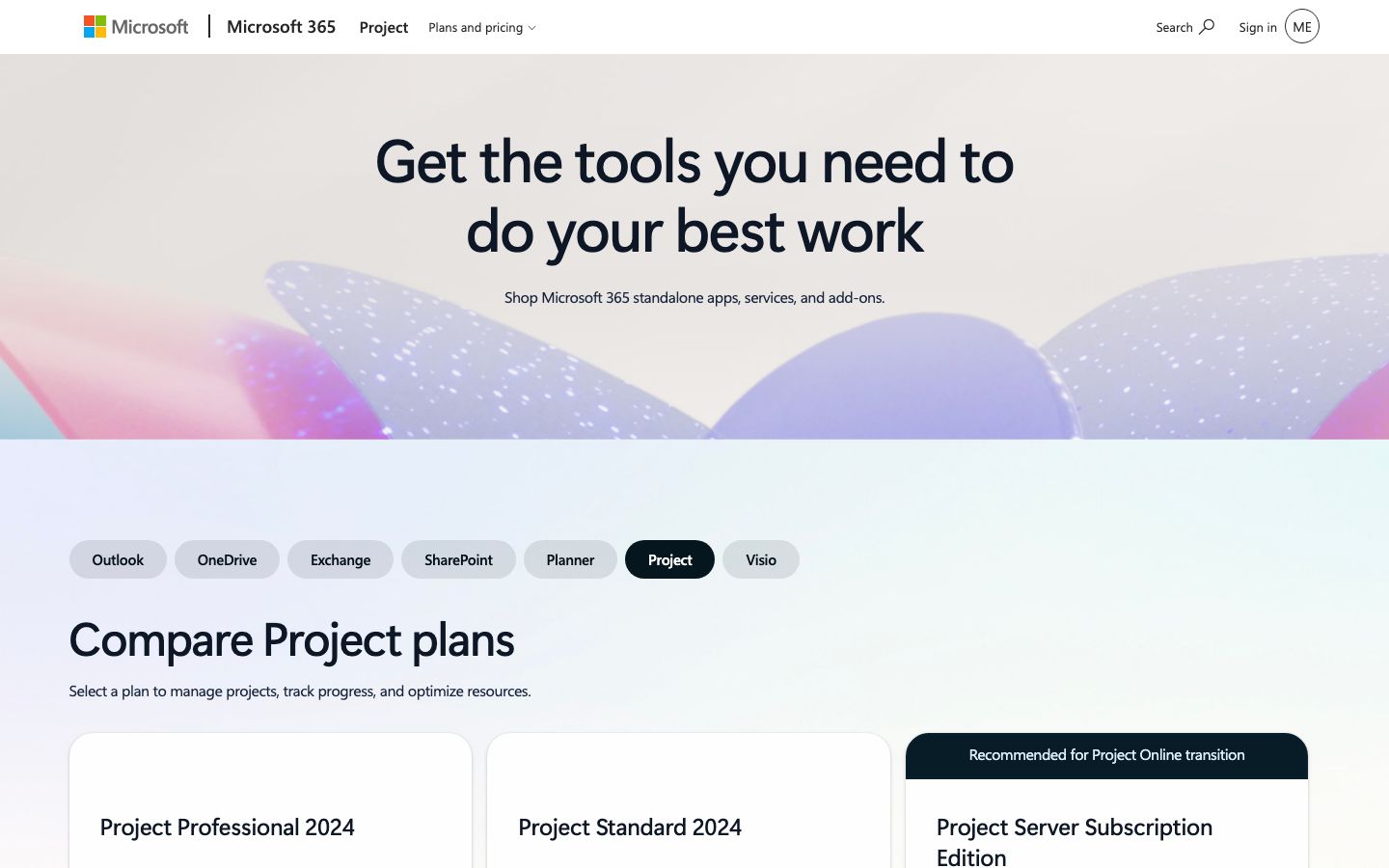
MS Project offers a variety of pricing plans, catering to different organizational needs. These range from a basic plan to more advanced options with additional features.
Pricing is typically subscription-based, with options for both monthly and annual billing. It is advisable to check the official Microsoft website for the most current pricing details and available plans.
One of MS Project's strengths is its seamless integration with the Microsoft ecosystem. This includes compatibility with Office 365, SharePoint, and Teams, which facilitates enhanced collaboration and workflow management.
Support is robust, with access to Microsoft's comprehensive help resources, community forums, and professional assistance. Users can rely on a mix of self-help and direct support channels for troubleshooting and guidance.
MS Project is best suited for organizations and professionals who need to manage complex projects with multiple dependencies and resources.
It is particularly beneficial for industries such as construction, IT, and manufacturing where detailed planning and coordination are critical. However, for smaller teams or those new to project management, the tool's complexity might be a barrier.
| Deployment | Cloud-based, On-premises |
| Free plan | No |
| Pricing | Varies by plan |
| Best for | Complex Gantt charts |
| Integrations | Office 365, Teams, SharePoint |
| Support | Comprehensive help resources, community forums |
| Mobile apps | Yes, available for iOS and Android |
| Languages | Multiple languages supported |
Verdict: MS Project is a powerful tool for managing complex projects, offering detailed planning and robust resource management features. While it may be challenging for beginners, it is an invaluable asset for experienced project managers.