


Wrike and Monday are two of the most popular project management tools available today. Both platforms offer robust features designed to enhance team productivity and streamline project workflows. Understanding their differences can help you choose the right tool for your specific needs.
Wrike is often favored by larger organizations seeking detailed project tracking and reporting capabilities, while Monday is known for its user-friendly interface and flexibility, making it ideal for teams of all sizes looking for easy adaptability. This comparison will delve into their core features, pricing, ease of use, and more to guide your decision.

Which should you choose?
Choose Wrike if…
- You need detailed project tracking and analytics.
- Your team requires advanced customization options.
- You work within a large organization with complex projects.
Choose Monday if…
- You prefer a user-friendly and intuitive interface.
- Your team values flexibility and visual workflows.
- You operate within a small to medium-sized business.
| Feature | Wrike | Monday |
|---|---|---|
| Best for | Large organizations and detailed project tracking | Teams of all sizes seeking flexibility |
| Learning curve | Moderate, requires some training | Low, intuitive design |
| Views | Gantt, List, Table, Calendar | Kanban, Timeline, Calendar, List |
| Automation | Advanced, customizable workflows | User-friendly, visual automation builder |
| Integrations | Over 400 integrations | More than 200 integrations |
| Collaboration | Robust with comments and document sharing | Strong with updates and mentions |
| Reporting | Advanced with custom reports | Basic to advanced with dashboards |
| Plans | Free tier and various paid plans | Free tier and scalable paid options |
| Support | 24/7 support, dedicated account manager for premium | 24/7 support, extensive knowledge base |
Pros and cons
Wrike
Pros
- Comprehensive reporting and analytics tools.
- Highly customizable workflows.
- Strong integration capabilities.
Cons
- Steeper learning curve.
- Can be overwhelming for small teams.
- Higher cost for advanced features.
Monday
Pros
- Easy to use and visually appealing interface.
- Highly flexible and adaptable to different workflows.
- Affordable for small to medium-sized teams.
Cons
- Limited reporting features compared to Wrike.
- Fewer integrations than Wrike.
- May lack depth for highly complex project needs.
Wrike Overview
Wrike is a cloud-based project management tool that caters to large organizations and enterprises. Known for its comprehensive project tracking capabilities, Wrike allows teams to plan, execute, and report on projects with precision. Its robust feature set includes Gantt charts, time tracking, and detailed reporting tools, making it an ideal choice for businesses that require in-depth project analysis. Additionally, Wrike's advanced integration capabilities ensure it can fit seamlessly into existing workflows.
- Features: Task management, time tracking, advanced reporting.
- Target Audience: Large enterprises, project managers needing detailed analytics.
Monday Overview
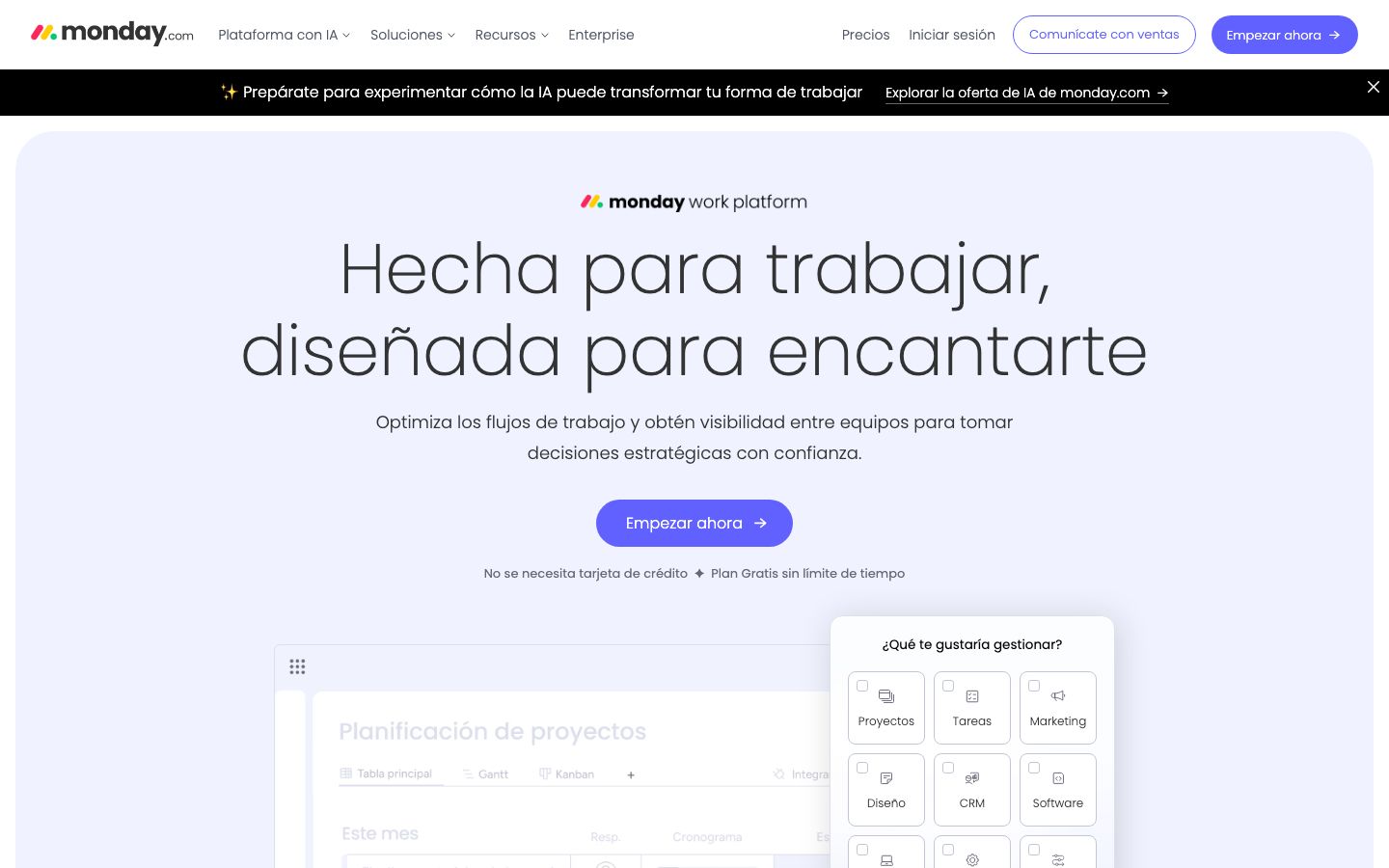
Monday.com is designed to be a visually intuitive and highly flexible project management solution. It is especially popular among small to medium-sized teams who appreciate its simple interface and adaptability. Monday offers a variety of visual tools like Kanban boards and timelines that make project management more engaging. Its automation builder is user-friendly, allowing teams to automate repetitive tasks with ease. Furthermore, Monday's scalability means it can grow alongside your business, accommodating more complex workflows over time.
- Features: Kanban boards, automation, customizable dashboards.
- Target Audience: Small to medium businesses, teams looking for flexibility.
Key Differences
While both Wrike and Monday excel in project management, their differences lie in complexity and adaptability. Wrike is tailored for detailed project management with advanced reporting and analytics, making it suitable for large enterprises. In contrast, Monday prioritizes user-friendliness and flexibility, catering to teams that desire a more straightforward and visual approach to managing tasks.
- Complexity: Wrike offers more complex features, suitable for intricate projects.
- User Experience: Monday provides an intuitive interface that requires little training.
Pricing Comparison
Both Wrike and Monday offer a range of pricing plans to accommodate different team sizes and needs. Wrike's pricing structure includes a free tier with basic features and several paid plans that provide more advanced functionalities like analytics and workflow automation. Monday also offers a free plan, with paid options that scale with additional features and user capacities. Teams should consider their specific needs and budget when choosing between these platforms and check the official websites for the most current pricing information.
Ease of Use and Support
Monday is often praised for its ease of use, featuring a simple and intuitive interface that requires minimal training. Its visual design helps teams quickly adapt to the platform. Wrike, on the other hand, has a steeper learning curve due to its comprehensive features, but it offers extensive support options including 24/7 assistance and dedicated account managers for premium users. Both platforms provide extensive knowledge bases and community forums to assist users.
Which to Choose for Your Case
Your choice between Wrike and Monday should be guided by your specific project management needs. If your organization requires detailed project tracking, comprehensive reporting, and has the resources for a steeper learning curve, Wrike may be the better fit. Conversely, if you need a flexible, easy-to-use tool that offers visual project management and adaptability, Monday could be more suitable. Consider the size of your team, complexity of your projects, and budget constraints when making your decision.
Verdict: Both Wrike and Monday offer distinct advantages depending on your needs. Choose Wrike for detailed analytics and complex project management. Opt for Monday if you prefer flexibility and ease of use. Assess your team's requirements to make the best choice.
FAQ
Is Wrike suitable for small teams?+
While Wrike can be used by small teams, its complex features are often more beneficial for larger organizations.
Can Monday handle complex projects?+
Monday can manage complex projects to some extent, but it may lack the depth needed for highly intricate workflows.
Do both platforms offer mobile apps?+
Yes, both Wrike and Monday offer mobile apps for managing projects on-the-go.
Are there free versions available for both tools?+
Both Wrike and Monday offer free tiers with limited features suitable for smaller teams or basic project management.
Which platform offers better customer support?+
Both platforms provide strong customer support, including 24/7 assistance. Wrike offers dedicated account managers for premium users.
Is it easy to switch from one platform to another?+
Switching can be managed with proper planning. Both platforms offer import options to facilitate transitions.