


Smartsheet and Monday are two of the most popular project management tools available today. Each offers unique features aimed at improving team collaboration and project efficiency. Smartsheet is renowned for its spreadsheet-like interface, appealing to those familiar with Excel, while Monday provides a more visual and intuitive platform suitable for creative teams.
Choosing between these platforms depends largely on your specific needs, team preferences, and the complexity of the projects you handle. This comparison will help you understand the strengths and weaknesses of each tool, ensuring you make an informed decision that aligns with your organizational goals.
Which should you choose?
Choose Smartsheet if…
- Your team is familiar with Excel and prefers a similar interface.
- You need advanced reporting and analytics features.
- Your projects require complex task management and customization.
Choose Monday if…
- Your team values a visually driven project management tool.
- You need strong automation capabilities with easy setup.
- Your organization requires responsive customer support.
| Feature | Smartsheet | Monday |
|---|---|---|
| Best for | Spreadsheet enthusiasts, complex projects | Visual project management, creative teams |
| Learning curve | Moderate | Low |
| Views | Grid, Card, Calendar, Gantt | Kanban, Timeline, Calendar, Gantt |
| Automation | Customizable workflows | Automated triggers and actions |
| Integrations | Extensive third-party integrations | Wide range of integrations, including Zapier |
| Collaboration | Real-time collaboration, comments | Comments, mentions, real-time editing |
| Reporting | Advanced reporting, dashboards | Basic to advanced reporting, dashboards |
| Plans | Free and paid plans | Free and paid plans |
| Support | Email, phone, extensive documentation | 24/7 support, community forums, webinars |
Pros and cons
Smartsheet
Pros
- Highly customizable with advanced features.
- Excel-like interface for easy transition.
- Robust reporting and analytics capabilities.
Cons
- Steeper learning curve for new users.
- Can be overwhelming with too many features.
- Higher cost for advanced functionalities.
Monday
Pros
- User-friendly and visually appealing interface.
- Strong automation and integration options.
- Excellent customer support and resources.
Cons
- May lack depth in advanced project features.
- Customization options can be limited.
- Pricing can increase with added features.
Smartsheet Overview
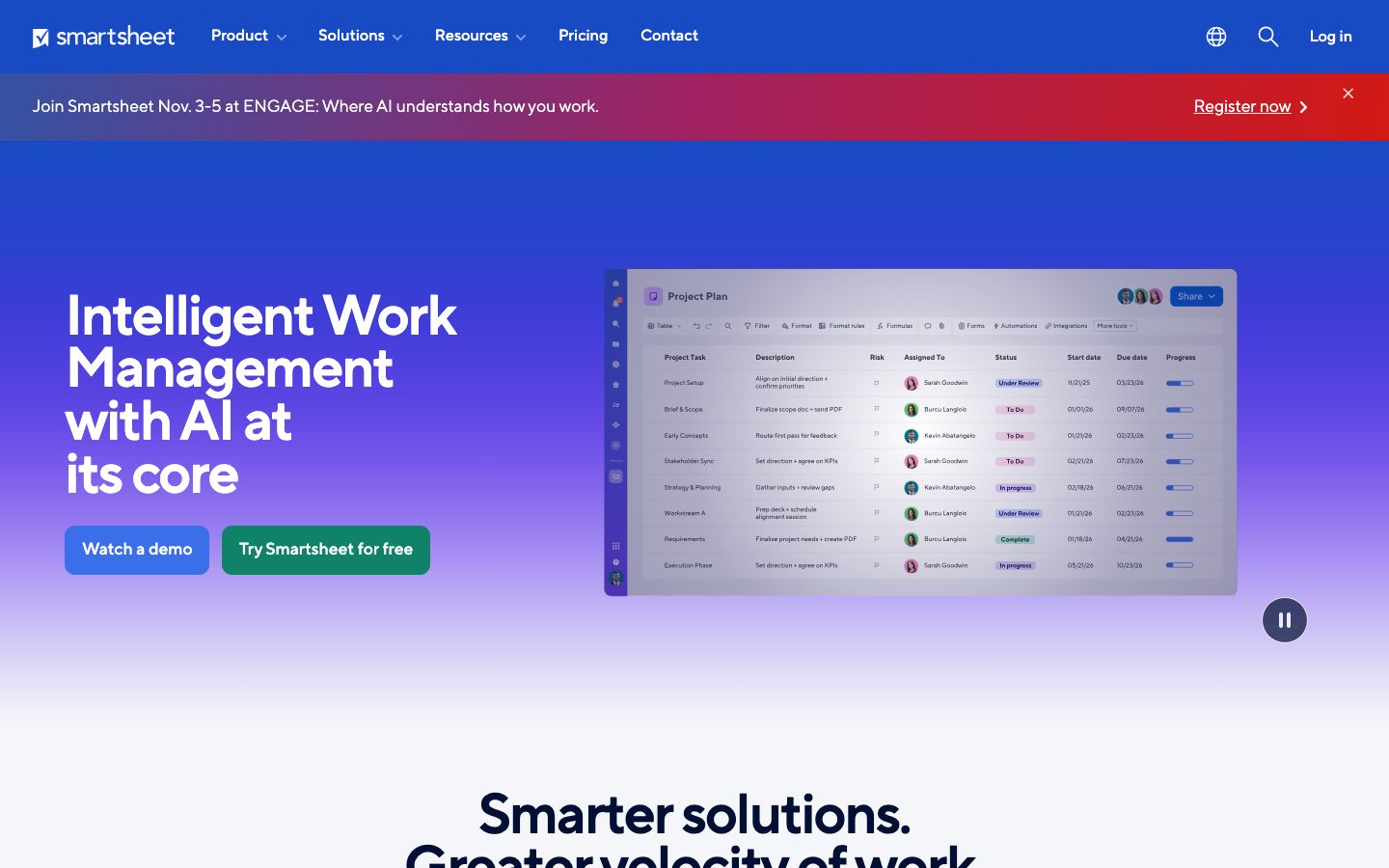
Smartsheet is a versatile project management tool designed for users who are comfortable with spreadsheet interfaces. It is particularly well-suited for managing complex projects where detailed tracking and reporting are essential. With its powerful automation and integration capabilities, Smartsheet allows teams to streamline workflows and improve productivity. It supports multiple views such as Grid, Gantt, and Calendar, making it adaptable to various project needs.
One of Smartsheet's standout features is its robust reporting and analytics, which provide users with deep insights into project progress and performance. However, this tool may present a steeper learning curve for those unfamiliar with its extensive features.
Monday Overview
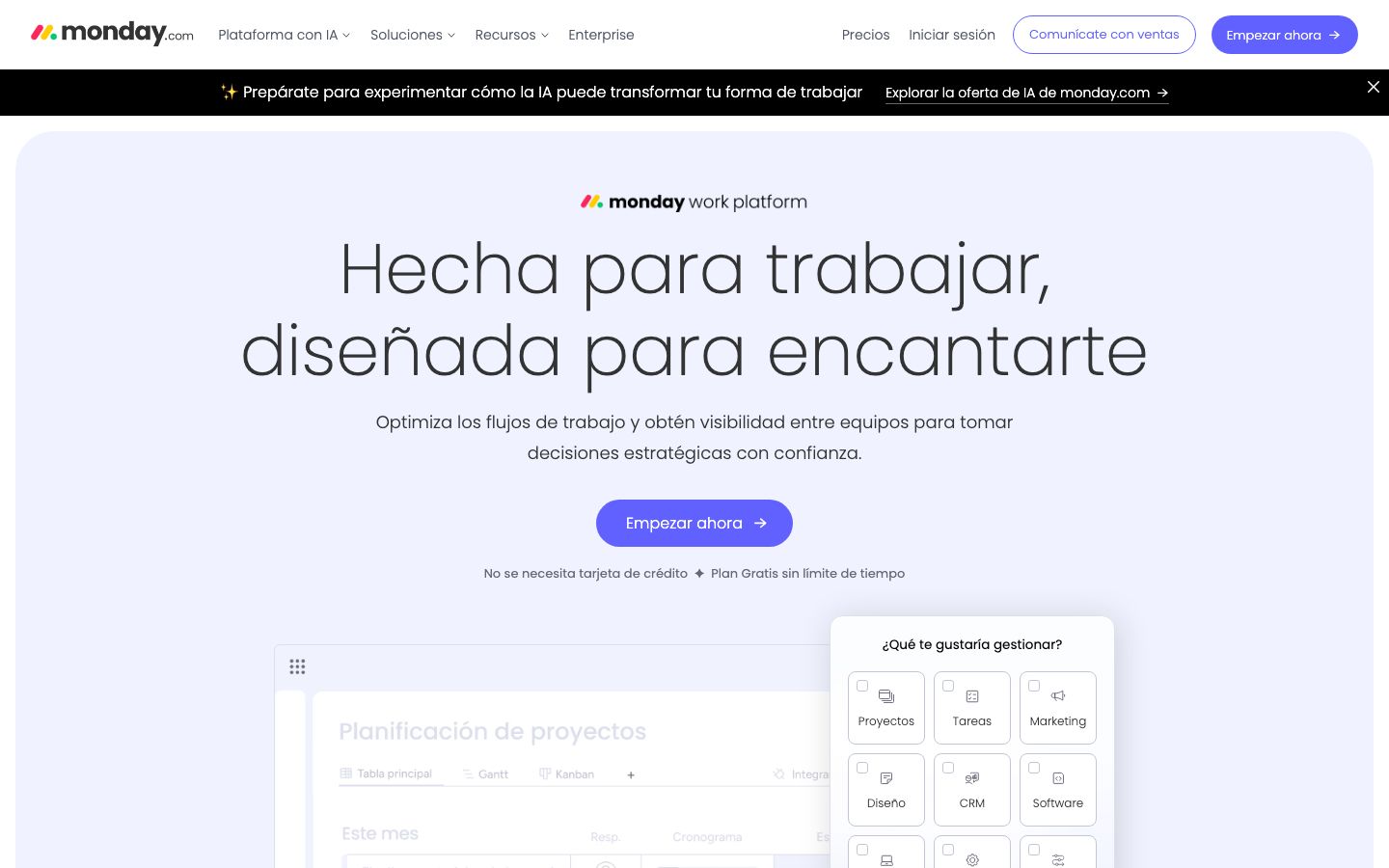
Monday offers a visually intuitive platform designed to simplify project management for teams. It is ideal for creative teams looking for a flexible and dynamic work environment. Monday excels in providing a visual overview of projects through Kanban, Timeline, and Calendar views. Its interface is user-friendly, reducing the time needed for onboarding and adoption.
Automation is a key strength of Monday, allowing users to set up workflows that automate routine tasks. The platform also supports a wide array of integrations, making it compatible with various third-party applications. While it may not offer the same depth of advanced features as Smartsheet, its ease of use and robust support make it a popular choice for many teams.
Key Differences
The primary difference between Smartsheet and Monday lies in their approach to project management. Smartsheet's strength is in its powerful, spreadsheet-like interface, which is ideal for detailed data management and comprehensive reporting. In contrast, Monday focuses on a visual approach, making it easier for teams to manage projects through intuitive interfaces and automation.
While both platforms offer automation and integration capabilities, Monday's setup is more straightforward, appealing to teams looking for quick deployment. Smartsheet, on the other hand, provides more advanced customization options, which can be beneficial for complex project requirements.
Pricing Comparison
Both Smartsheet and Monday offer a range of pricing plans to accommodate different business needs. Smartsheet provides plans that start from basic to enterprise levels, with options for additional features and user licenses. Monday also offers a tiered pricing structure, starting with a free plan and moving up to more comprehensive packages that include advanced features and integrations.
Organizations should consider their specific needs and budget when selecting a plan, as costs can vary significantly based on the features required and the number of users. It's advisable to visit the official websites for the most current pricing information.
Ease of Use and Support
Monday is generally regarded as the more user-friendly platform, thanks to its intuitive design and visual approach. Its ease of use is complemented by strong customer support, including 24/7 assistance and a wealth of resources such as webinars and community forums.
Smartsheet, while offering more advanced features, can be more challenging for newcomers. However, it provides comprehensive documentation and support through email and phone, which can help users navigate its complex functionalities.
Which to Choose for Your Case
The choice between Smartsheet and Monday should be guided by your team's specific needs and preferences. If your projects require detailed data management and advanced analytics, Smartsheet is likely the better choice. Its robust reporting tools and familiar spreadsheet interface can greatly benefit teams managing complex projects.
Alternatively, if your team prioritizes ease of use and visual project management, Monday may be more suitable. Its automation capabilities and user-friendly design make it an excellent option for teams looking to enhance collaboration with minimal setup time.
Verdict: Smartsheet is ideal for teams needing detailed data management and advanced reporting, while Monday suits those seeking a visually intuitive interface and ease of use. Choose based on your team's specific needs and project complexity.
FAQ
What is the main difference between Smartsheet and Monday?+
Smartsheet offers a spreadsheet-like interface ideal for detailed data management, while Monday provides a visually intuitive platform for simpler project management.
Which platform is more user-friendly?+
Monday is generally considered more user-friendly due to its intuitive design and visual approach, making it easier for teams to adopt.
Can I integrate other tools with Smartsheet and Monday?+
Yes, both platforms offer extensive integration options with various third-party applications to enhance functionality.
Which tool is better for large enterprises?+
Smartsheet may be better suited for large enterprises needing advanced reporting and customization options, while Monday can address needs for simpler, visual project management.
Do Smartsheet and Monday offer free plans?+
Yes, both platforms offer free plans with limited features, allowing users to try the software before committing to paid plans.
How do Smartsheet and Monday handle automation?+
Monday offers straightforward automation setups through triggers and actions, while Smartsheet allows for more customizable workflow automation.