

Shortcut Review 2026: In-Depth Analysis
engineering-led product teams
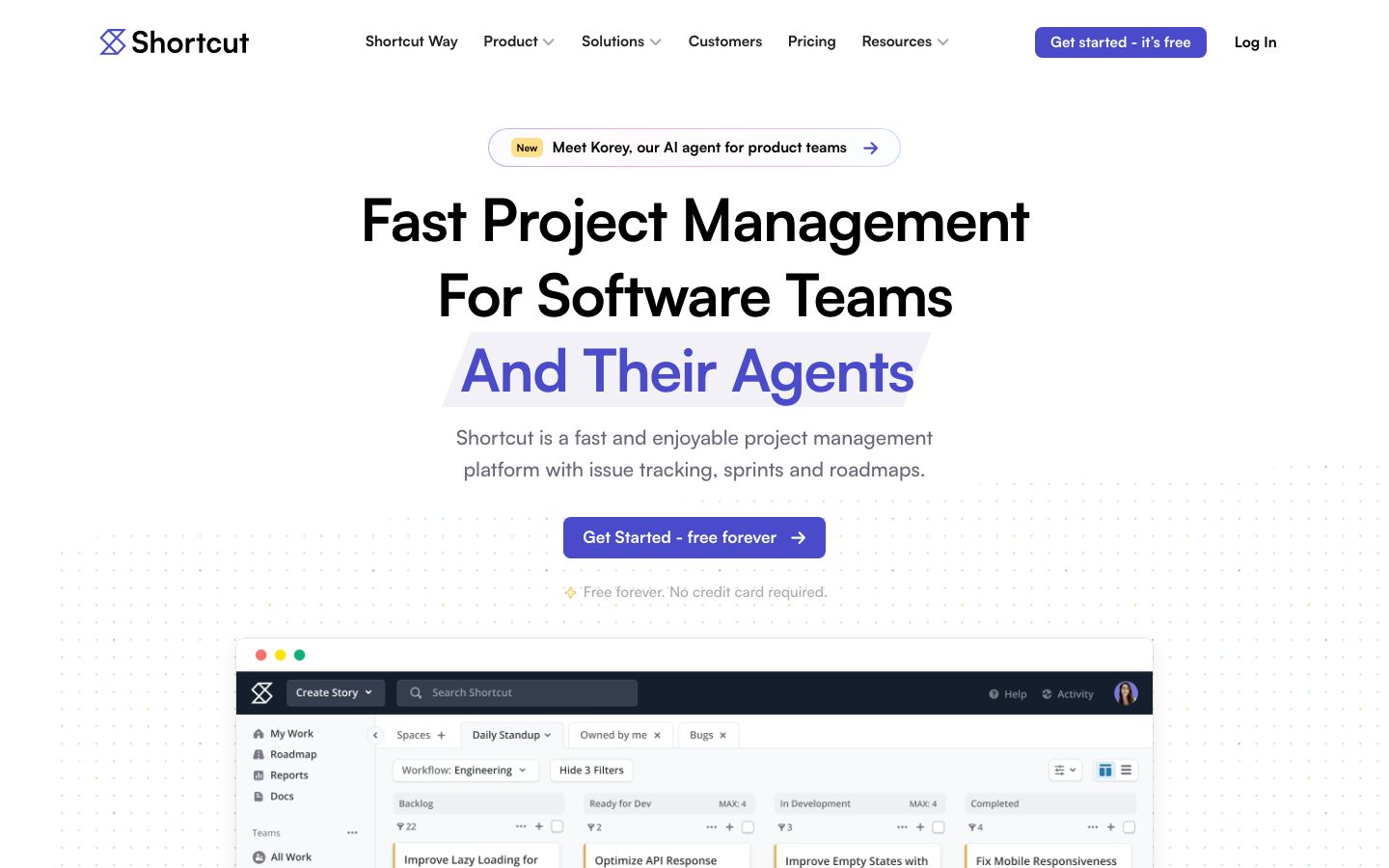
Shortcut has emerged as a prominent project management tool, specifically catering to engineering-led product teams. With its focus on providing a streamlined and collaborative environment, it aims to enhance productivity and efficiency.
In this review, we'll delve into Shortcut's functionalities, its standout features, and how it fares in comparison to other tools in the market. Whether you're a seasoned professional or a team just starting out, this analysis will help determine if Shortcut is the right fit for your needs.
We score each tool against weighted criteria, testing it hands-on.
Shortcut is designed to facilitate seamless project management for engineering teams. It integrates agile methodologies with intuitive interfaces to ensure teams can manage tasks, track progress, and collaborate effectively. Since its inception, Shortcut has focused on creating a tool that aligns closely with the workflows of technical teams.
Shortcut stands out with its array of features tailored for engineering teams:
This feature allows teams to structure projects efficiently, facilitating better planning and execution.
With custom workflows, teams can tailor the tool to fit their specific processes, promoting higher efficiency.
Tracking milestones helps teams maintain focus and meet deadlines systematically.
Among its features, several stand out as particularly beneficial for engineering-led teams:
These features enhance the overall functionality and usability of Shortcut, making it a valuable tool for project management.
Shortcut prides itself on being user-friendly, with an interface that is both intuitive and efficient. The onboarding process is straightforward, allowing teams to get up and running quickly. Users familiar with agile methodologies will find it particularly easy to navigate. However, there is a learning curve for those new to project management tools, which can be mitigated through the use of available resources and support.
Shortcut offers a range of pricing options to suit different team sizes and needs. There are plans that cater to startups and small teams, as well as more comprehensive packages for larger enterprises. The pricing is competitive, and while there is a free tier available, the full suite of features is accessible through paid plans. It's advisable to consult the official Shortcut website for the most current pricing details.
Shortcut excels in its ability to integrate with various tools, enhancing its functionality. It supports integrations with platforms such as GitHub, Slack, and Jira, which are essential for development teams. Additionally, Shortcut offers robust support options including a comprehensive help center, community forums, and direct support channels, ensuring users have access to assistance when needed.
Shortcut is best suited for engineering-led product teams looking for a flexible and robust project management solution. Its features are tailored to support the workflows of technical teams, making it an ideal choice for software development projects. While it can be used by non-technical teams, those who do not follow agile methodologies might not fully leverage its capabilities.
| Deployment | Cloud-based |
| Free plan | Available |
| Pricing | Varies by plan |
| Best for | Engineering-led product teams |
| Integrations | GitHub, Slack, Jira, and more |
| Support | Help center, community forums, direct support |
| Mobile apps | iOS, Android |
| Languages | English |
Verdict: Shortcut is a robust, engineering-focused project management tool that excels in flexibility and functionality. It's ideal for teams following agile methodologies, though it may require some adjustment for non-technical users.