

Hive Review 2026: In-Depth Analysis
fast-moving teams
In the ever-evolving landscape of project management tools, Hive stands out as a strong contender, particularly for fast-moving teams looking for a comprehensive solution. Designed to streamline workflows and enhance productivity, Hive offers a range of features that cater to diverse project management needs.
As we progress into 2026, Hive continues to evolve, adapting to the dynamic demands of modern businesses. This review provides an in-depth analysis of Hive's offerings, evaluating its functionality, ease of use, pricing, and more, to help determine if it's the right fit for your team.
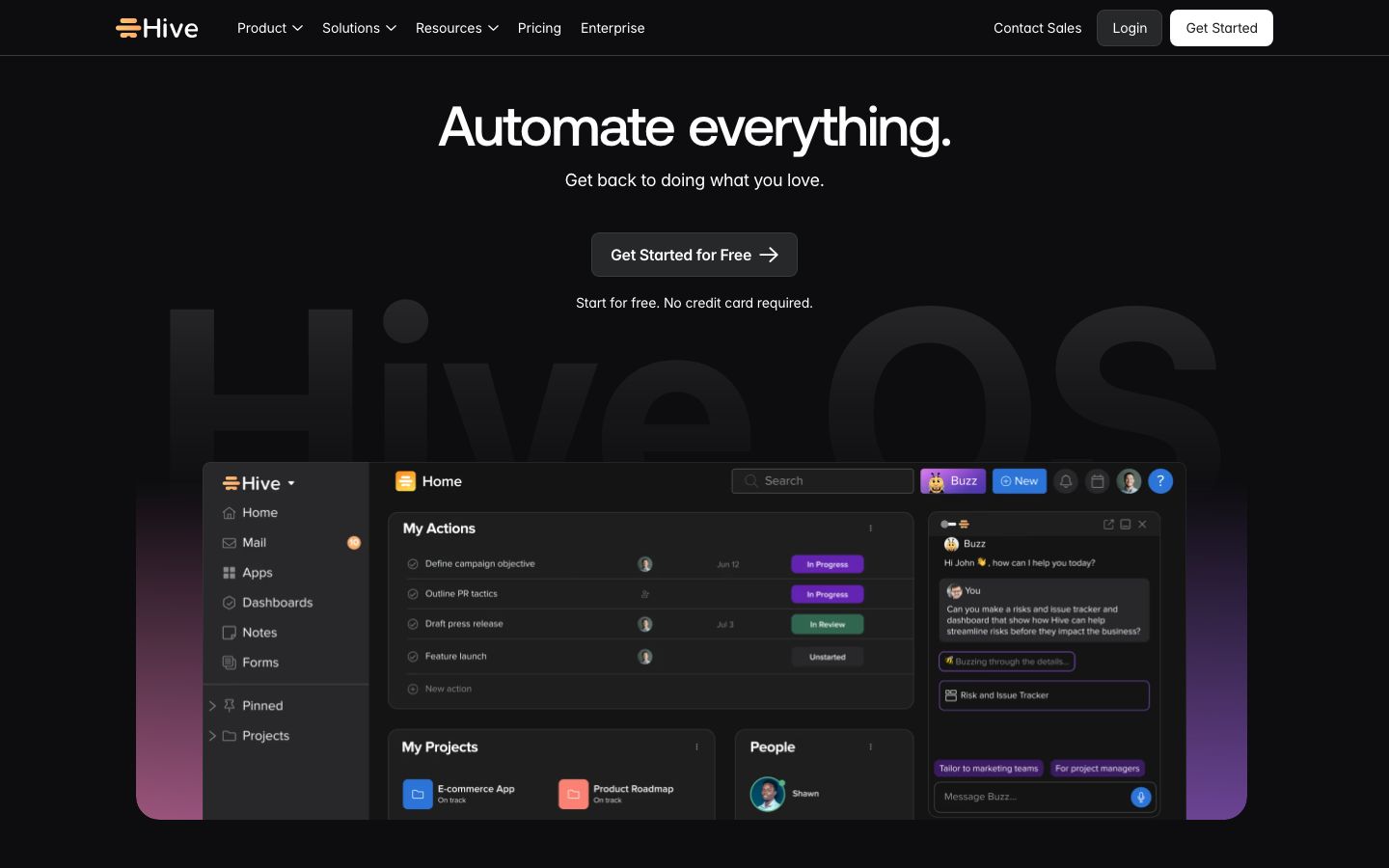
We score each tool against weighted criteria, testing it hands-on.
Hive is a versatile project management platform designed to facilitate collaboration and streamline task management for teams. It supports diverse industries with its robust set of tools that include task management, project tracking, and collaborative features. Hive's flexibility allows it to cater to the unique workflows of different teams, making it a popular choice for those seeking a scalable solution.
The platform is known for its ability to integrate seamlessly into existing software environments, further enhancing its appeal to organizations looking to optimize their operations.
Hive offers a comprehensive suite of features designed to enhance productivity and streamline project management. Key features include:
Hive's standout features set it apart from other project management tools:
Hive Analytics offers powerful reporting capabilities, allowing teams to gain insights into productivity and project timelines. Customizable dashboards provide visibility into key metrics, enabling data-driven decision-making.
Automation is a game-changer for busy teams. Hive Automate simplifies workflows by automating repetitive tasks, such as sending reminders or updating task statuses, freeing up time for more critical activities.
With integrated messaging, teams can communicate directly within Hive, reducing the need for external communication tools and keeping all project-related discussions in one place.
Hive balances a robust feature set with an intuitive interface. While it offers extensive functionality, new users might face a learning curve during initial setup. However, once familiar with the platform, users generally find it straightforward to navigate.
Hive provides various resources, including tutorials and webinars, to assist users in maximizing the platform's capabilities. Its customizable dashboards and workflows are designed to adapt to different team preferences, enhancing overall usability.
Hive offers flexible pricing plans to cater to different organizational needs. It provides both free and paid plans, with the paid options offering more advanced features and greater customization.
Pricing typically starts from a basic plan that includes essential features, with additional costs for premium features such as advanced analytics and automation. For detailed pricing information, it is recommended to visit Hive's official website.
Hive excels in its ability to integrate with a wide array of third-party applications. Popular integrations include Slack, Google Workspace, Microsoft Teams, and more, allowing teams to maintain their existing workflows while leveraging Hive's capabilities.
The platform offers comprehensive support through various channels, including email and live chat. Users also have access to a rich knowledge base and community forums, where they can seek guidance and share experiences.
Hive is particularly well-suited for fast-paced, dynamic teams that require robust project management capabilities. Its scalability makes it ideal for growing businesses and larger organizations looking for an all-in-one project management solution.
However, smaller teams or those with straightforward project management needs might find Hive's extensive features to be more than necessary. In such cases, a simpler tool might be more appropriate.
| Deployment | Cloud-based |
| Free plan | Available |
| Pricing | Various plans available |
| Best for | Fast-moving teams |
| Integrations | Slack, Google Workspace, Microsoft Teams, and more |
| Support | Email, Live chat |
| Mobile apps | iOS, Android |
| Languages | English, Spanish, French, German, and more |
Offers a user-friendly interface with essential project management features.
Ideal for smaller teams looking for a simple, visual task management tool.
Provides a highly customizable platform suitable for various business needs.
Known for its extensive feature set and flexibility at competitive pricing.
Verdict: Hive is a robust project management tool ideal for fast-paced teams seeking comprehensive features. While it may be complex for smaller teams, its scalability and integration capabilities make it a valuable asset for larger organizations.