


Trello and ClickUp are two prominent project management tools, each catering to different needs and preferences. Trello is known for its simplicity and visual approach, making it ideal for small teams and straightforward projects. ClickUp, on the other hand, offers a more robust set of features suitable for larger teams and complex project structures.
Choosing between these two depends on your specific requirements, team size, and the complexity of the projects you're managing. This guide will help you understand the strengths and weaknesses of each platform, assisting you in making an informed decision.
Which should you choose?
Choose Trello if…
- You need a simple tool for managing tasks.
- Your team prefers a visual, board-based approach.
- You want a tool with easy setup and minimal maintenance.
Choose ClickUp if…
- You manage complex projects with multiple dependencies.
- Your team requires detailed reporting and analytics.
- You need a customizable platform with advanced automation.
| Feature | Trello | ClickUp |
|---|---|---|
| Best for | Simple projects, small teams | Complex projects, large teams |
| Learning curve | Easy to learn | Moderate to steep |
| Views | Board view | List, Board, Calendar, Gantt |
| Automation | Basic automation | Advanced automation |
| Integrations | Many third-party apps | Extensive integrations |
| Collaboration | Basic features | Comprehensive tools |
| Reporting | Limited | Advanced reporting |
| Plans | Free and paid plans | Free and paid plans |
| Support | Community support | 24/7 support |
Pros and cons
Trello
Pros
- User-friendly interface with visual boards
- Quick setup and easy to manage tasks
- Wide range of integrations
Cons
- Limited reporting capabilities
- Basic automation features
- Not ideal for complex projects
ClickUp
Pros
- Highly customizable with diverse views
- Advanced automation and reporting
- Robust team collaboration features
Cons
- Steeper learning curve
- Can be overwhelming for small teams
- Higher cost for premium features
Trello Overview
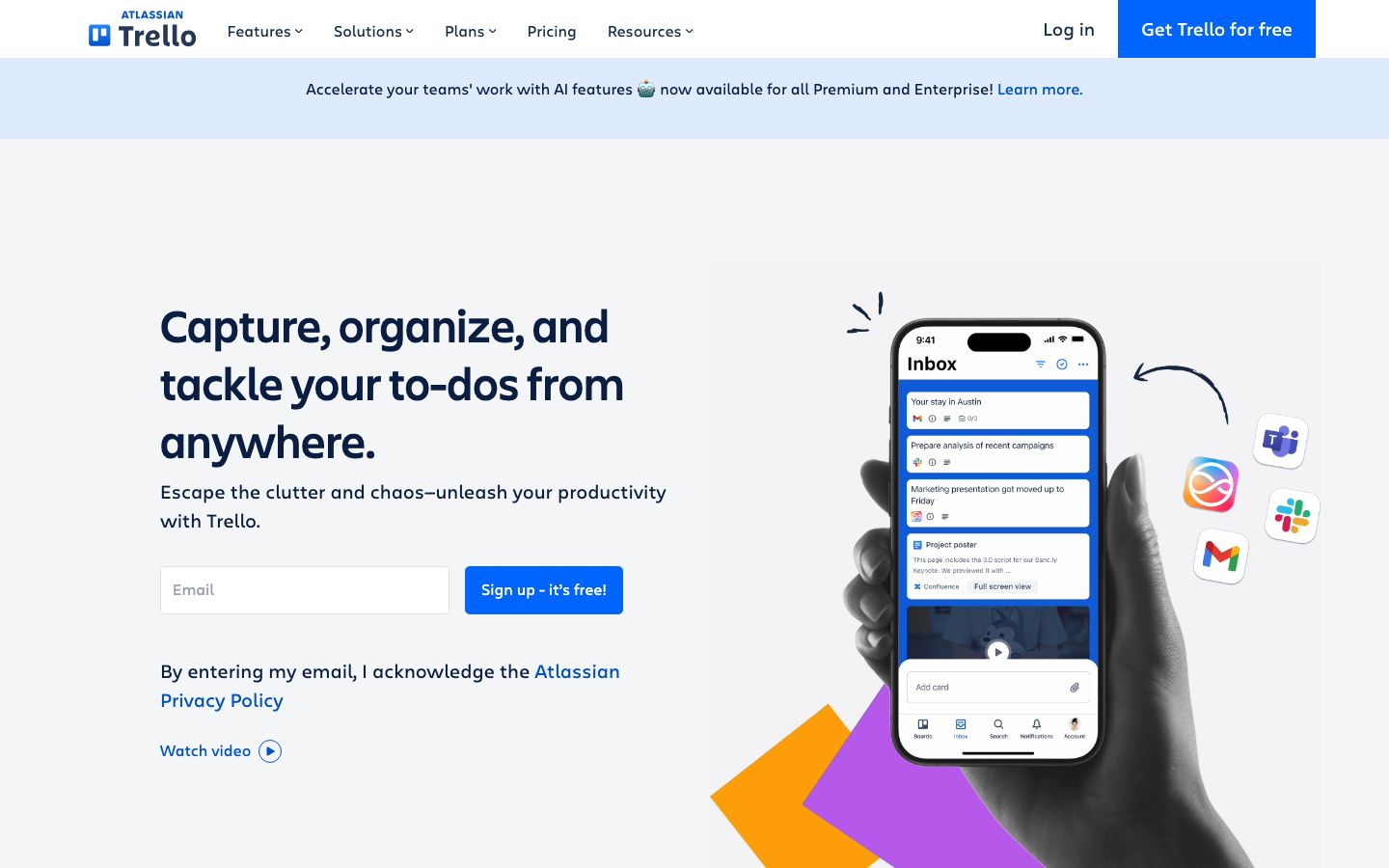
Trello, developed by Atlassian, offers an intuitive project management solution characterized by its card-based system. It's favored by small to medium-sized teams looking for a straightforward tool to organize tasks and projects. Trello's strength lies in its simplicity and ease of use, making it accessible to users without a technical background.
Its core feature is the Kanban board, which allows teams to visualize project progress through customizable boards, lists, and cards. Users can easily drag and drop cards across lists to reflect their workflow stages. Additionally, Trello supports integration with various third-party applications, enhancing its functionality.
ClickUp Overview
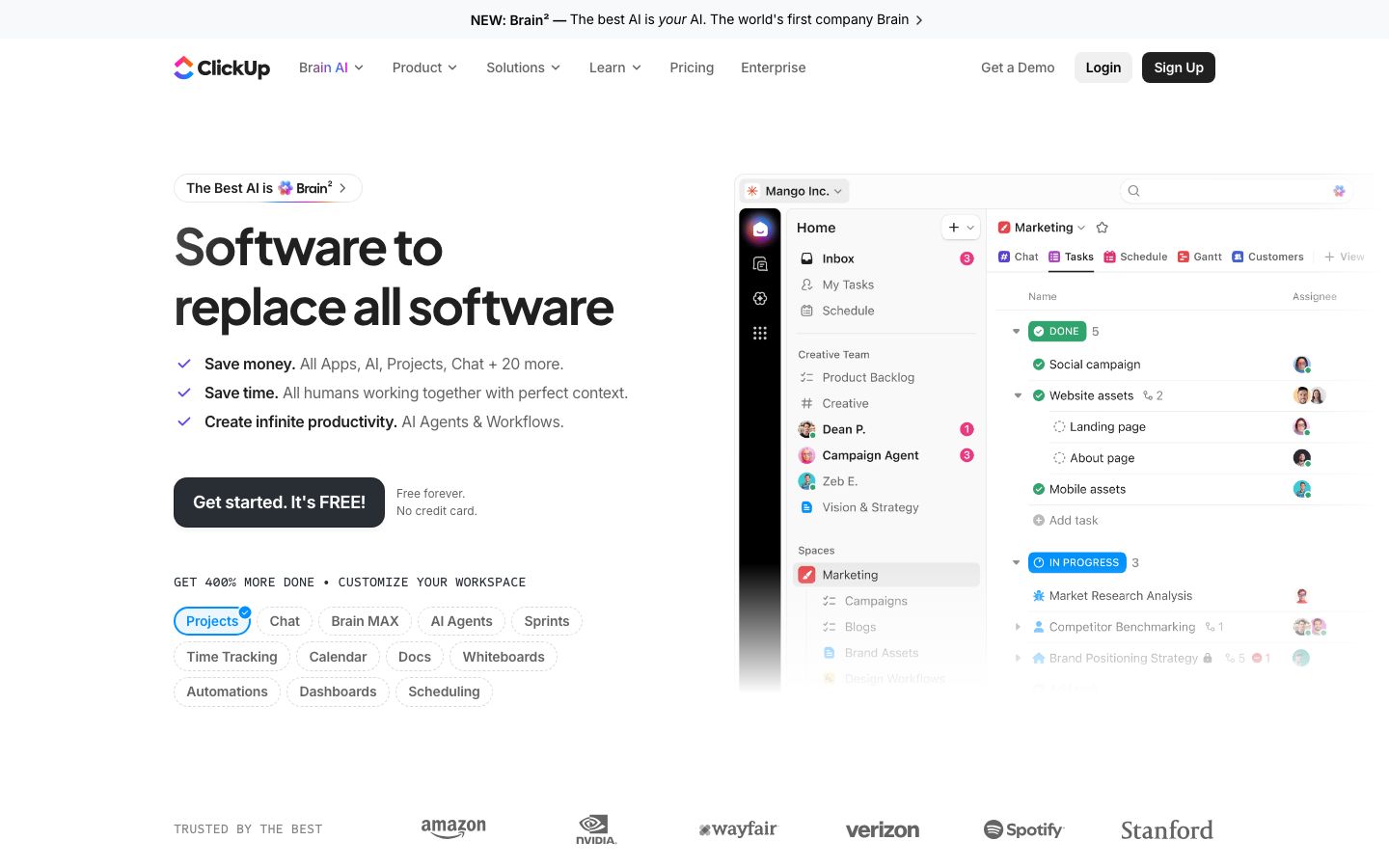
ClickUp is a comprehensive project management tool designed to accommodate the needs of larger teams and more complex projects. It provides a wide array of features that go beyond basic task management, including time tracking, goal setting, and document collaboration. ClickUp's multifunctional design allows teams to manage all aspects of their projects within a single platform.
With multiple view options like lists, boards, Gantt charts, and calendars, ClickUp offers flexibility in how teams can visualize and manage their workflow. Its advanced automation capabilities streamline repetitive tasks, while detailed reporting tools provide insights into project performance.
Key Differences
When comparing Trello and ClickUp, several key differences stand out. Trello is ideal for teams that prioritize simplicity and ease of use, with its straightforward Kanban board approach. In contrast, ClickUp offers more robust features suitable for complex projects, such as advanced reporting and automation.
While Trello focuses on visual project tracking, ClickUp provides a broader range of views and customization options. This makes ClickUp more adaptable to various project management methodologies, including Agile and Waterfall.
Pricing Comparison
Both Trello and ClickUp offer free and paid plans, catering to different budget requirements. Trello's free plan is generous, providing basic features suitable for small teams and simple projects. Its paid plans introduce more advanced features like automation and integrations, with pricing that scales based on the number of users and features required.
ClickUp's free plan is also robust, offering many features that are typically premium in other tools. Paid plans unlock additional capabilities such as advanced automation and priority support, which can be beneficial for larger teams and complex project needs. It's advisable to review their official websites for the most current pricing details.
Ease of Use and Support
Trello excels in ease of use due to its intuitive design and straightforward functionality. Its learning curve is minimal, making it accessible for users with little to no experience in project management software. Trello primarily offers community support, with additional help available through online resources.
ClickUp, while more feature-rich, presents a steeper learning curve. It requires time to fully explore and utilize its extensive capabilities. However, ClickUp compensates with comprehensive support options, including 24/7 customer service and a wealth of tutorials and documentation to assist users in navigating the platform.
Which to Choose for Your Case
Choosing between Trello and ClickUp depends largely on the scale and complexity of your projects, as well as your team's specific needs. Trello is an excellent choice for those seeking a simple, visual tool to manage straightforward projects without the need for extensive features.
Conversely, ClickUp is better suited for teams that require a more sophisticated platform capable of handling complex project structures and detailed reporting. Its flexibility and depth make it ideal for organizations looking to implement comprehensive project management solutions.
Verdict: Both Trello and ClickUp have their own strengths and are tailored to different needs. Trello is perfect for simple task management, while ClickUp suits complex projects. Consider your project's complexity and team size before deciding.
FAQ
Is Trello suitable for large teams?+
Trello can be used by large teams, but its simplicity might not suffice for complex project management needs. It's ideal for smaller, simpler projects.
Can ClickUp integrate with other tools?+
Yes, ClickUp offers extensive integrations with various third-party applications, enhancing its functionality across different platforms.
Does Trello offer automation features?+
Trello provides basic automation features through its Power-Ups, which can help streamline simple repetitive tasks.
How does ClickUp handle reporting?+
ClickUp offers advanced reporting tools that allow teams to track project performance and generate insights, making it suitable for data-driven decision-making.
Are there free plans available for both Trello and ClickUp?+
Yes, both Trello and ClickUp offer free plans with a range of features. These plans are suitable for small teams and less complex projects.
Which tool is better for remote collaboration?+
Both tools support remote collaboration, but ClickUp offers more comprehensive features for team communication and file sharing.