


In today's fast-paced digital work environment, choosing the right project management tool is crucial. Trello and Asana are two of the most popular options, each offering unique features tailored to different user needs.
Trello is known for its simplicity and visual approach, ideal for teams seeking a straightforward method to track tasks. Asana, on the other hand, provides a more robust set of features, suitable for teams needing detailed project planning and management capabilities.
Which should you choose?
Choose Trello if…
- You prefer a visual, card-based system.
- Your team needs a simple and intuitive tool.
- You require flexibility without complexity.
Choose Asana if…
- Your projects require detailed tracking.
- You need advanced automation and reporting.
- Your team handles multiple, complex projects.
| Feature | Trello | Asana |
|---|---|---|
| Best for | Simple task management | Complex project planning |
| Learning curve | Easy | Moderate |
| Views | Kanban | List, Board, Timeline, Calendar |
| Automation | Basic | Advanced |
| Integrations | Many popular apps | Extensive app ecosystem |
| Collaboration | Good | Excellent |
| Reporting | Limited | Comprehensive |
| Plans | Free and paid | Free and paid |
| Support | Email, Community | Email, Community, Priority Support |
Pros and cons
Trello
Pros
- Intuitive and easy to use
- Highly visual Kanban boards
- Flexible and customizable
Cons
- Limited reporting features
- Basic automation
- May not scale well for large projects
Asana
Pros
- Comprehensive project views
- Robust automation capabilities
- Extensive reporting tools
Cons
- Steeper learning curve
- Can be overwhelming for simple tasks
- Higher cost for advanced features
Trello Overview
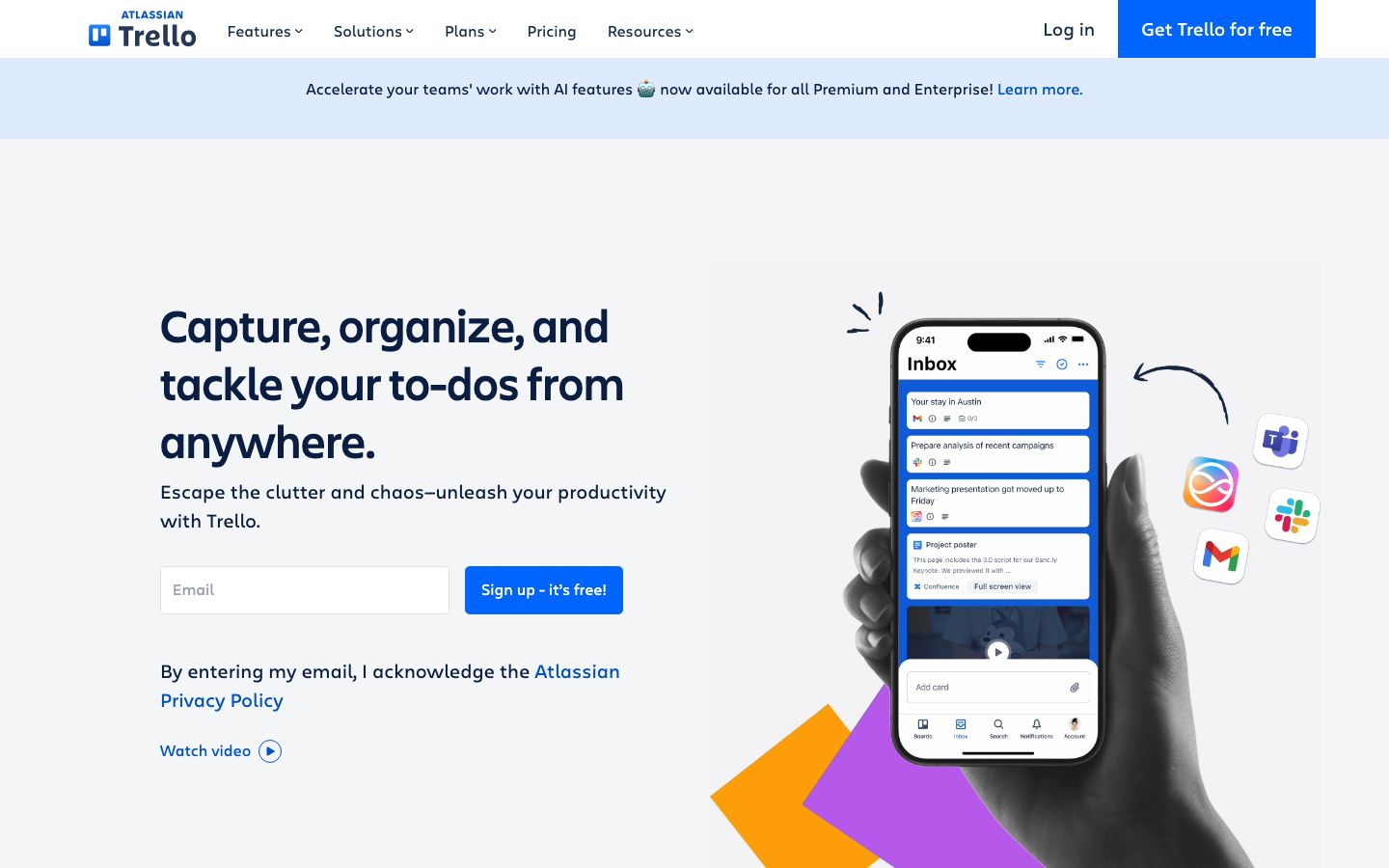
Trello is a project management tool that uses boards, lists, and cards to help teams organize tasks. It's particularly well-suited for those who appreciate visual task management and simplicity. Trello's Kanban-style approach allows users to move cards across lists, providing a clear and flexible method for tracking progress.
Trello's strength lies in its ease of use and customization options. Users can add labels, due dates, and checklists to cards, making it a versatile tool for various kinds of projects. With Power-Ups, Trello can integrate with numerous third-party applications, enhancing its functionality.
Asana Overview
Asana is a robust project management platform designed for teams that require detailed project tracking and management capabilities. It offers multiple views, including list, board, timeline, and calendar, allowing users to manage projects in the way that best suits their workflow.
Asana excels in providing advanced features such as task dependencies, milestones, and workload management. It also supports automation through rules and integrations with a wide array of tools, making it particularly beneficial for complex projects requiring detailed oversight and coordination.
Key Differences
While both Trello and Asana serve the purpose of project management, they differ significantly in their approach and offerings. Trello is known for its simplicity and visual appeal, making it ideal for straightforward task management. In contrast, Asana offers a more comprehensive suite of features, suitable for teams handling complex projects with varied needs.
Asana's advanced features, such as timeline views and automation, cater to teams that require intricate project planning and execution. Trello, with its flexible board system, is perfect for those who need a less structured approach but still value organization and visibility.
Pricing Comparison
Both Trello and Asana offer free and paid plans, with pricing structures designed to accommodate teams of different sizes and needs. Trello's free plan includes unlimited boards and cards, but its advanced features like automation and integrations require a paid plan.
Asana's free plan is generous, offering basic task management features. However, to access its more advanced capabilities, such as timelines and advanced reporting, users need to opt for a paid subscription. It's advisable to check their official websites for the most current pricing details.
Ease of Use and Support
Trello is renowned for its user-friendly interface, making it accessible to users with varying levels of technical expertise. Its drag-and-drop functionality and visual layout contribute to a short learning curve.
Asana, while offering a broader range of features, presents a steeper learning curve. However, it provides extensive support resources, including community forums, tutorials, and priority support for premium users.
Which to Choose for Your Case
Choosing between Trello and Asana depends largely on your specific needs and the complexity of your projects. Trello is ideal for those who value simplicity and a visual approach to task management. It's particularly effective for teams looking for a straightforward tool to organize tasks and projects without overwhelming features.
Conversely, Asana is suitable for teams that require a more detailed project management solution. Its advanced features and integrations make it perfect for managing complex projects that demand meticulous planning and execution.
Verdict: Both Trello and Asana offer unique strengths tailored to different needs. Trello is ideal for simple, visual task management, while Asana excels in handling complex projects. Choose based on your team's specific requirements.
FAQ
Is Trello better for small teams?+
Yes, Trello's simplicity and ease of use make it a great choice for small teams looking to manage tasks without complexity.
Can Asana handle large projects?+
Absolutely, Asana's advanced features and detailed project views are designed to accommodate larger and more complex projects.
Does Trello offer automation?+
Trello provides basic automation through its Butler feature, allowing users to automate repetitive tasks.
What integrations does Asana support?+
Asana supports a wide range of integrations, including Slack, Google Drive, and many other popular tools.
Can Trello be used for personal task management?+
Yes, Trello is versatile enough to be used for personal task management, offering a visual and organized way to track tasks.
Is there a free plan available for both tools?+
Both Trello and Asana offer free plans with basic features, suitable for individuals and small teams.