

In the realm of project management software, Notion and ClickUp stand out as two of the most versatile tools available. Both platforms offer a suite of features designed to enhance productivity and streamline workflows, but they cater to slightly different user needs. Understanding which tool best suits your requirements can significantly impact your team's efficiency.
Notion is renowned for its flexibility and robust note-taking capabilities, making it ideal for teams focused on documentation and knowledge management. On the other hand, ClickUp excels in task management and project tracking, appealing to organizations that prioritize task delegation and deadline tracking. This comparison will explore their strengths, differences, and help you decide which tool aligns best with your project management goals.
Which should you choose?
Choose Notion if…
- You need a flexible tool for knowledge management
- Your team values customization over automation
- You prefer a user-friendly interface
Choose ClickUp if…
- You require advanced task management features
- Your projects demand extensive reporting
- You need seamless integration with other tools
| Feature | Notion | ClickUp |
|---|---|---|
| Best for | Documentation and knowledge management | Task management and project tracking |
| Learning curve | Moderate | Steeper |
| Views | List, Board, Calendar | List, Board, Calendar, Gantt, Timeline |
| Automation | Limited native automations | Extensive automation features |
| Integrations | Limited third-party integrations | Wide range of integrations |
| Collaboration | Real-time collaboration | Advanced collaboration tools |
| Reporting | Basic reporting | Comprehensive reporting features |
| Plans | Free and paid plans | Free and paid plans |
| Support | Email and community support | 24/7 chat and email support |
Pros and cons
Notion
Pros
- Highly customizable workspace
- Excellent for documentation
- User-friendly interface
Cons
- Limited automation capabilities
- Fewer third-party integrations
- Basic reporting features
ClickUp
Pros
- Robust task management features
- Extensive integrations
- Comprehensive reporting tools
Cons
- Steeper learning curve
- Interface can be overwhelming
- Some advanced features require higher-tier plans
Notion Overview
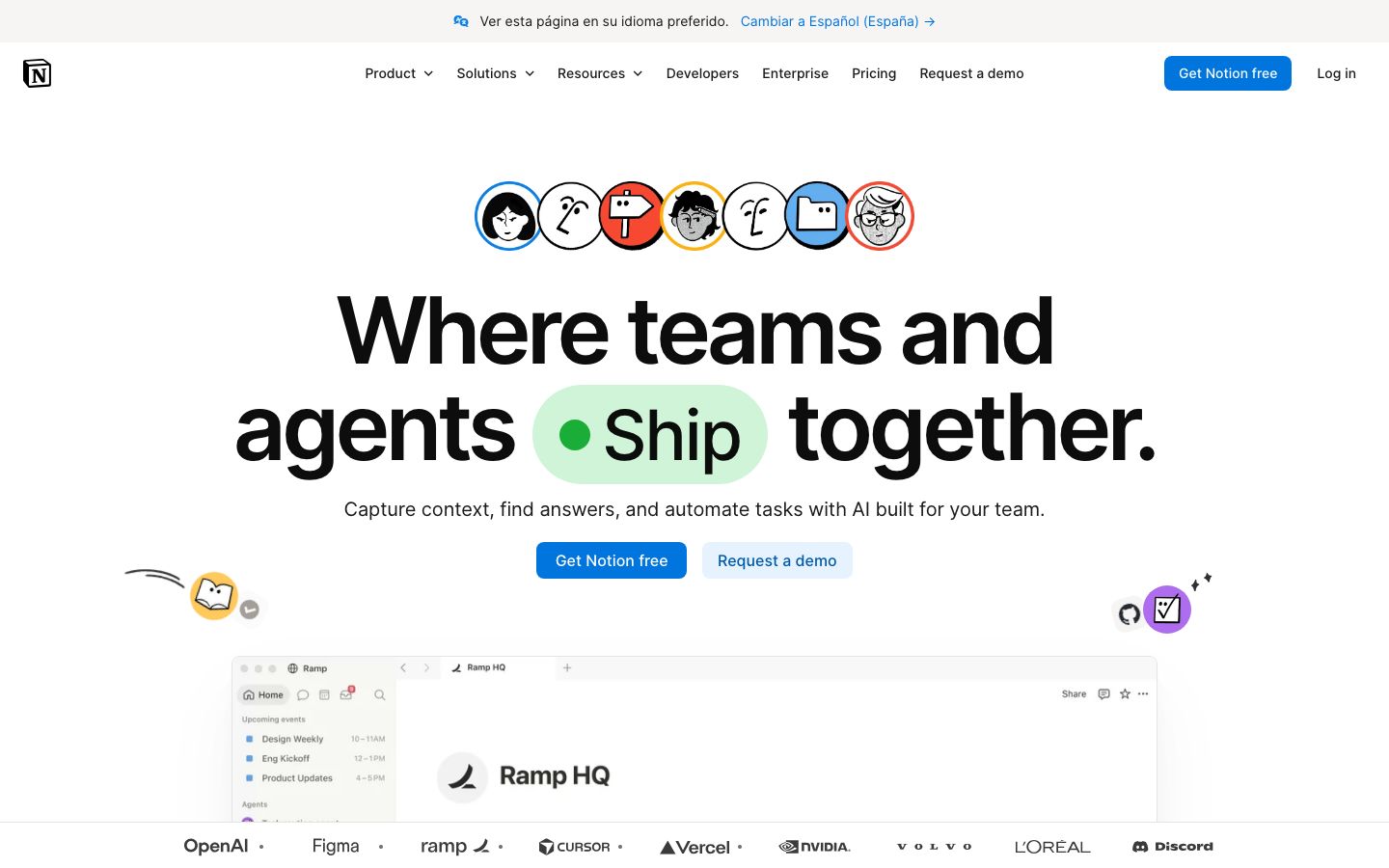
Notion is a versatile productivity tool that combines note-taking, task management, and database functionalities. It is particularly popular among users who require a customizable workspace for organizing various types of information. Notion's strength lies in its ability to create interconnected pages and databases, allowing users to build a personalized system that suits their workflow. The platform is highly visual, enabling users to utilize different formats such as tables, lists, and kanban boards.
Notion's user-friendly interface makes it accessible to individuals and teams who appreciate simplicity in design. It supports real-time collaboration, making it easy for teams to work together on documents and projects. While it excels in documentation and knowledge management, its automation capabilities are limited compared to some competitors.
ClickUp Overview
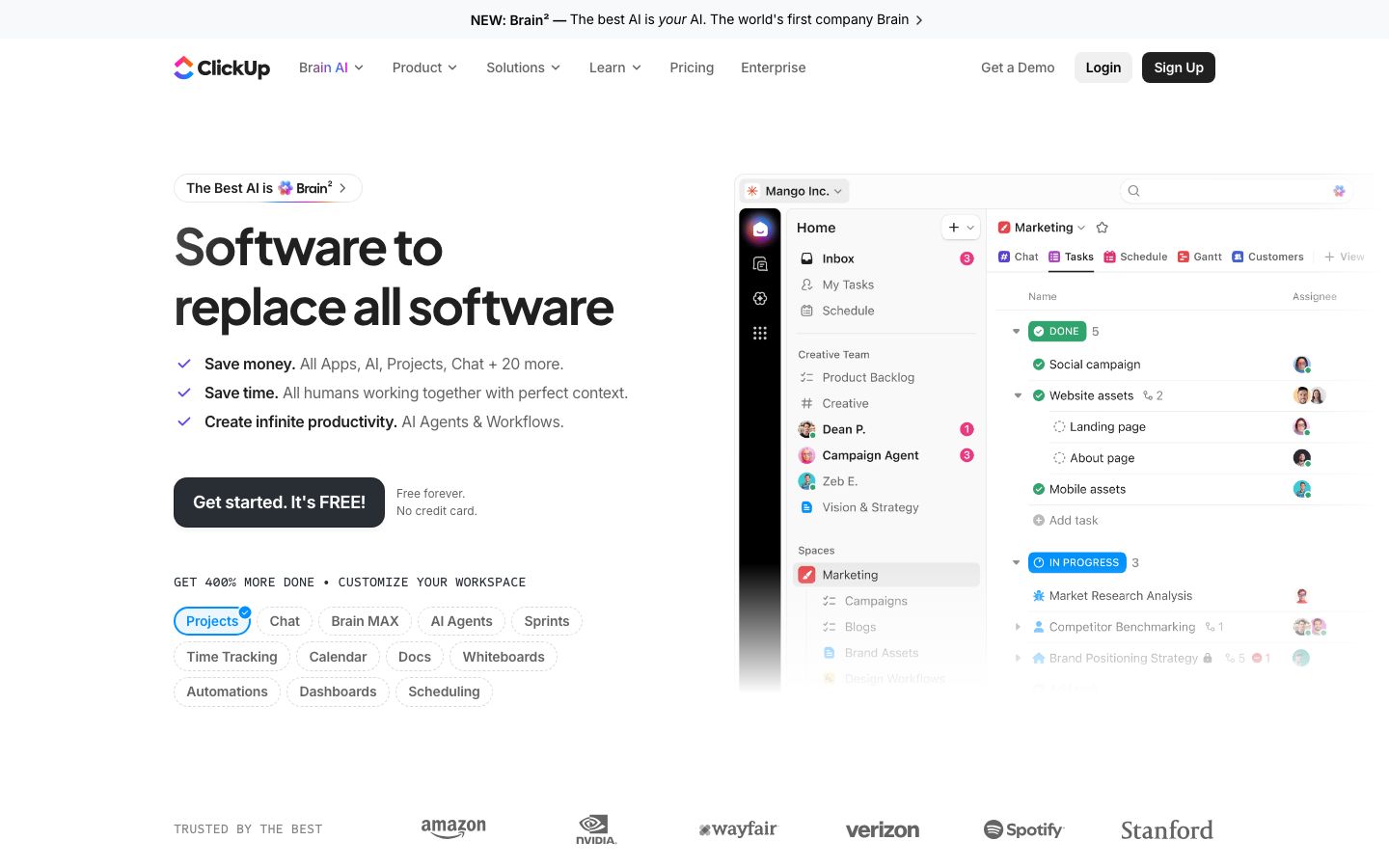
ClickUp is a comprehensive project management tool designed to handle complex workflows and task management needs. It offers a wide range of features, including task lists, Gantt charts, timelines, and goals, making it suitable for teams that prioritize structure and organization. ClickUp's robust feature set is complemented by extensive customization options, allowing users to tailor the platform to their specific requirements.
One of ClickUp's standout attributes is its automation capabilities, which help streamline repetitive tasks and improve efficiency. The platform also integrates with numerous third-party applications, providing teams with the flexibility to connect their existing tools. While ClickUp offers powerful functionalities, its interface can be overwhelming for new users, and mastering the platform might require a steeper learning curve.
Key Differences
The primary differences between Notion and ClickUp lie in their focus and feature sets. Notion excels as a tool for documentation and knowledge management, offering a highly customizable workspace for organizing information. It is ideal for users who need to manage documents and notes in a flexible environment.
In contrast, ClickUp is designed for project management and task tracking. It provides a wealth of features aimed at improving productivity through advanced task management, automation, and reporting capabilities. ClickUp's comprehensive approach makes it suitable for teams that require detailed planning and execution of projects.
Pricing Comparison
Both Notion and ClickUp offer free and paid plans, accommodating different budget constraints and feature needs. Notion's free plan is generous, providing access to most of its core functionalities, while its paid plans unlock additional features like advanced permissions and larger file uploads.
ClickUp also offers a free plan, which includes essential tools for task management. Its paid plans are tiered, offering more advanced features such as time tracking, goal setting, and increased automation capabilities. Users should visit each platform's official website for the most current pricing details and plan specifics.
Ease of Use and Support
Notion is praised for its intuitive user interface, which is easy to navigate and customize. It provides a smooth learning curve for users familiar with digital note-taking tools. Support is available through email and community forums, offering users assistance when needed.
ClickUp, while feature-rich, presents a steeper learning curve due to its extensive capabilities. New users may require time to fully explore and utilize its features effectively. ClickUp offers 24/7 chat and email support, providing immediate assistance to users requiring help with the platform.
Which to Choose for Your Case
Choosing between Notion and ClickUp largely depends on your specific needs and priorities. If your focus is on creating a flexible, document-centric environment with an emphasis on knowledge management, Notion is likely the better choice. Its customization options and user-friendly interface make it an appealing option for teams and individuals looking to organize information effectively.
Conversely, if your projects require detailed task management, extensive reporting, and integration with other tools, ClickUp stands out as the more suitable option. Its comprehensive features and automation capabilities cater to teams that need a robust platform for managing complex workflows.
Verdict: Both Notion and ClickUp are powerful in their own right. Your choice should depend on whether you prioritize documentation or task management. Evaluate your needs to decide which platform aligns best with your goals.
FAQ
Can Notion handle complex project management needs?+
Notion is best suited for documentation and knowledge management. For complex project management, ClickUp might be more appropriate.
Does ClickUp offer better automation than Notion?+
Yes, ClickUp provides more extensive automation features compared to Notion, which has limited native automations.
Is there a free version of Notion?+
Yes, Notion offers a free version with core functionalities, ideal for individuals and small teams.
Which platform is easier for beginners?+
Notion is generally considered more user-friendly and easier for beginners due to its intuitive interface.
Can ClickUp integrate with other tools?+
Yes, ClickUp offers a wide range of integrations with third-party applications, enhancing its functionality.
Which tool is better for team collaboration?+
Both tools support collaboration, but ClickUp offers more advanced collaboration features and real-time updates.