

In the realm of project management software, both Notion and Airtable have carved out significant niches, catering to a wide array of user needs. Notion is renowned for its flexibility, offering a customizable workspace that suits both individual users and teams seeking to streamline their workflows. On the other hand, Airtable combines the simplicity of spreadsheets with the power of databases, making it ideal for users who need to manage complex data and projects efficiently.
Choosing between these two platforms depends largely on your specific requirements. Notion excels in providing a highly adaptable environment for note-taking, project tracking, and team collaboration. Meanwhile, Airtable stands out for its robust data management capabilities, suitable for businesses that require detailed record-keeping and database functionality.
Which should you choose?
Choose Notion if…
- You need a flexible tool for personal productivity
- Your team values a customizable workspace
- You require a platform for extensive note-taking
Choose Airtable if…
- You manage complex databases regularly
- Your projects require advanced automation
- You need robust data visualization tools
| Feature | Notion | Airtable |
|---|---|---|
| Best for | Flexible workspaces and note-taking | Data management and spreadsheets |
| Learning curve | Moderate, with a focus on customization | Moderate, intuitive spreadsheet-like interface |
| Views | List, Board, Calendar, Timeline | Grid, Kanban, Calendar, Form, Gallery |
| Automation | Basic automation capabilities | Advanced automation with scripting options |
| Integrations | Supports popular integrations like Slack, Google Drive | Extensive integrations, including Zapier, Slack |
| Collaboration | Real-time collaboration with comments and mentions | Collaborative features with real-time editing |
| Reporting | Basic reporting tools | Advanced reporting and visualization options |
| Plans | Free and paid plans available | Free tier with several paid plans |
| Support | Help center and community forums | Extensive support with priority options |
Pros and cons
Notion
Pros
- Highly customizable workspace
- Effective for note-taking and documentation
- Integrated task management features
Cons
- Limited advanced data management features
- Can be overwhelming for new users
- Automation options are less robust
Airtable
Pros
- Strong database capabilities
- Wide range of integrations
- Advanced automation and scripting
Cons
- Can become complex with large datasets
- Limited customization compared to Notion
- Higher learning curve for advanced features
Notion Overview
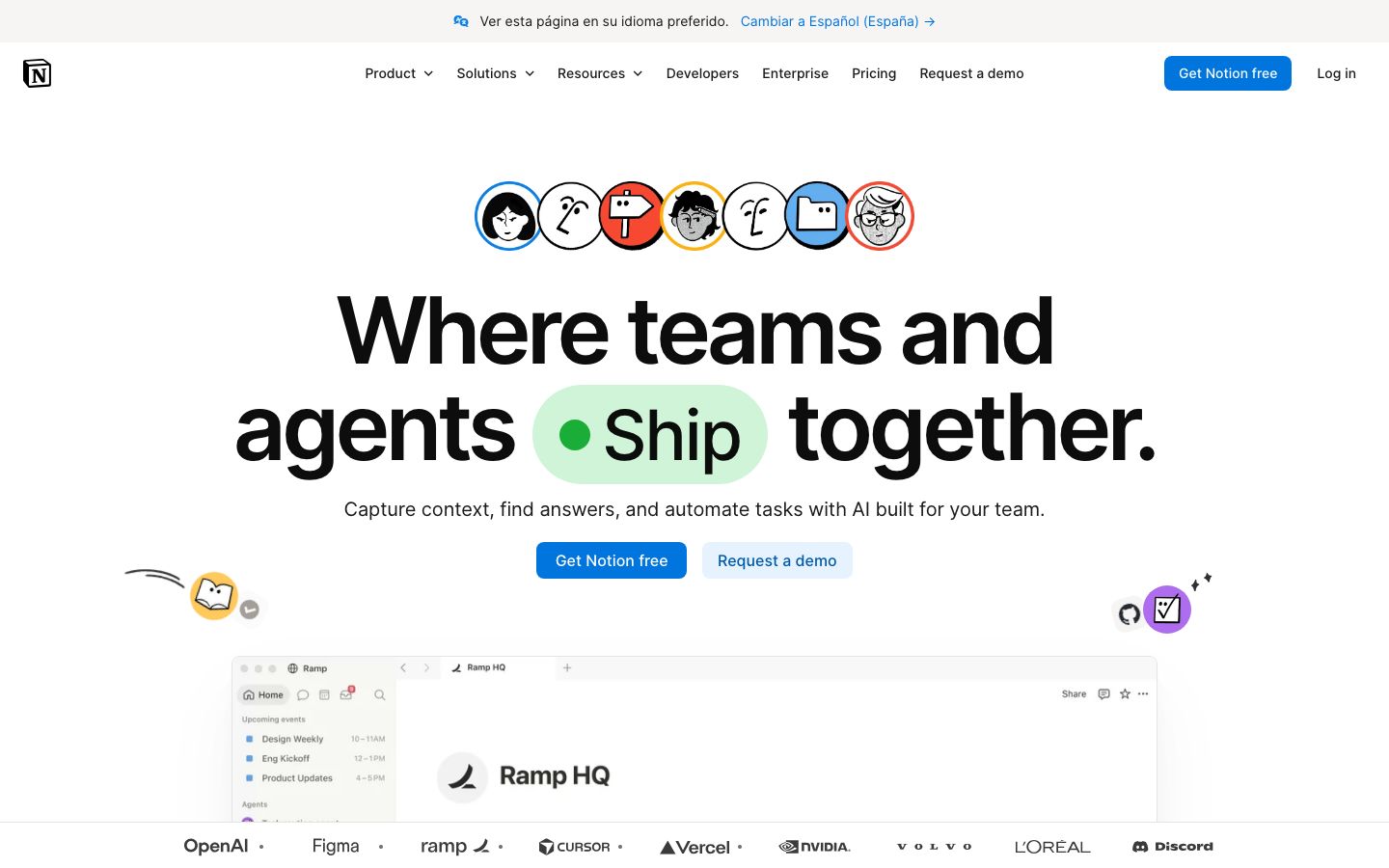
Notion is a versatile project management tool designed to accommodate a wide range of user needs. Its strength lies in its flexibility, allowing users to create custom workflows that can include notes, tasks, databases, and more. Notion's interface is user-friendly, supporting drag-and-drop features that simplify the organization of information. This adaptability makes it a preferred choice for creative individuals and teams who value a personalized approach to project management.
Notion's collaborative features enhance team productivity, offering real-time editing, comments, and mentions. Its integration capabilities, although somewhat limited compared to Airtable, include popular tools like Slack and Google Drive, facilitating seamless workflow integration.
Airtable Overview
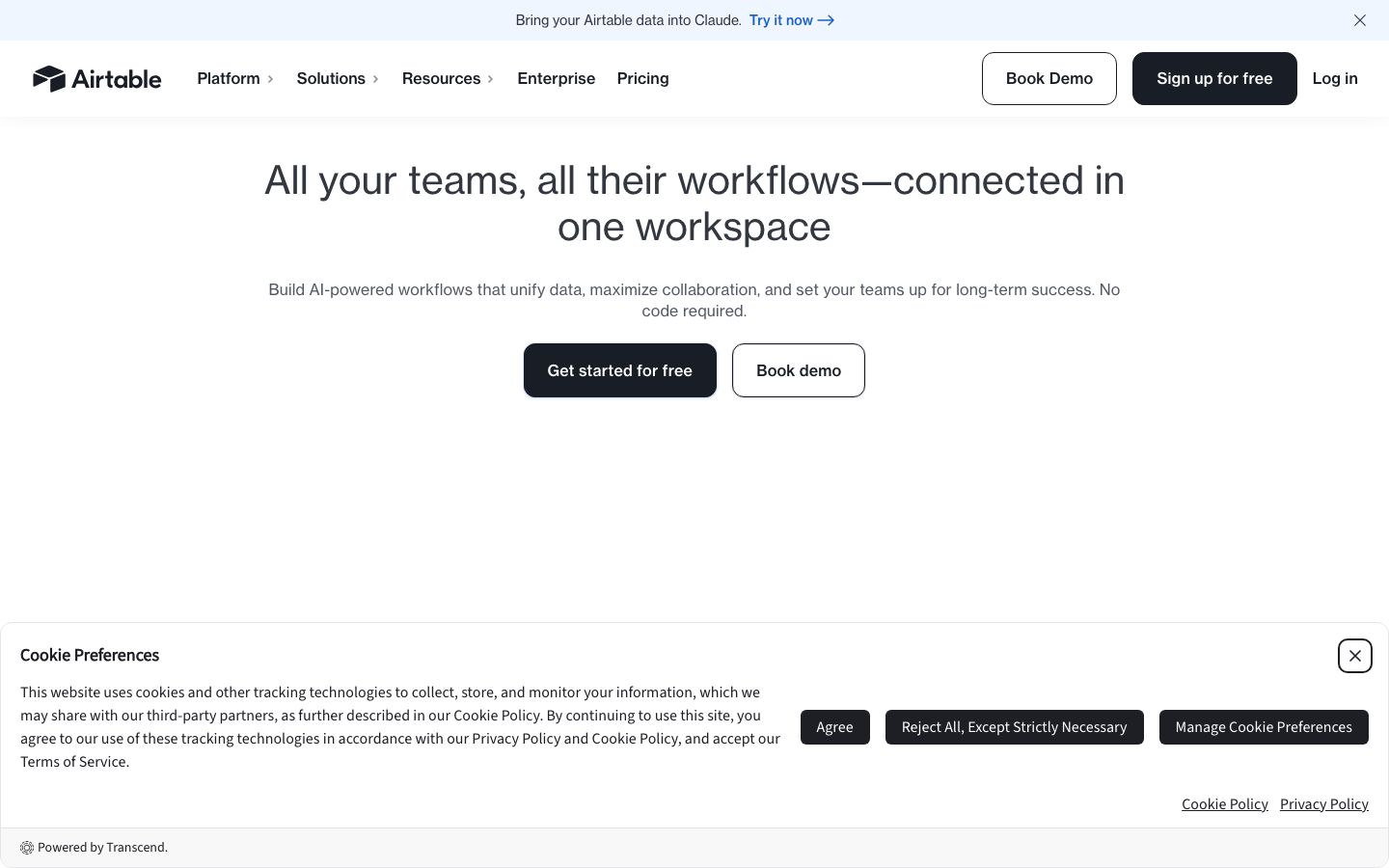
Airtable positions itself as a hybrid between a spreadsheet and a database, providing powerful data management functionalities. It supports various views such as Grid, Kanban, Calendar, and more, which allow users to visualize data in the most effective format for their projects. Airtable's strong suit is its ability to handle complex data structures with ease, making it suitable for businesses that deal with large datasets.
Collaboration is at the core of Airtable, with features that support real-time data editing and sharing among team members. Its extensive integration options, including Zapier, enhance its utility by connecting it to a broad range of third-party applications, thus expanding its capabilities significantly.
Key Differences
While both Notion and Airtable are powerful tools, they cater to different needs. Notion excels in providing a flexible, all-in-one workspace that can adapt to various tasks, from note-taking to task management. Its customization potential is unmatched, allowing users to tailor their workflows to specific requirements. However, its data management capabilities are less advanced than Airtable's.
Airtable, conversely, offers superior data handling and visualization tools, making it ideal for teams that need to manage and analyze large volumes of data. Its automation and integration capabilities are more advanced, providing users with enhanced control over their workflows. Therefore, the choice between Notion and Airtable often boils down to whether flexibility or data management is more critical to the user's needs.
Pricing Comparison
Both Notion and Airtable offer a range of pricing options, including free and paid tiers, designed to accommodate different user needs and budgets. Notion provides a free plan with basic features, suitable for individual users or small teams just starting out. For more advanced features, such as admin tools and increased storage, users can opt for one of the paid plans.
Airtable also offers a free plan that allows users to explore its basic functionalities. However, to access advanced features such as expanded record limits and advanced automation, users will need to subscribe to one of Airtable's paid plans. It's advisable to check their official websites for the most current pricing details and to determine which plan best meets your needs.
Ease of Use and Support
Notion and Airtable are both relatively easy to use, though they cater to different user preferences. Notion's drag-and-drop interface appeals to users who appreciate a more visual, hands-on approach to organizing information. Its learning curve is moderate, primarily because of the extensive customization options available.
Airtable, with its spreadsheet-like interface, might be more intuitive for users familiar with traditional spreadsheets. It also offers a range of resources to help users get started, including tutorials and an extensive help center. Both platforms provide support through community forums, but Airtable offers more comprehensive support options, including priority support for higher-tier plans.
Which to Choose for Your Case
Choosing between Notion and Airtable depends largely on your specific needs and how you intend to use the software. If your primary requirement is a flexible workspace that can adapt to various tasks beyond data management, Notion might be the better choice. It is particularly suitable for users who need a blend of note-taking, task management, and collaboration features.
Conversely, if your projects demand robust data management capabilities with advanced automation and integration options, Airtable would likely serve you better. Its ability to handle complex data sets and provide detailed visualizations makes it ideal for businesses that need to maintain and analyze extensive records.
Verdict: Both Notion and Airtable offer compelling features for project management. Your choice should depend on whether you prioritize flexibility and customization or advanced data management capabilities.
FAQ
Can Notion be used for database management?+
Yes, Notion offers basic database functionalities, but it lacks the advanced features found in Airtable for complex data management.
Does Airtable support automation?+
Airtable provides robust automation features, including scripting and integration with automation tools like Zapier.
Which platform is better for team collaboration?+
Both platforms offer strong collaboration features, but Airtable's real-time data handling might be more suitable for data-heavy collaborations.
Are there free versions available for Notion and Airtable?+
Yes, both Notion and Airtable offer free plans with limited features suitable for individual use or small teams.
Can Airtable handle large datasets effectively?+
Yes, Airtable is designed to manage large datasets efficiently, with features that support extensive data handling and visualization.
Is it easy to switch from Notion to Airtable?+
Switching between the two requires some adaptation due to differences in interface and features, but both offer guides to assist with the transition.