


Monday and Asana are two of the most popular project management tools available today. Both offer a range of features designed to help teams organize their work, track progress, and collaborate more effectively. However, each platform has its own strengths and weaknesses, making them suitable for different types of users and projects.
Monday is known for its highly customizable workflows and visual appeal, making it ideal for teams that require flexibility and creativity in managing projects. On the other hand, Asana is favored by those who need a structured environment with robust task management capabilities, perfect for organizations focused on getting things done with minimal fuss. This comparison will help you decide which tool is the better fit for your needs.
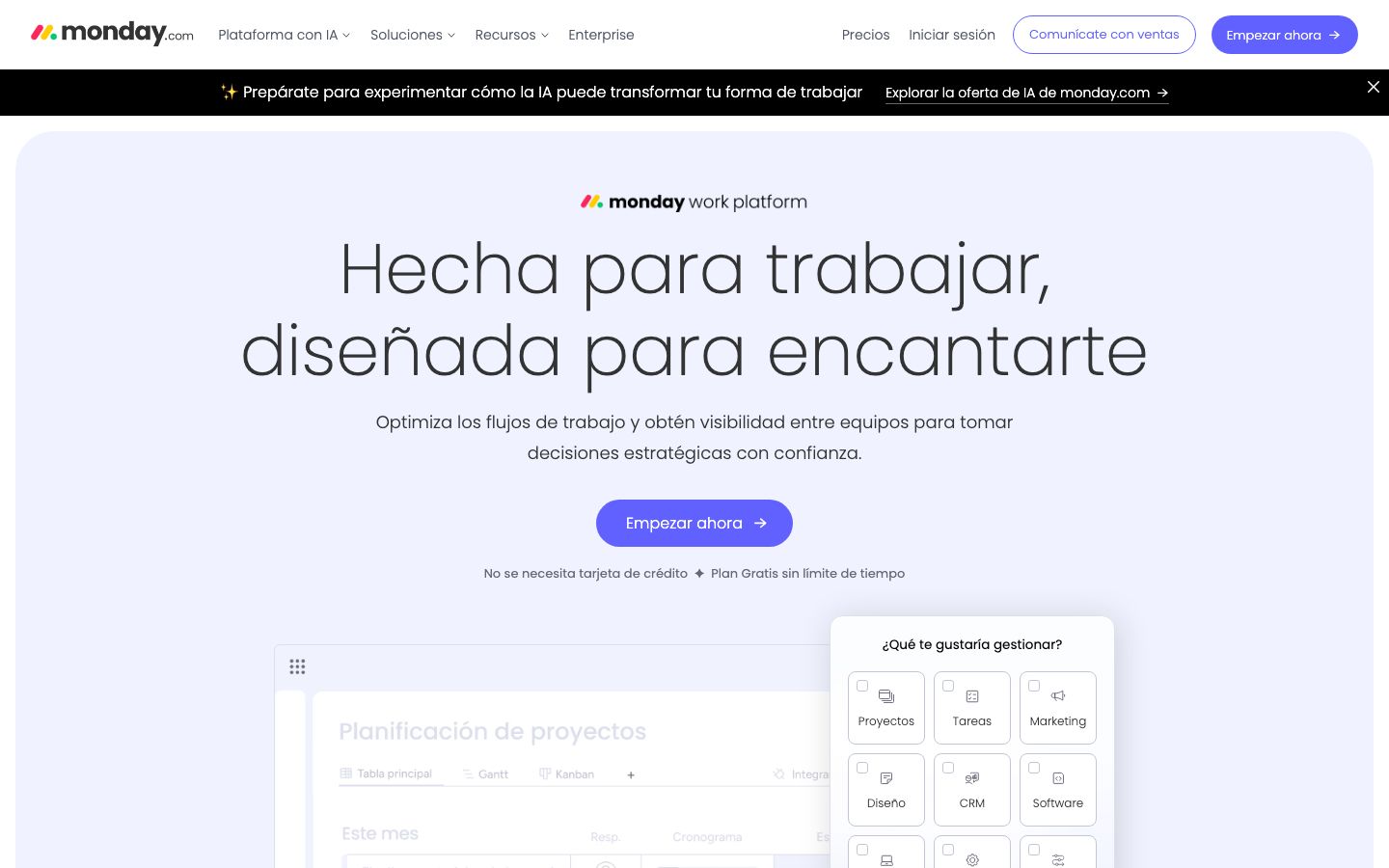
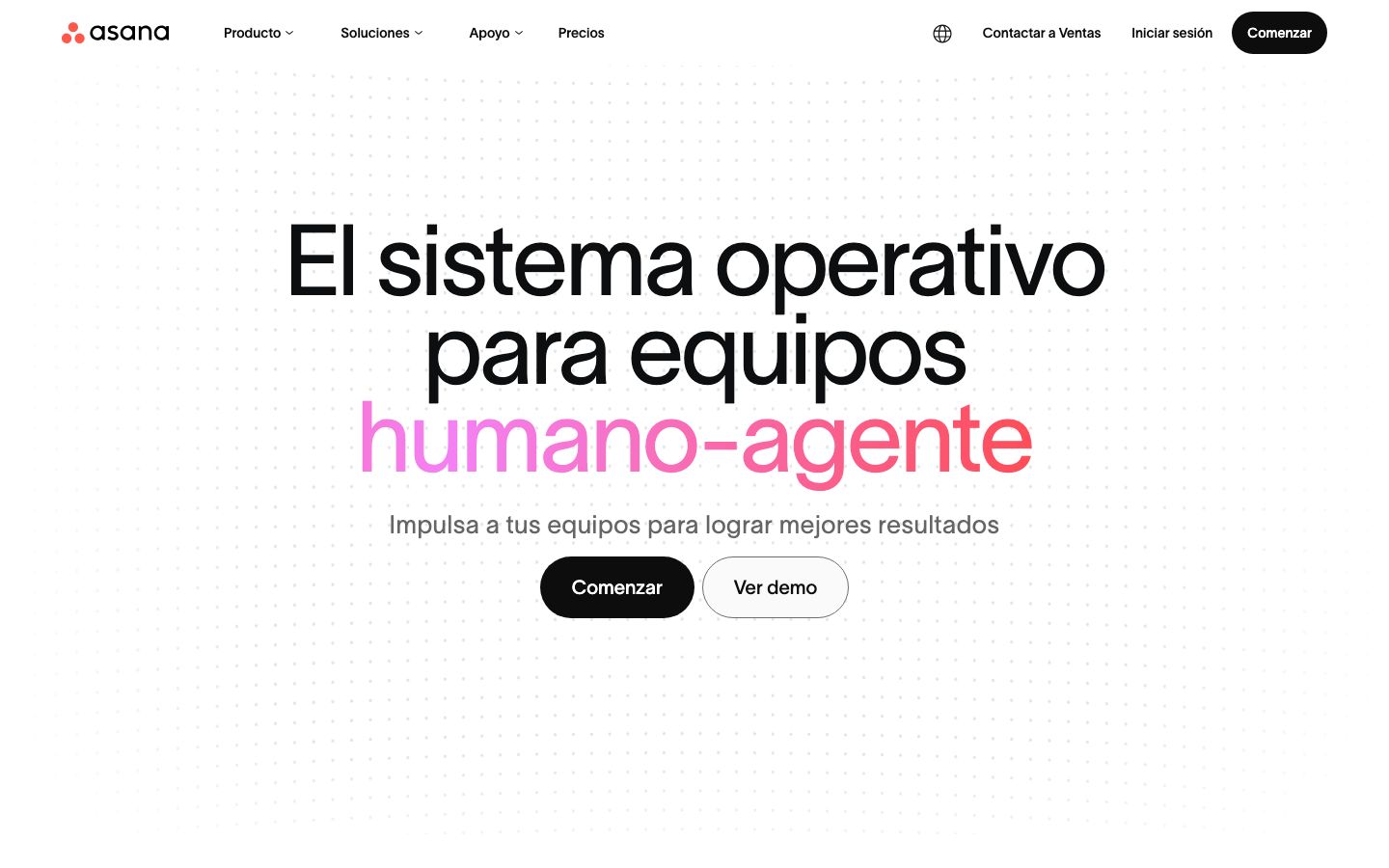
Which should you choose?
Choose Monday if…
- You need highly customizable workflows
- Your team works best with visual project representations
- You require advanced automation features
Choose Asana if…
- You prefer a straightforward task management system
- Your team needs strong collaboration features
- You want a user-friendly interface with robust integrations
| Feature | Monday | Asana |
|---|---|---|
| Best for | Customizable workflows | Task and project management |
| Learning curve | Moderate | Easy to Moderate |
| Views | Kanban, Gantt, Calendar | List, Board, Timeline |
| Automation | Advanced automation capabilities | Strong but limited compared to Monday |
| Integrations | Extensive third-party integrations | Wide range of integrations |
| Collaboration | Strong collaboration tools | Excellent collaboration features |
| Reporting | Robust reporting options | Good reporting features |
| Plans | Free and paid plans | Free and paid plans |
| Support | Email, chat, and phone support | Email and chat support |
Pros and cons
Monday
Pros
- Highly customizable workflows
- Visually appealing and intuitive interface
- Advanced automation capabilities
Cons
- Can be overwhelming for new users
- Higher cost at advanced tiers
- Limited offline capabilities
Asana
Pros
- User-friendly interface
- Strong task management features
- Wide range of integrations
Cons
- Less customization compared to Monday
- Automation capabilities could be enhanced
- Limited offline functionality
Monday Overview
Monday.com offers a versatile project management platform that stands out for its customizable workflows. Its visually appealing interface allows teams to tailor their boards to match specific project requirements, promoting creativity and flexibility. Monday supports a variety of views, including Kanban, Gantt, and calendar, making it easy for users to switch perspectives depending on the task at hand.
One of the platform's key strengths is its advanced automation capabilities, which help streamline repetitive tasks and improve productivity. Monday also integrates with numerous third-party applications, enhancing its functionality and making it a central hub for project management activities. However, the platform's extensive features can be overwhelming for newcomers, and its pricing at higher tiers may be a consideration for budget-conscious teams.
Asana Overview
Asana is a popular choice for teams seeking a straightforward project management tool with strong task management capabilities. Its user-friendly interface is designed to help teams track tasks and projects efficiently, with multiple views such as lists, boards, and timelines. Asana is particularly well-suited for organizations that prioritize task completion and collaboration.
While Asana offers good automation features, it does not match the advanced capabilities of Monday. However, it compensates with excellent collaboration tools and a wide range of integrations that allow users to connect with other essential business applications. Asana's pricing model includes both free and paid plans, making it accessible for teams of various sizes and budgets.
Key Differences
The primary differences between Monday and Asana revolve around customization, automation, and user interface. Monday provides highly customizable workflows and advanced automation features, making it ideal for teams that need flexibility and creativity in their project management processes. Its interface is visually driven, which can be both a strength and a challenge for users unfamiliar with such layouts.
In contrast, Asana offers a more structured approach with strong task management capabilities. Its interface is designed for ease of use, favoring straightforward list and board views over complex customizations. While Asana's automation is competent, it does not reach the level of Monday's, making it better suited for teams that prioritize ease of use and quick adoption.
Pricing Comparison
Both Monday and Asana offer a range of pricing options to cater to different team sizes and needs. Monday provides a variety of plans, starting with a free version and scaling up to more advanced paid tiers. These paid plans provide additional features such as advanced automation and increased integration options.
Asana also offers a free plan, which is quite robust for small teams or those new to project management software. Its paid plans provide enhanced features such as timeline views and advanced reporting. Teams should carefully evaluate their needs and budget, as the cost can increase significantly at higher tiers for both platforms.
Ease of Use and Support
When it comes to ease of use, Asana has a slight edge due to its user-friendly interface and straightforward approach to project management. This makes it more accessible for teams that want to get started quickly without a steep learning curve. However, Monday's visual nature may appeal to users who prefer a more graphical approach to managing tasks.
In terms of support, both platforms offer comprehensive resources, including guides and community forums. Monday provides support through email, chat, and phone, while Asana offers email and chat support. The level of support might influence your decision, especially if your team anticipates needing frequent assistance.
Which to Choose for Your Case
Choosing between Monday and Asana depends largely on your team's specific needs and work style. If your projects require a high level of customization and advanced automation, Monday might be the better choice. Its visual and flexible approach can be a significant advantage for creative teams.
Conversely, if your team values straightforward task management and robust collaboration tools, Asana is likely the more suitable option. Its ease of use and strong integration capabilities make it a great choice for teams focused on efficiency and quick execution.
Ultimately, the decision should be based on how well each platform aligns with your project management needs, budget, and workflow preferences.
Verdict: Both Monday and Asana are excellent project management tools, but they cater to different needs. Monday excels in customization and automation, while Asana offers simplicity and strong task management. Consider your team's workflow and budget to decide the best fit.
FAQ
Can Monday and Asana integrate with other tools?+
Yes, both Monday and Asana offer extensive integrations with various third-party applications to enhance their functionality.
Which platform is better for small teams?+
Asana's user-friendly interface and robust free plan make it an excellent choice for small teams starting with project management software.
Do Monday and Asana offer mobile apps?+
Yes, both Monday and Asana provide mobile apps for iOS and Android, allowing users to manage tasks on the go.
How do Monday and Asana handle task dependencies?+
Both platforms support task dependencies, but Monday offers more advanced options for creating complex workflows.
Are there free versions available for Monday and Asana?+
Both Monday and Asana offer free versions with basic features, suitable for small teams or those new to project management tools.
Which tool provides better reporting features?+
Monday offers more robust reporting options, while Asana provides good reporting features suitable for most teams.