


When it comes to project management software, Jira and Trello are two prominent names that often come up. Each tool caters to different types of users and project needs. Understanding their core strengths and ideal use cases can help you make an informed decision.
Jira is widely recognized for its robust capabilities in managing complex projects, particularly in the software development sector. Trello, on the other hand, is celebrated for its simplicity and visual approach, making it a favorite among teams looking for straightforward task management.
Which should you choose?
Choose Jira if…
- You manage a development team needing detailed workflows.
- Your project requires detailed reports and analytics.
- You need extensive integration with other development tools.
Choose Trello if…
- You prefer a simple, visual task management system.
- Your team is small and needs an easy-to-use tool.
- You want to keep costs low while managing tasks efficiently.
| Feature | Jira | Trello |
|---|---|---|
| Best for | Complex projects, especially software development | Simple task management and visual workflows |
| Learning curve | Steep | Gentle |
| Views | Backlog, Scrum, Kanban, Gantt | Kanban, Calendar, Timeline (with add-ons) |
| Automation | Advanced with custom scripts | Butler for automation |
| Integrations | Extensive with developer tools | Wide range via Power-Ups |
| Collaboration | Team-centric with advanced roles | User-friendly with easy collaboration |
| Reporting | Detailed with custom reports | Basic, enhanced with Power-Ups |
| Plans | From free to enterprise-level pricing | Free, Business Class, and Enterprise |
| Support | Comprehensive with training options | Community and standard support |
Pros and cons
Jira
Pros
- Advanced features suitable for complex projects
- Highly customizable workflows
- Strong integration with development tools
Cons
- Steeper learning curve
- Can be overwhelming for small teams
- Higher cost for premium plans
Trello
Pros
- User-friendly and visually intuitive
- Flexible with numerous Power-Ups
- Cost-effective for small teams
Cons
- Limited reporting capabilities
- Less suited for complex project management
- Advanced features require Power-Ups
Jira Overview
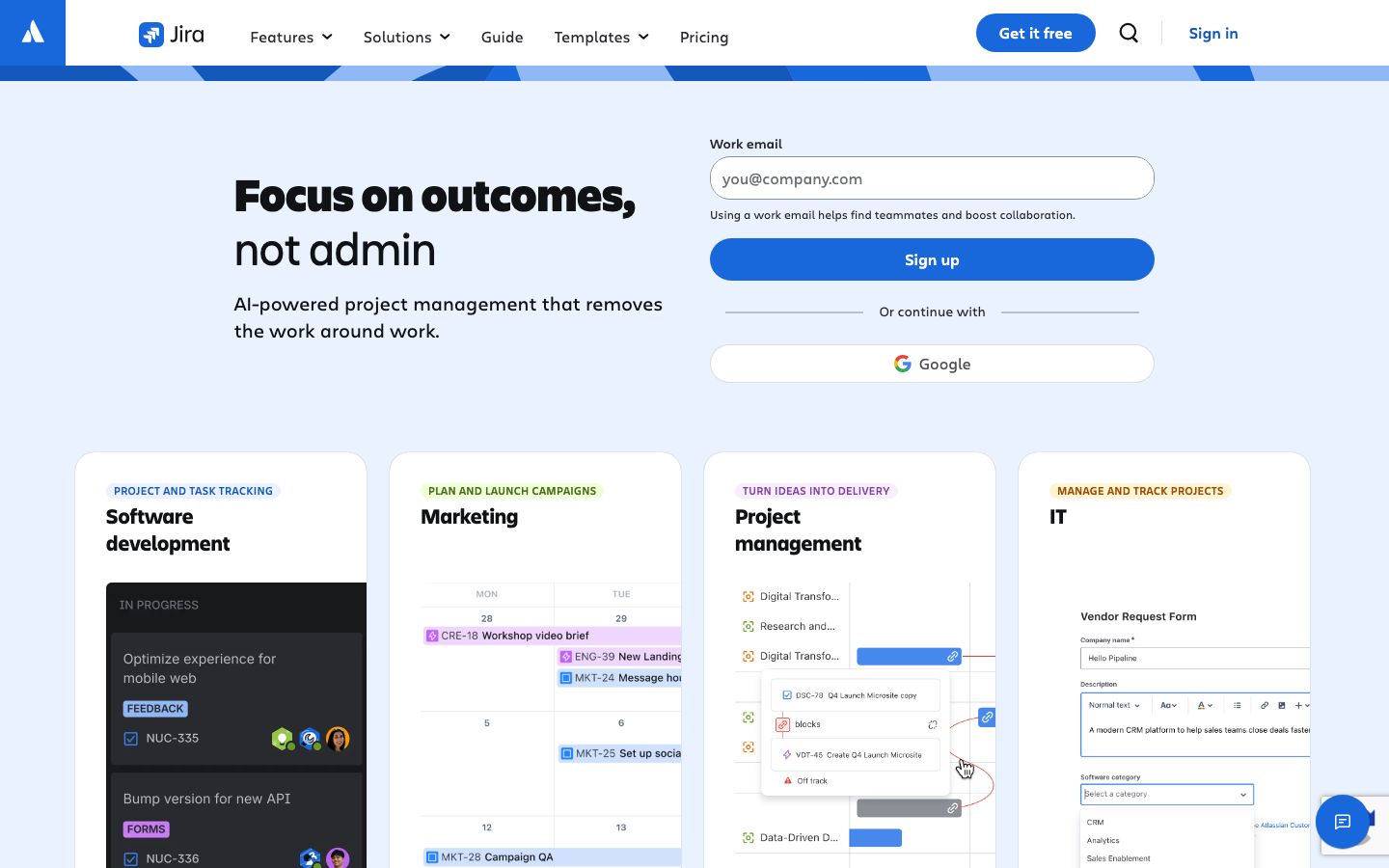
Jira is a powerful tool designed for managing complex projects, mainly in the software development sector. It provides a range of features including scrum boards, Kanban boards, and agile reporting. Jira's ability to create detailed workflows and integrate with various development tools makes it a favorite among software teams.
Its customization capabilities allow teams to tailor the platform to specific project needs, although this can result in a steeper learning curve. Jira offers robust automation features, such as custom scripts, which are essential for streamlining processes in larger teams.
Trello Overview
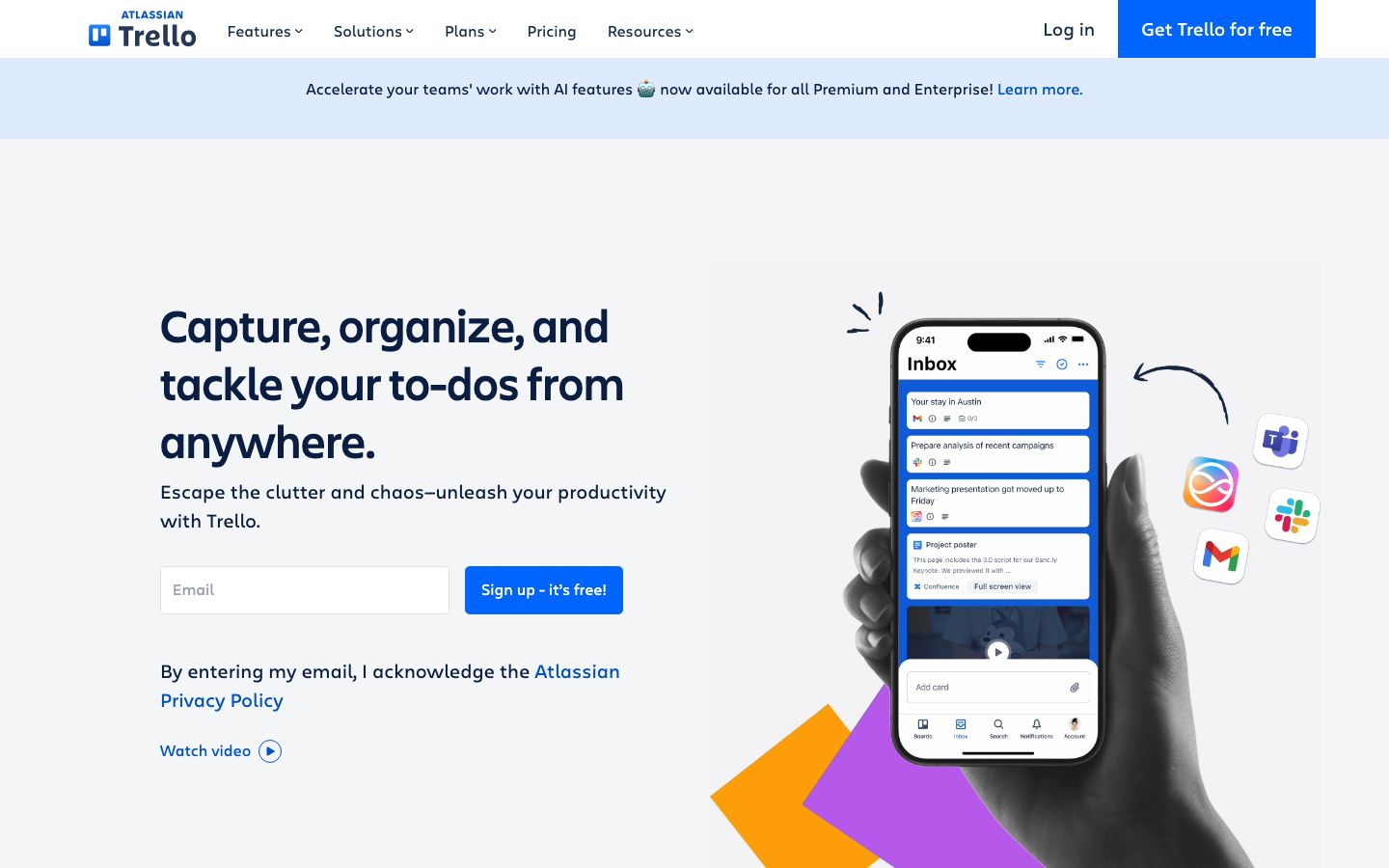
Trello is known for its simplicity and ease of use, offering a visual approach to task management. Its card-based system allows teams to quickly organize tasks and projects, making it ideal for those who prefer a straightforward interface.
While Trello is not as feature-rich as Jira, it compensates with a wide range of Power-Ups that expand its functionality. These add-ons can enhance Trello's capabilities, providing additional views like calendars and timelines, and integrations with other tools.
Key Differences
The core differences between Jira and Trello lie in their target audiences and feature sets. Jira is tailored for complex, detailed project management, suitable for development teams that require comprehensive tools and integrations.
In contrast, Trello is designed for simplicity and flexibility, enabling users to manage tasks effectively with a visual interface. Trello's strength is in its ease of use, making it accessible to a wide range of users without extensive training.
Pricing Comparison
Jira offers a variety of pricing plans, ranging from free tiers for small teams to enterprise-level subscriptions for larger organizations. The cost can increase depending on the need for advanced features and support services.
Trello provides a free version with basic functionalities, and paid plans like Business Class and Enterprise that offer additional features and Power-Ups. It's generally more cost-effective for small to medium-sized teams.
Ease of Use and Support
Trello is renowned for its user-friendly interface, which allows new users to get started with minimal training. Its visual board system is intuitive, making task management straightforward.
Jira, while more powerful, requires a deeper understanding and training to fully utilize its capabilities. However, it provides comprehensive support and documentation to aid users in navigating its complex features.
Which to Choose for Your Case
Choosing between Jira and Trello depends largely on your project requirements and team size. If your projects are complex and require detailed tracking and reporting, Jira is the better choice.
For teams looking for simplicity and a visual approach to task management, Trello stands out as a cost-effective and easy-to-use option. Consider your team's specific needs and workflow preferences when making a decision.
Verdict: Jira and Trello serve distinct purposes. Choose Jira for complex, detailed projects needing robust reporting. Opt for Trello for simple, visual task management.
FAQ
Can Jira be used for non-software projects?+
Yes, Jira can be adapted for various types of projects beyond software development through its customizable workflows.
Is Trello suitable for large teams?+
Trello is better suited for smaller teams due to its simplicity, though it can be scaled with Power-Ups and integrations.
Does Trello offer real-time collaboration?+
Yes, Trello supports real-time collaboration, allowing team members to update and comment on tasks instantly.
What integrations does Jira offer?+
Jira integrates with numerous tools, especially those focused on development, such as GitHub, Bitbucket, and Confluence.
Are there mobile apps available for Jira and Trello?+
Both Jira and Trello offer mobile apps for iOS and Android, enabling project management on the go.
Which tool is better for agile methodologies?+
Jira is often preferred for agile methodologies due to its robust support for Scrum and Kanban frameworks.