


Jira and Asana are two of the most popular project management tools available today, each catering to different needs and workflows. Jira is typically favored by development teams for its robust issue tracking and agile capabilities. In contrast, Asana is often preferred by teams seeking a user-friendly interface and versatility for various project types.
Understanding the strengths and limitations of each can help you decide which tool aligns with your specific project management needs. This comparison will explore key features, usability, pricing, and more to guide your decision.

Which should you choose?
Choose Jira if…
- You need strong agile and development tools.
- Your team requires advanced reporting capabilities.
- Customization and integration with developer tools are priorities.
Choose Asana if…
- You want a straightforward and user-friendly interface.
- Your projects span diverse areas beyond software development.
- Real-time collaboration is a key requirement for your team.
| Feature | Jira | Asana |
|---|---|---|
| Best for | Software development teams | General project management |
| Learning curve | Steep, especially for beginners | Moderate, user-friendly |
| Views | Kanban, Scrum, Gantt | List, Board, Timeline, Calendar |
| Automation | Advanced automation with scripts | Built-in rules, custom workflows |
| Integrations | Extensive with developer tools | Broad range with productivity apps |
| Collaboration | Commenting, notifications | Real-time collaboration, task comments |
| Reporting | Advanced reports and analytics | Customizable dashboards, basic reports |
| Plans | Free and paid options | Free and paid options |
| Support | Comprehensive support options | Extensive online resources |
Pros and cons
Jira
Pros
- Robust for agile and software development
- Highly customizable with plugins
- Advanced reporting features
Cons
- Steep learning curve for new users
- Can be overwhelming with too many features
- Cost can escalate with additional plugins
Asana
Pros
- User-friendly interface
- Versatile across various project types
- Strong collaboration features
Cons
- Limited advanced features for developers
- Reporting capabilities could be stronger
- Pricing can become high for larger teams
Jira Overview
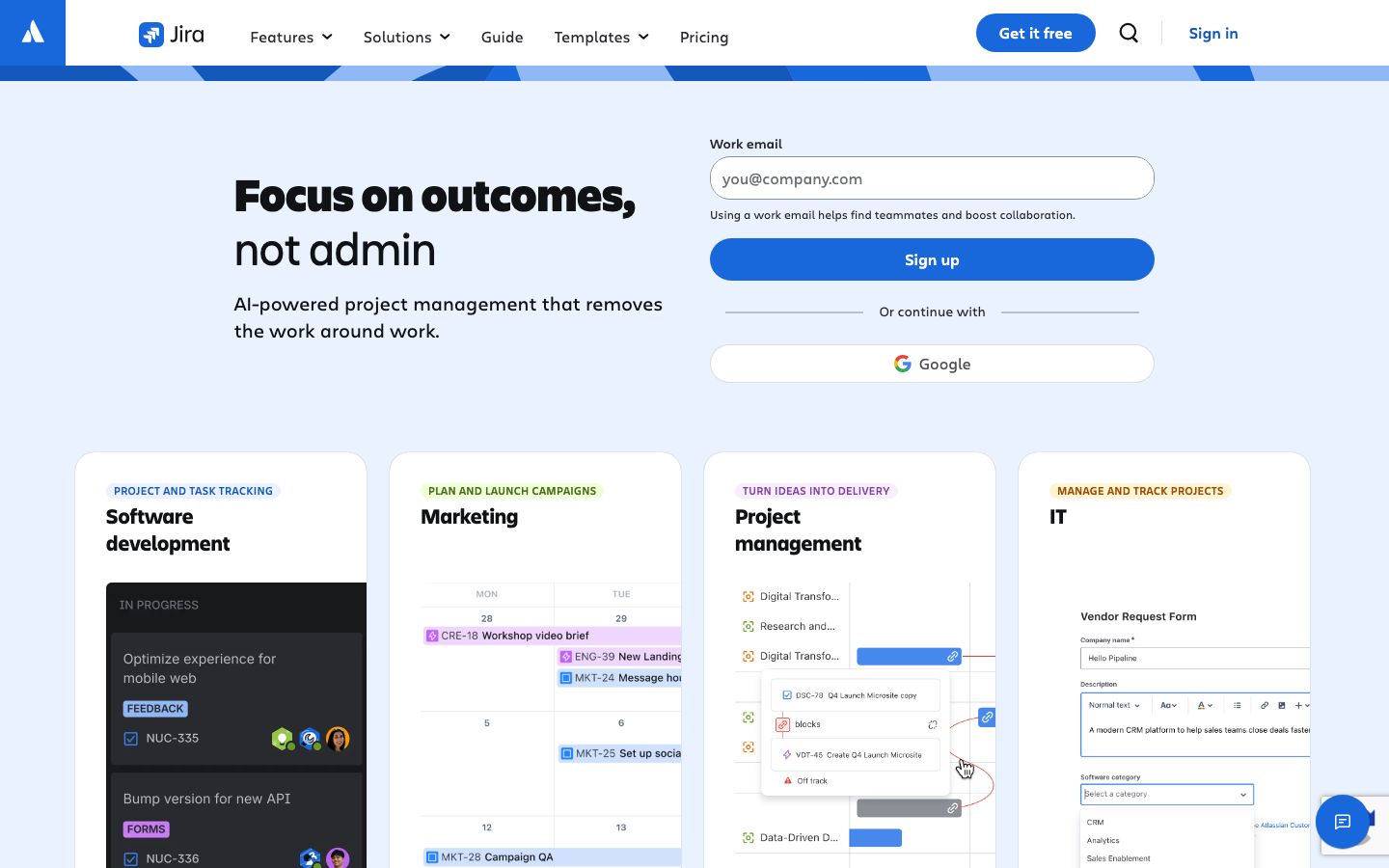
Jira, developed by Atlassian, is a leading project management tool extensively used by software development teams. It stands out for its strong focus on agile project management methodologies, such as Scrum and Kanban.
Features:
- Highly customizable workflows
- Advanced issue tracking
- Integration with a wide range of development tools
Jira is designed to handle complex projects and provides powerful reporting and analytics capabilities. It is ideal for teams that require detailed tracking and extensive customization.
Asana Overview
Asana is a versatile project management platform known for its intuitive design and ease of use. It is suitable for a variety of project types beyond software development, making it a popular choice for marketing, design, and operational teams.
Features:
- User-friendly task management
- Robust collaboration tools
- Customizable dashboards and views
Asana's strengths lie in its ability to facilitate seamless collaboration and its flexibility in project management, allowing teams to adapt it to their specific workflows effortlessly.
Key Differences
Jira and Asana cater to different audience needs, primarily distinguished by their feature sets and target users.
Jira:
- Best for development-focused teams requiring detailed task management and agile methodologies.
- Complex with a steep learning curve, but offers extensive customization options.
Asana:
- Designed for broader project management needs across various industries.
- More intuitive interface with a moderate learning curve, offering user-friendly collaboration tools.
Pricing Comparison
Both Jira and Asana offer a range of pricing plans to accommodate different team sizes and needs.
- Jira: Offers a free plan with basic features, while paid plans provide more advanced functionalities and integrations.
- Asana: Also includes a free tier, with premium features available in its paid plans. Pricing can vary significantly based on team size and requirements.
Prospective users should verify current pricing on the respective official websites as these can change over time.
Ease of Use and Support
The ease of use and support options available can significantly impact user experience with both tools.
Jira:
- Known for its complexity, which may require additional training for new users.
- Offers comprehensive support resources, including documentation, forums, and customer service.
Asana:
- More intuitive and accessible for new users, with a straightforward interface.
- Provides extensive online resources, tutorials, and community support.
Which to Choose for Your Case
Choosing between Jira and Asana depends largely on your specific project needs and team structure.
Consider Jira if:
- You require advanced agile tools and detailed reporting.
- Your team is focused on software development and needs extensive integrations with development tools.
Consider Asana if:
- Your projects are varied and need a versatile tool.
- Ease of use and strong collaboration features are top priorities.
Verdict: Jira excels in complex, development-focused environments, while Asana offers ease of use for diverse project types. Choose based on your team's specific needs and project scope.
FAQ
Is Jira better than Asana for small teams?+
Jira is more suited for development teams. Small teams without complex projects may find Asana more user-friendly.
Can Asana handle agile project management?+
While Asana supports agile methodologies, it lacks some advanced features found in Jira dedicated to agile development.
Does Jira integrate with non-development tools?+
Yes, Jira offers integrations beyond development tools, but its strength lies in software development integrations.
Are there free versions of Jira and Asana?+
Both Jira and Asana offer free versions with limited features suitable for small teams or personal projects.
Which tool is more customizable?+
Jira offers more customization options, especially for complex projects requiring specific workflows.
How do the support options compare?+
Both platforms provide extensive support, though Jira's complexity might require more comprehensive training resources.