


In the realm of project management software, ClickUp and Monday stand out as two of the most popular platforms, each with unique offerings. While ClickUp is renowned for its comprehensive feature set and flexibility, Monday is celebrated for its visual approach and ease of use.
Choosing between the two depends largely on your organizational needs and preferences. This comparison will dive into the strengths and weaknesses of each, helping you make an informed decision based on specific criteria such as features, pricing, and usability.
Which should you choose?
Choose ClickUp if…
- You need a tool that offers extensive customization.
- Your team requires advanced automation features.
- You are looking for a robust free plan to start with.
Choose Monday if…
- You prefer a visually driven workflow.
- Your team values ease of use and quick adoption.
- You need strong collaborative features with minimal setup.
| Feature | ClickUp | Monday |
|---|---|---|
| Best for | Teams needing comprehensive customization and features. | Teams preferring visual workflows and simplicity. |
| Learning curve | Steep due to extensive features. | Gentle with intuitive interface. |
| Views | Multiple views including list, board, and calendar. | Highly visual with timeline, kanban, and calendar views. |
| Automation | Extensive automation capabilities. | User-friendly automation with pre-built templates. |
| Integrations | Over 1,000 integrations. | Supports wide range of integrations including popular tools. |
| Collaboration | Real-time collaboration with comments and chat. | Strong collaboration features with updates and comments. |
| Reporting | Advanced reporting and time tracking. | Robust reporting with visual dashboards. |
| Plans | Free and paid plans available. | Offers free trial and tiered pricing. |
| Support | 24/7 support with extensive resources. | Comprehensive support with tutorials and live chat. |
Pros and cons
ClickUp
Pros
- Highly customizable with a variety of features.
- Offers a free plan with substantial capabilities.
- Robust automation and integration options.
Cons
- Steeper learning curve for new users.
- Can be overwhelming with too many features.
- Performance can lag with large datasets.
Monday
Pros
- Intuitive and visually appealing interface.
- Easy to use with quick setup.
- Strong focus on team collaboration and communication.
Cons
- May lack some advanced features needed by larger enterprises.
- Limited customization compared to other platforms.
- Higher cost at premium levels.
ClickUp Overview
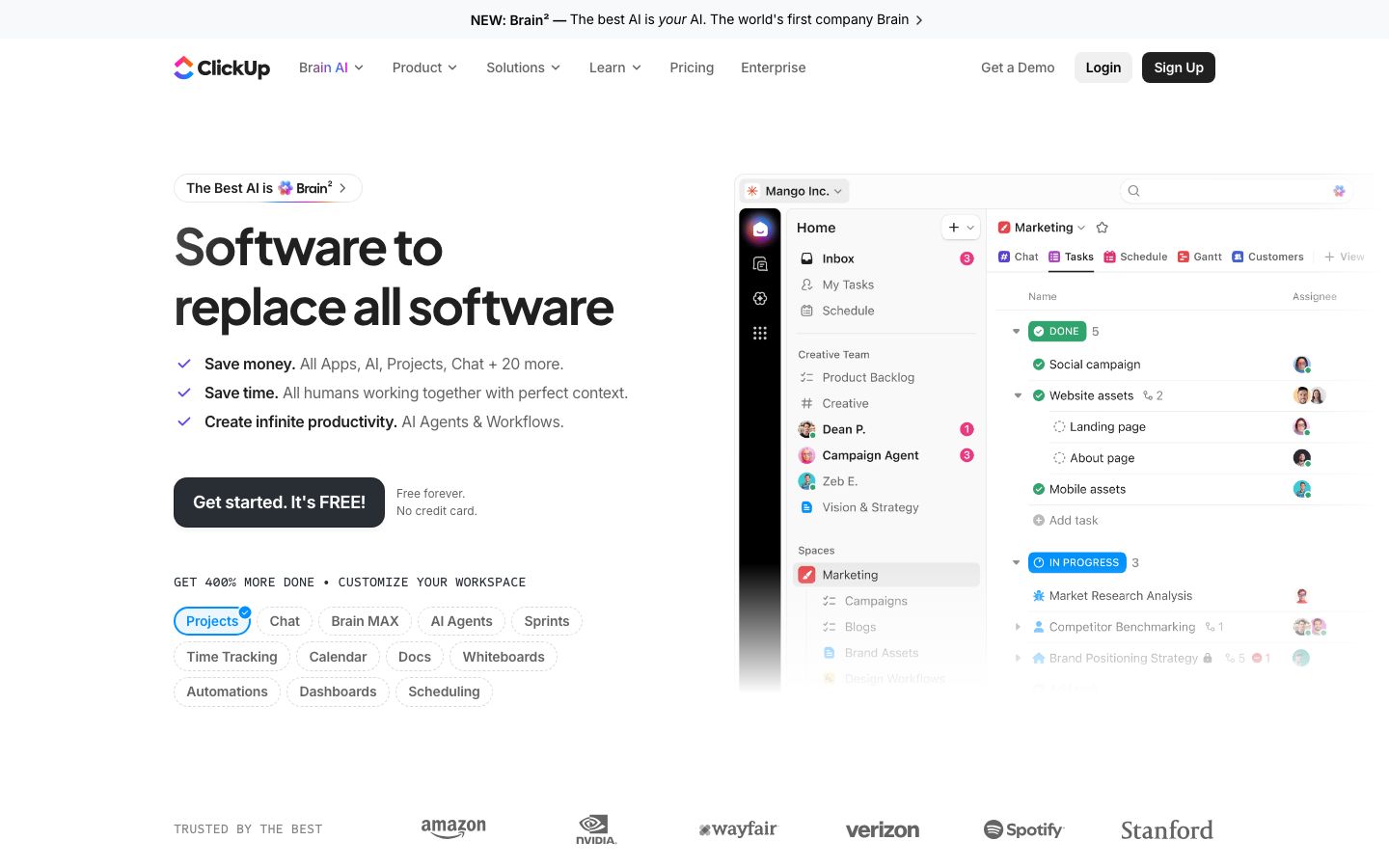
ClickUp is a versatile project management tool designed to accommodate various team needs through comprehensive customization options. It offers a broad array of features that cater to teams looking for an all-in-one solution. With ClickUp, users can manage tasks, documents, goals, and time tracking within a single platform.
While its extensive features are beneficial, they also contribute to a steeper learning curve, which can be a challenge for teams new to such comprehensive tools. However, for those willing to invest the time, ClickUp provides unparalleled flexibility and control over project management processes.
Monday Overview
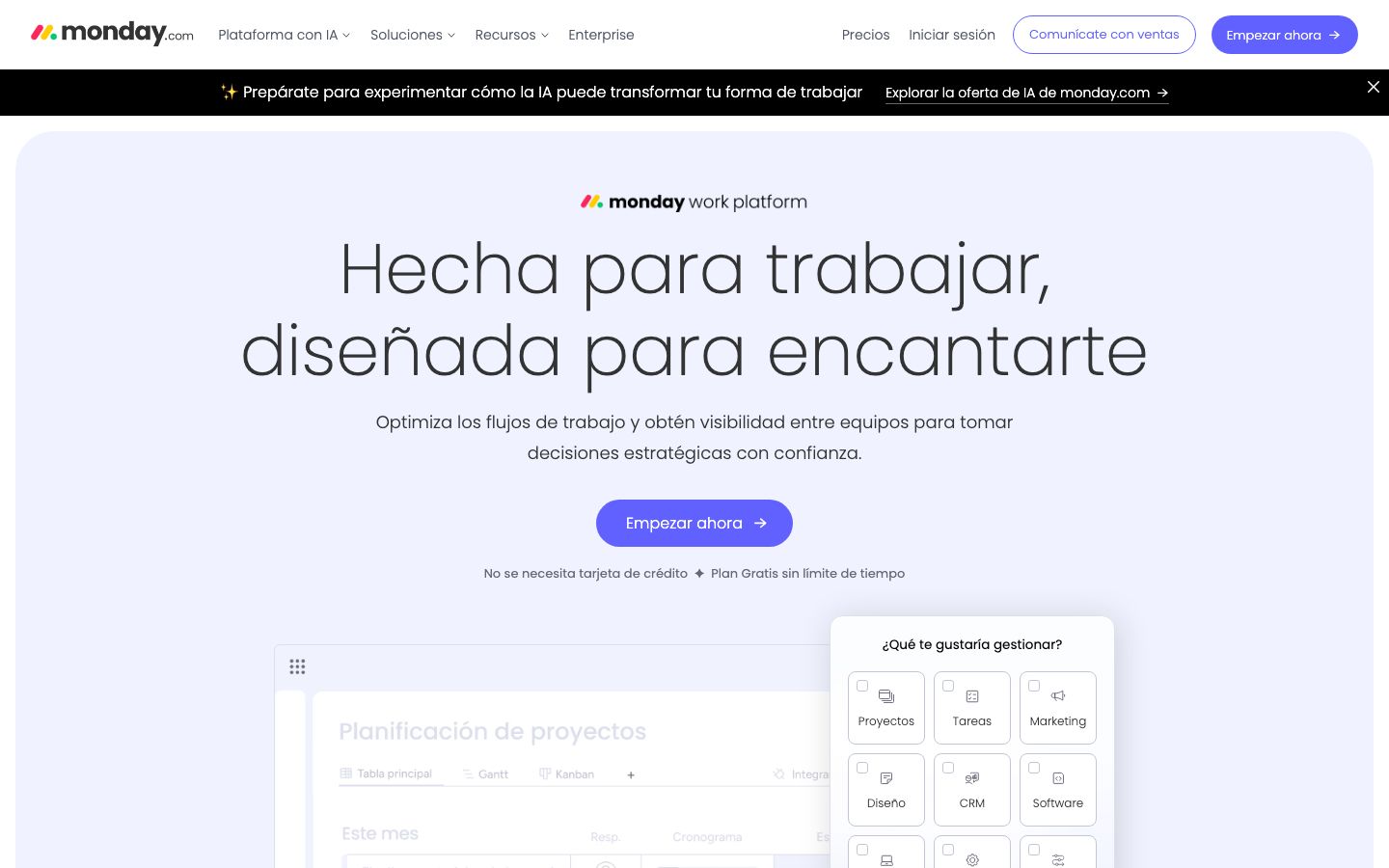
Monday is a project management platform known for its easy-to-use and visually engaging interface. It is particularly favored by teams that prioritize visual workflows and straightforward task management. Monday enables users to create and manage projects using a variety of visual tools such as timelines, kanban boards, and Gantt charts.
Its user-friendly design makes it accessible for teams of all sizes, although it may lack some of the advanced customization options found in other platforms like ClickUp. Nonetheless, its focus on collaboration and communication makes it an excellent choice for teams looking for streamlined project management solutions.
Key Differences
While both ClickUp and Monday serve the same fundamental purpose, they do so with distinct approaches. ClickUp offers a more comprehensive suite of features, including advanced automation, integrations, and customizability. It is ideal for teams that require detailed control over their project management processes.
In contrast, Monday excels in providing an intuitive and visually appealing interface, making it easier for teams to adopt and use without extensive training. Its simplicity and focus on visual project management make it a good fit for teams prioritizing ease of use over complex functionality.
Pricing Comparison
Both ClickUp and Monday offer a range of pricing plans to cater to different user needs. ClickUp provides a free plan with essential features, making it accessible to startups and small teams looking to minimize costs. Paid plans unlock additional capabilities such as advanced reporting and integrations.
Monday offers a free trial, with its paid plans starting at competitive rates that scale based on team size and feature requirements. Although it may be more expensive at higher tiers compared to ClickUp, Monday's pricing is justified by its ease of use and robust collaborative features.
Ease of Use and Support
When it comes to ease of use, Monday leads with its intuitive design and straightforward setup process. It requires minimal training, allowing teams to hit the ground running quickly. ClickUp, while more complex, offers extensive documentation and tutorials to help users navigate its array of features.
Both platforms provide comprehensive support options, including live chat, knowledge bases, and community forums. ClickUp offers 24/7 support, while Monday provides detailed guides and video tutorials to assist users in maximizing their platform usage.
Which to Choose for Your Case
Deciding between ClickUp and Monday ultimately depends on your team's specific needs and priorities. If your team requires a highly customizable platform with robust automation and integration capabilities, ClickUp may be the better choice. It is particularly suitable for larger teams or those managing complex projects.
On the other hand, if your team values simplicity and a visually engaging interface, Monday is likely the better fit. Its ease of use makes it ideal for small to medium-sized teams looking for a straightforward project management solution without the need for extensive training.
Verdict: Both ClickUp and Monday are strong contenders in the project management space, each with unique strengths. ClickUp is ideal for those needing extensive features, while Monday excels in providing ease of use and visual appeal. Consider your team's specific needs to make the best choice.
FAQ
What makes ClickUp unique?+
ClickUp stands out for its extensive customization options and comprehensive feature set, catering to diverse project management needs.
Why choose Monday over other tools?+
Monday offers an intuitive and visually appealing interface, making it easy for teams to manage projects with minimal training.
Can ClickUp handle complex projects?+
Yes, ClickUp is designed to manage complex projects with its robust features and customization capabilities.
Is Monday suitable for small businesses?+
Absolutely, Monday's ease of use and visual tools make it ideal for small businesses looking for efficient project management.
Does ClickUp offer a free plan?+
Yes, ClickUp provides a free plan with essential features, suitable for startups and small teams.
What integrations are available with Monday?+
Monday supports a wide range of integrations with popular tools like Slack, Google Workspace, and Microsoft Teams.