


Asana and ClickUp are two leading project management tools designed to streamline workflows and enhance team productivity. Both platforms offer a range of features tailored to different organizational needs, yet they cater to distinct user preferences.
Asana is often favored by teams seeking a straightforward, intuitive interface with robust task management capabilities. ClickUp, on the other hand, appeals to those requiring a high level of customization and a comprehensive suite of features. Understanding the strengths of each can help you determine which is the best fit for your organization.
Which should you choose?
Choose Asana if…
- You need a straightforward project management tool.
- Your team prefers a simple, intuitive interface.
- You rely on integrations with other tools.
Choose ClickUp if…
- You require extensive customization options.
- Your projects demand advanced reporting.
- You want a tool that can scale with complex needs.
| Feature | Asana | ClickUp |
|---|---|---|
| Best for | Medium to large teams | All team sizes, especially those needing customization |
| Learning curve | Moderate | Steeper |
| Views | List, Board, Calendar | List, Board, Calendar, Gantt, Timeline |
| Automation | Basic automations | Advanced automations |
| Integrations | Hundreds of integrations | Thousands of integrations |
| Collaboration | Comments, task assignments | Comments, task assignments, real-time chat |
| Reporting | Basic reporting | Advanced reporting and analytics |
| Plans | Free and paid plans | Free and paid plans |
| Support | Email and chat support | 24/7 support with premium plans |
Pros and cons
Asana
Pros
- User-friendly interface
- Strong task management features
- Wide range of integrations
Cons
- Limited customization
- Fewer advanced reporting tools
- Can become costly for larger teams
ClickUp
Pros
- Highly customizable
- Robust set of features
- Comprehensive reporting capabilities
Cons
- Steeper learning curve
- Potentially overwhelming for small teams
- Complex feature set may require training
Asana Overview
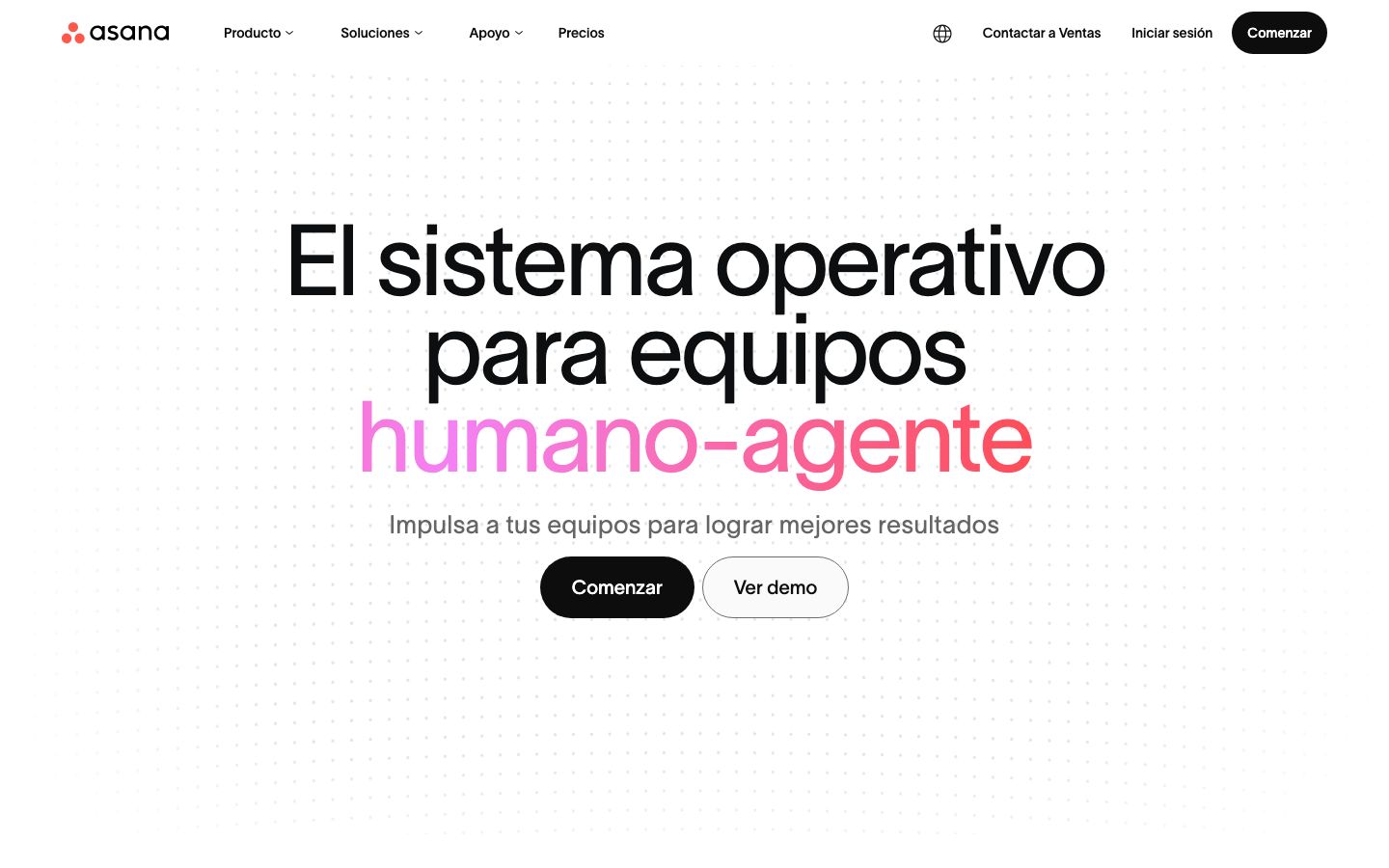
Asana is a project management tool known for its simplicity and ease of use. It offers a user-friendly interface that makes task management straightforward for teams of all sizes. Users can create tasks, set deadlines, and assign responsibilities with just a few clicks.
Asana supports various views like list, board, and calendar, catering to different project management styles. It integrates with numerous third-party applications, enhancing its functionality. Despite its simplicity, Asana provides essential features needed for effective team collaboration and project tracking.
ClickUp Overview
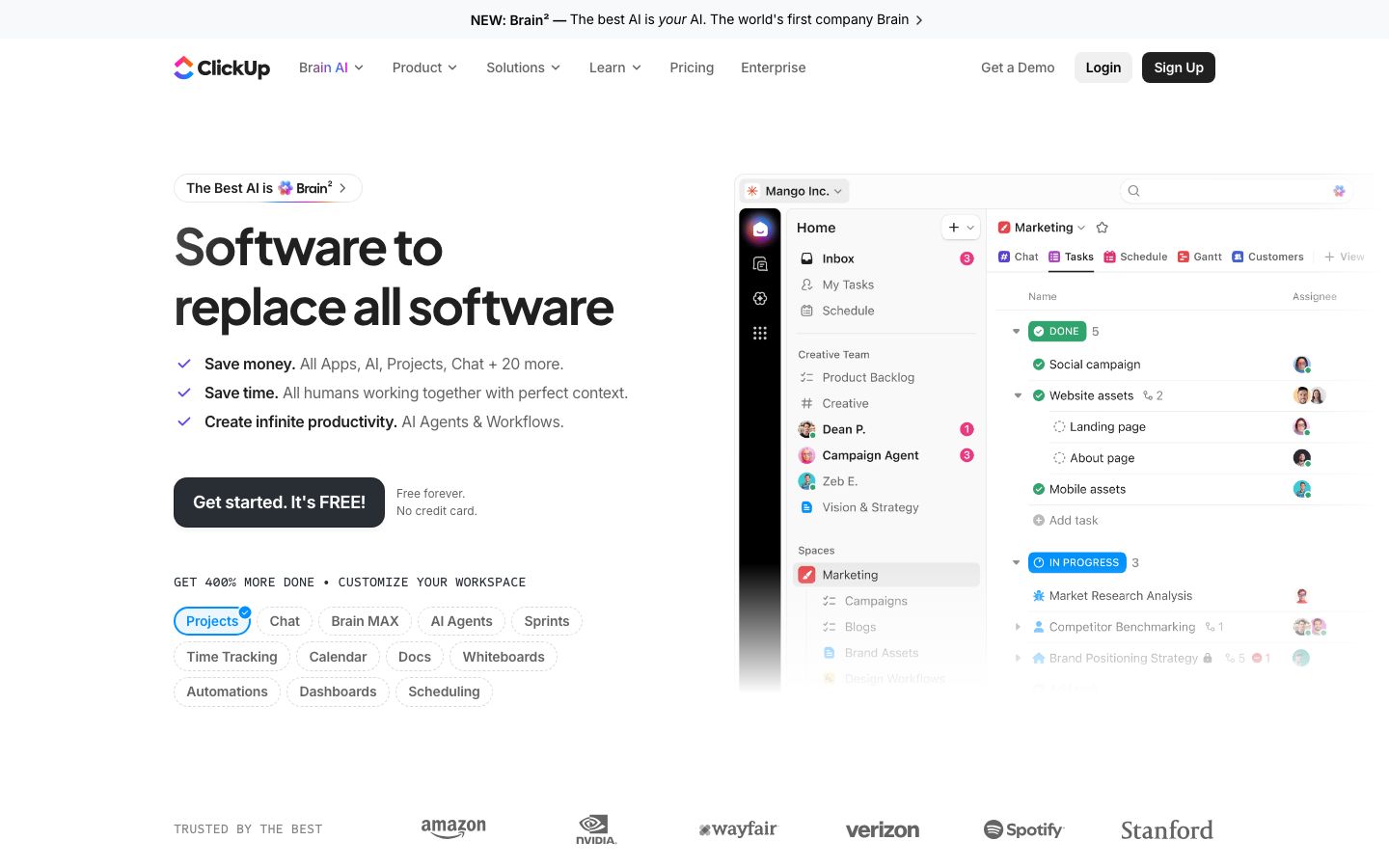
ClickUp is a comprehensive project management solution that offers a high degree of customization. It is designed to accommodate the needs of various industries and project types. ClickUp includes multiple views such as list, board, calendar, Gantt, and timeline, allowing teams to choose the best way to visualize their work.
The platform provides advanced features like task dependencies, time tracking, and goal setting. ClickUp's extensive range of integrations and automations makes it a versatile tool for managing complex projects. Although the learning curve is steeper, the capabilities offered are well worth the effort for many teams.
Key Differences
When comparing Asana and ClickUp, several distinct differences emerge. Asana is known for its intuitive design and straightforward approach to task management, making it ideal for users who prioritize ease of use.
ClickUp, conversely, offers a more feature-rich environment with extensive customization options. This makes it suitable for teams that require detailed project tracking and analysis. The choice between the two often depends on the specific needs and preferences of the team or organization.
Pricing Comparison
Both Asana and ClickUp offer free and paid plans, catering to different budgetary needs. Asana's pricing model involves tiered plans that provide additional features as the price increases. This makes it scalable for businesses as they grow.
ClickUp also provides a range of pricing plans, with advanced features available at higher tiers. Both platforms offer competitive pricing, but it's important to review the specific features included in each plan to ensure alignment with your requirements.
Ease of Use and Support
Asana is celebrated for its user-friendly interface, which minimizes the learning curve and enables quick adoption by teams. Support is available through email and chat, ensuring users can resolve issues promptly.
ClickUp, while offering a more complex feature set, provides extensive resources to aid users in navigating its platform. Premium plans include 24/7 support, which can be a significant advantage for teams operating across different time zones.
Which to Choose for Your Case
Determining whether Asana or ClickUp is right for your team depends on your specific needs. Asana is often favored by teams looking for a straightforward, efficient project management tool with essential features and integrations.
ClickUp is better suited for teams that require a high level of customization and advanced project management capabilities. Consider factors such as team size, project complexity, and budget when making your decision.
Verdict: Both Asana and ClickUp are powerful project management tools, each with unique strengths. Asana excels in simplicity and integrations, while ClickUp offers extensive customization and advanced features. Consider your team's specific needs to choose the right tool.
FAQ
Is Asana better than ClickUp?+
It depends on your needs. Asana is simpler to use, while ClickUp offers more customization and features.
Can I use Asana for free?+
Yes, Asana offers a free plan with basic features. There are also paid plans for more advanced needs.
Does ClickUp integrate with other tools?+
Yes, ClickUp integrates with thousands of third-party applications, enhancing its versatility.
Which platform is better for small teams?+
Asana might be more suitable for small teams due to its simplicity and ease of use.
Can ClickUp handle complex projects?+
Yes, ClickUp's robust feature set and customization options make it ideal for managing complex projects.
What types of support do Asana and ClickUp offer?+
Asana offers email and chat support, while ClickUp provides 24/7 support with premium plans.