

Airtable and Notion are two prominent tools in the project management and collaboration space. Each offers unique features and caters to different types of users. Airtable is often seen as a more structured database management tool, ideal for teams that need to organize large volumes of data efficiently. Notion, on the other hand, is praised for its flexibility and ability to integrate note-taking, database management, and collaboration in one platform.
For businesses and individuals seeking a robust project management solution, understanding the strengths and weaknesses of Airtable and Notion is crucial. This comparison aims to provide insights into which tool might be the best fit for different types of projects and organizational needs.
Which should you choose?
Choose Airtable if…
- Your team needs advanced data management capabilities.
- Automation is a key requirement for your projects.
- You require extensive integration options.
Choose Notion if…
- You need an all-in-one workspace for notes and tasks.
- Your projects require flexible and customizable templates.
- Frequent updates and new features are important to you.
| Feature | Airtable | Notion |
|---|---|---|
| Best for | Data organization and management | Flexible project management |
| Learning curve | Moderate | Moderate to steep |
| Views | Grid, calendar, kanban, gallery | List, board, calendar, timeline |
| Automation | Extensive with scripts and integrations | Limited in-built automation |
| Integrations | Wide range including Slack, Zapier | Limited direct integrations |
| Collaboration | Real-time collaboration | Real-time collaboration |
| Reporting | Basic reporting features | Limited reporting capabilities |
| Plans | Free and paid plans | Free and paid plans |
| Support | Email and community support | Email and community support |
Pros and cons
Airtable
Pros
- Highly customizable database views.
- Strong automation capabilities.
- Wide range of integrations.
Cons
- Can be complex for beginners.
- Limited reporting features.
- Higher cost for advanced features.
Notion
Pros
- Highly flexible and customizable.
- All-in-one workspace for notes and tasks.
- Frequent updates with new features.
Cons
- Steeper learning curve for beginners.
- Limited integration options.
- Less suited for large-scale data management.
Airtable Overview
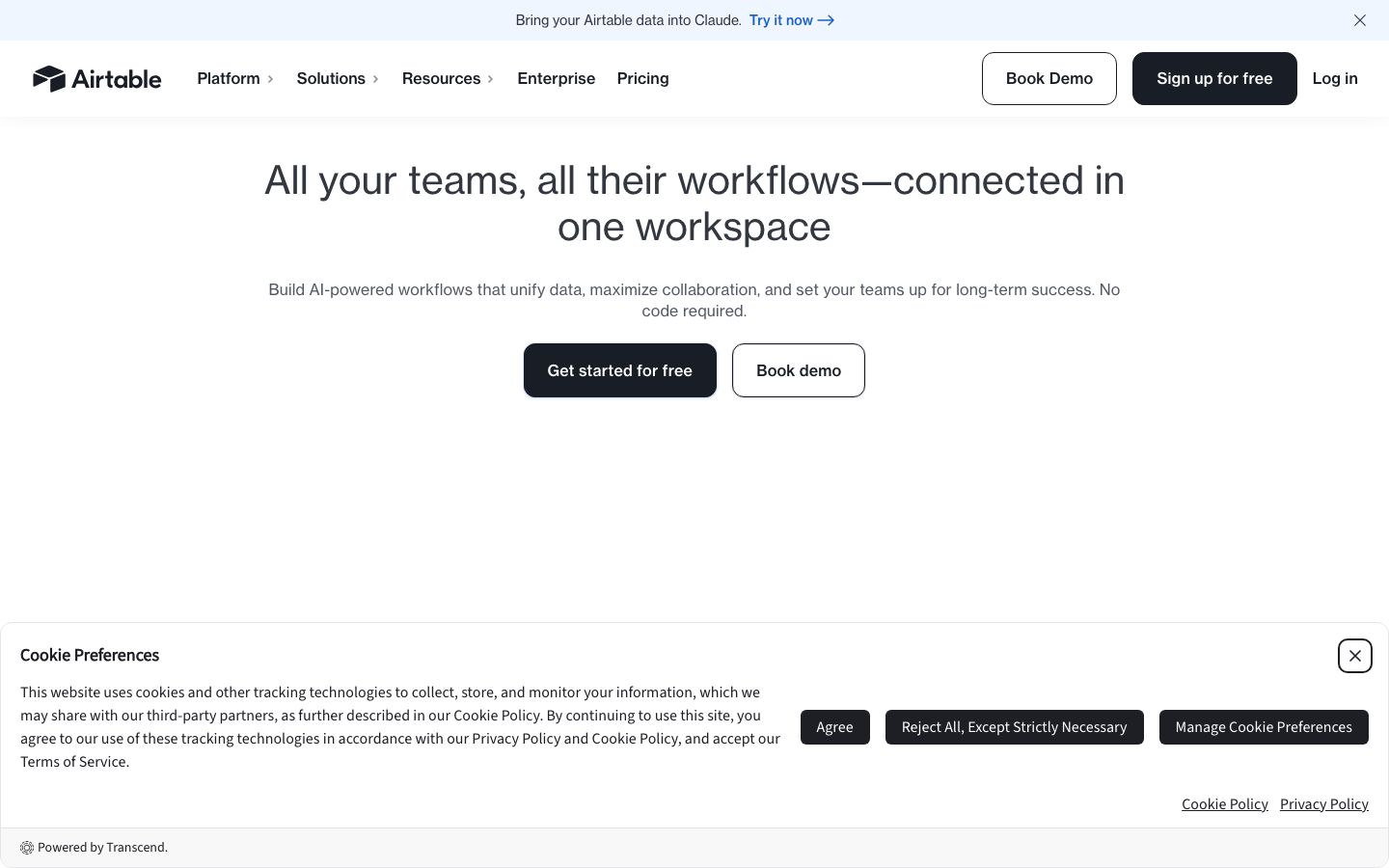
Airtable is a versatile platform that combines the simplicity of a spreadsheet with the functionality of a database. It is designed to help users organize and manage data efficiently. Airtable's grid view resembles traditional spreadsheets, making it familiar to new users, while offering advanced features like linking records between tables and custom forms.
Airtable excels in automation and integration. Users can automate repetitive tasks through Airtable's scripting and integration with services like Zapier. This makes it an excellent choice for teams that require a high level of data manipulation and automation in their workflows.
Notion Overview
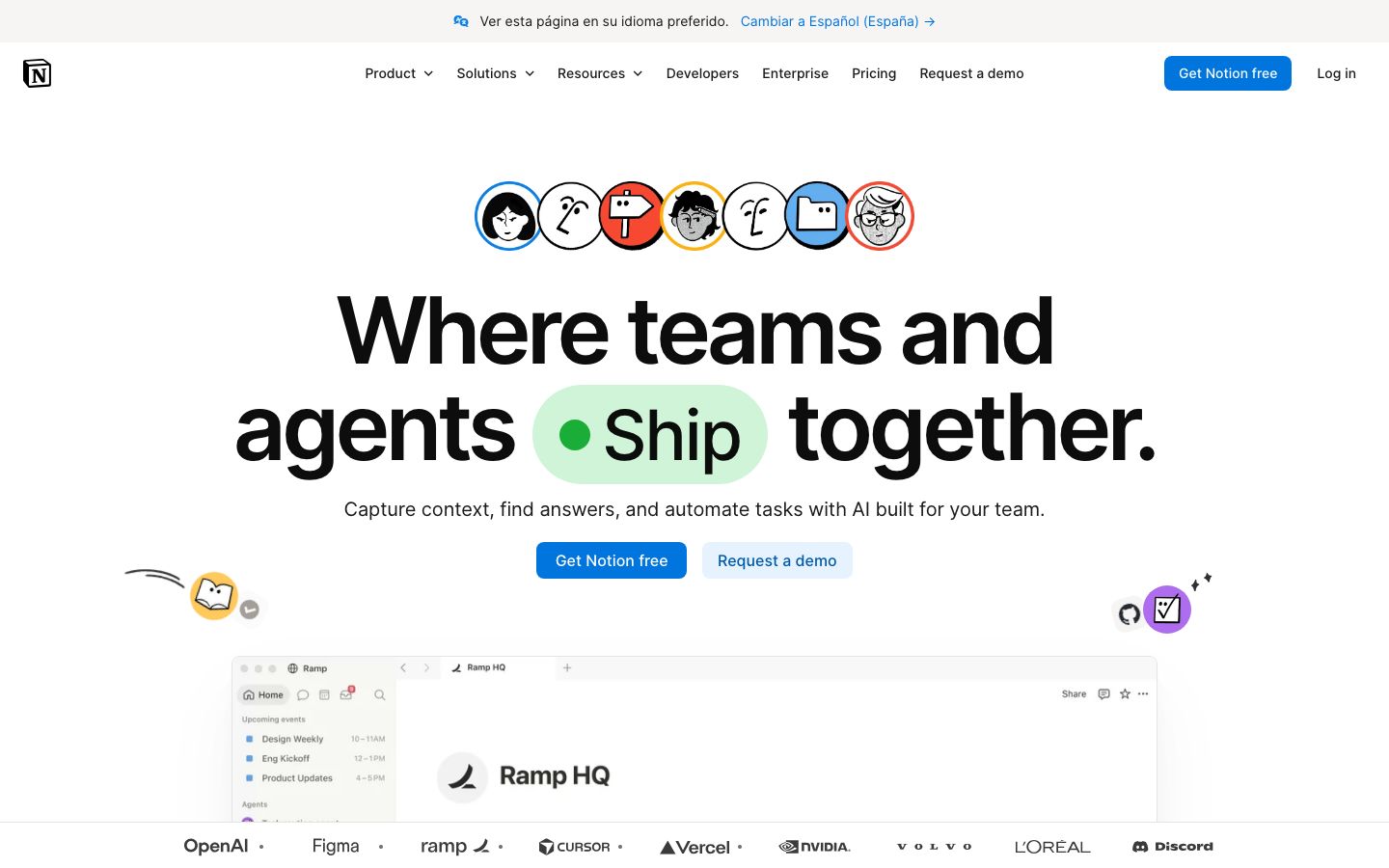
Notion is often described as an all-in-one workspace that combines note-taking, task management, and database functionalities. It provides a highly flexible environment where users can create customized pages using templates that suit their needs, from simple to-do lists to complex project management dashboards.
One of Notion's strengths is its ability to adapt to various use cases, whether for individual productivity or team collaboration. It allows users to create interconnected databases and integrates seamlessly into daily workflows, although its integration options with external tools are somewhat limited compared to Airtable.
Key Differences
The key differences between Airtable and Notion lie in their primary functions and flexibility. Airtable is more focused on data management, offering extensive automation and integration options, which makes it ideal for teams that need structured data handling.
Notion, meanwhile, is celebrated for its flexibility and ability to serve as a comprehensive workspace. It is well-suited for teams and individuals who prioritize customization and a more holistic approach to project management, even if it means sacrificing some automation capabilities.
Pricing Comparison
Both Airtable and Notion offer free and paid plans, providing scalability for different user needs. Airtable's pricing tends to increase with the need for advanced features and higher records limits, while Notion's paid plans focus on unlocking additional features like version history and team collaboration tools.
It's crucial for users to assess their specific needs and budget constraints before deciding, as the cost can vary significantly based on the features and number of users required. Always check the official websites for the most current pricing information.
Ease of Use and Support
Airtable and Notion both offer a moderate learning curve, although users often find Notion's extensive customization options a bit more challenging initially. Both platforms provide comprehensive documentation and active community forums, which can be invaluable resources for troubleshooting and learning.
Support options are similar, with email and community support available. However, users might find Airtable's automation and integration documentation particularly helpful if those features are essential to their workflows.
Which to Choose for Your Case
Choosing between Airtable and Notion depends largely on your specific project needs and user preferences. If your focus is on managing large datasets with robust automation, Airtable is likely the better choice.
On the other hand, Notion is ideal for those seeking a flexible, all-encompassing workspace that integrates note-taking and project management. Consider your team's workflow preferences and the complexity of tasks at hand when making your decision.
Verdict: Airtable and Notion both offer powerful project management solutions with distinct advantages. Airtable is ideal for data-heavy tasks, while Notion excels in flexible workspace creation. Your choice should align with your specific needs and workflow preferences.
FAQ
Can Airtable and Notion be integrated?+
Yes, Airtable and Notion can be integrated using third-party tools like Zapier to connect workflows.
Which is better for large teams?+
Airtable is generally better for large teams needing structured data management, while Notion suits teams prioritizing flexibility.
Is there a free version of Airtable?+
Yes, Airtable offers a free version with basic features suitable for small projects or personal use.
Does Notion allow offline access?+
Yes, Notion offers offline access on its desktop and mobile apps, although full functionality requires internet.
Are there templates available in Notion?+
Yes, Notion provides numerous templates for various use cases, from personal planning to project management.
What types of views does Airtable support?+
Airtable supports grid, calendar, kanban, and gallery views, allowing users to visualize data in multiple ways.